
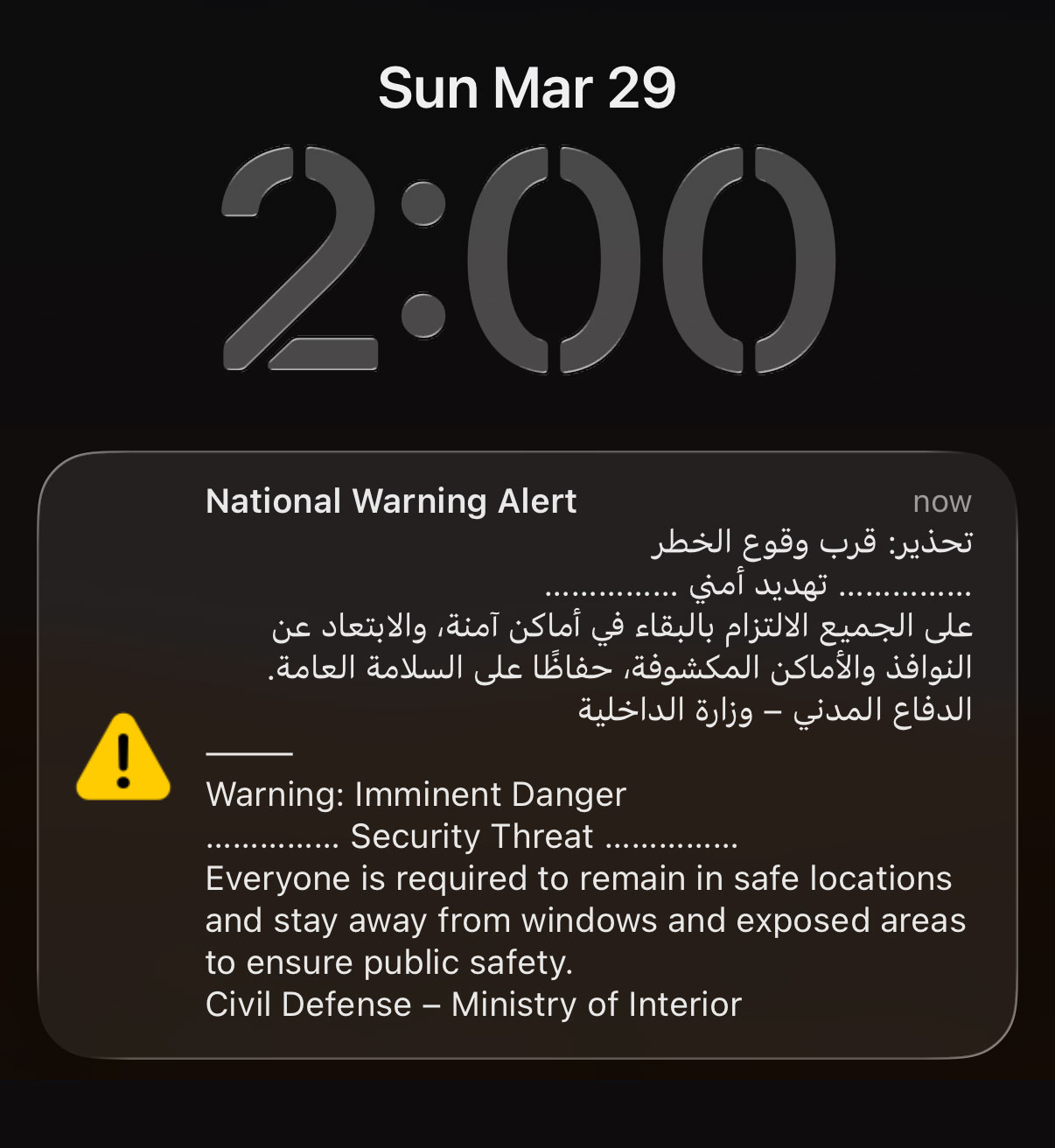
If like me you woke up from deep sleep at 2AM to a sound of an air horn, this is how you can turn off the National Warning Alert:
Step 1: Put your phone in airplane mode
Step 2: Turn on WiFi
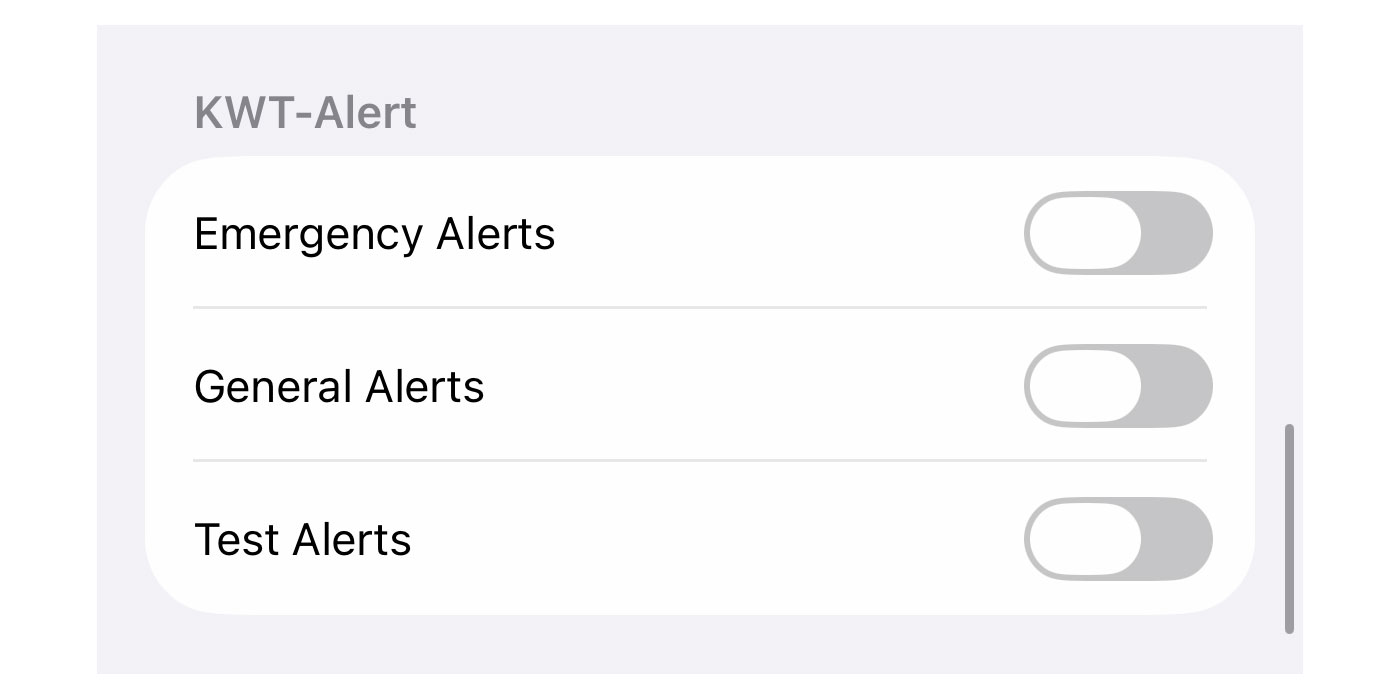
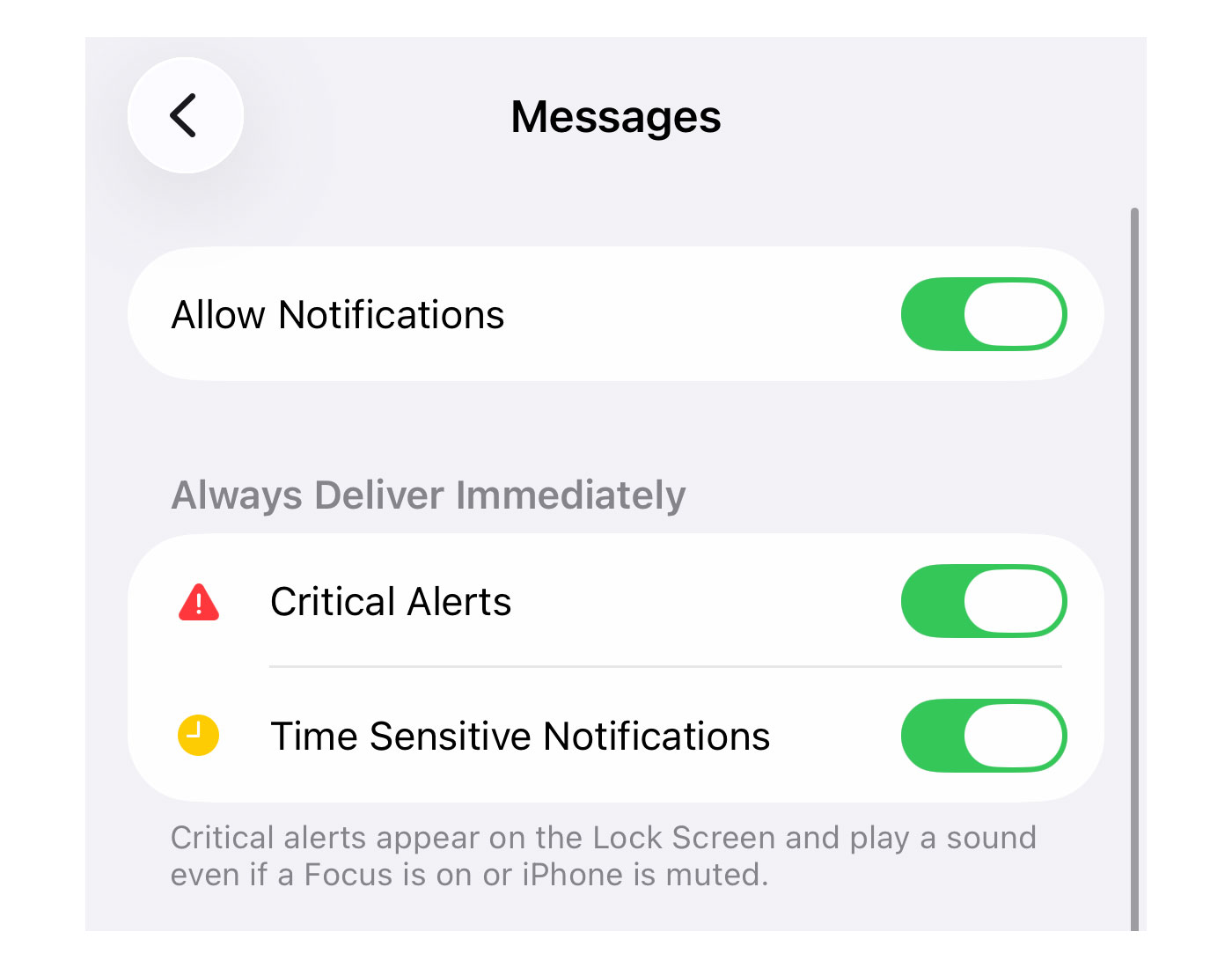
This is the only way I found to turn off these alerts, switching off cellular. Every other way didn’t work including turning off “Critical Alerts” or the “KWT-Alerts” under notifications, at least on iPhones.
Turning your WiFi on is optional but the reason I’m suggesting you do that is so you can continue to receive WhatsApp messages or calls in case of emergency (from family and friends).
I’m not sure what percentage of the population switched off their phones last night but I imagine it was very high. These phone alerts should really be used only in extreme cases like when a tornado is about to hit Salmiya, or when Godzilla emerges from the sea.
9 replies on “How to turn off the National Warning Alert”
Thank you so much. I will try this, because I’ve tried all the other options, but still got woken up 6 times. Agree, only use this in extreme cases 👌
is there anyway to reduce the volume?
Place your phone an airtight box.
A friend told me that his second which didn’t have a sim and WiFi was turned of also did the air horn alerts
Your friend might be just pulling your leg. Just turn off your SIM and you won’t get the alerts, not that hard to test. Thats what I did and other than the first 2AM alert I didn’t hear another one until around 5:30AM when I turned my sim back on and I got another alert, thats how I found out turning off critical alerts doesn’t do anything.
Just turn of the sim card. Or as the post said turn on airplane mode and turn wifi back on.
Once i learned the alert thing was going to be installed about a week ago i went to my iphone settings and turned all alerts and notifications off. I didnt receive any alarms last night. I have an iphone 11, it doenst have the latest update and the storage is full. I couldnt be happier.
They should use this for extreme warnings only, like radiation leak or something of that level of seriousness. It’s not like anyone actually goes to a shelter for the regular drone/missile attacks.
Technically you can switch off these alerts with a jailbroken iPhone, but there is no jailbreak for 26.4 yet. You could roll back to 26.3 (but only if you have a backup on iTunes). Otherwise it’s airplane mode to sleep.
PSA: Also switch off (or airplane) your Apple Watch cellular. After the third alarm last night I killed my iPhone, but my Apple Watch Cellular still went off at the fourth alarm.