Categories
Geek Sports

Make your own F1 Desktop Companion

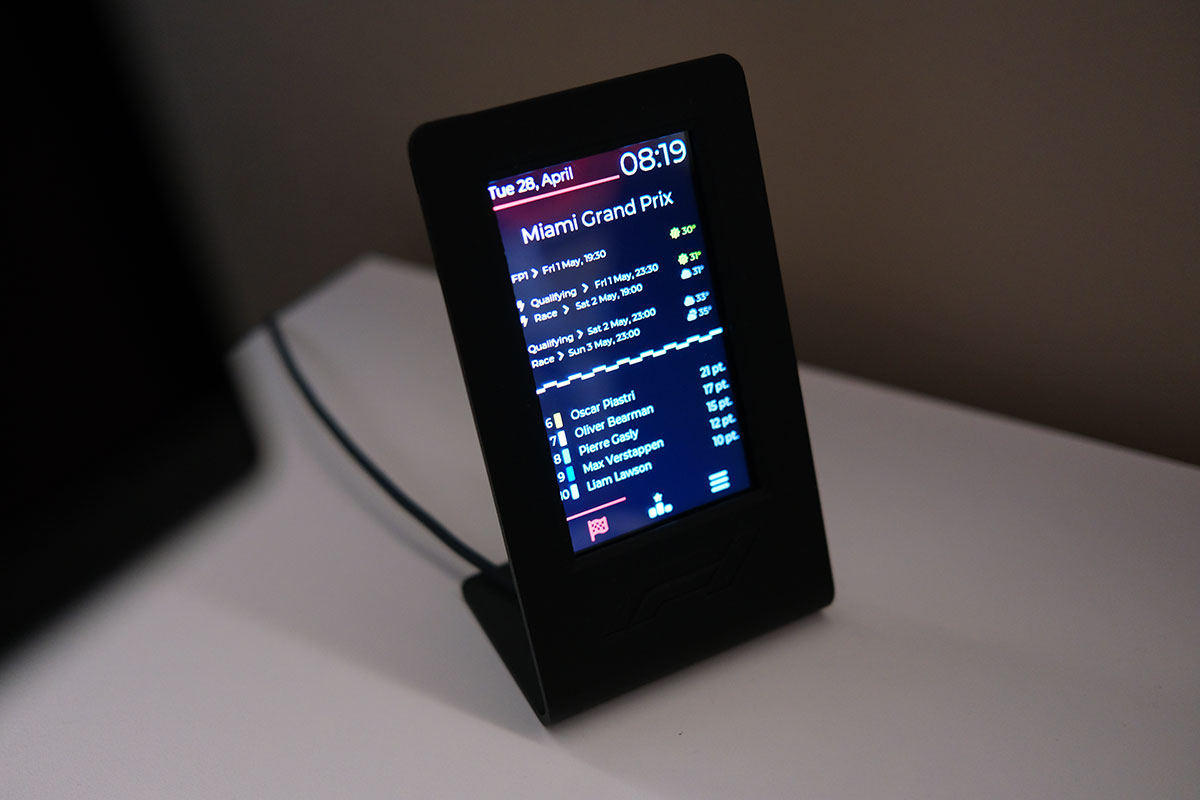
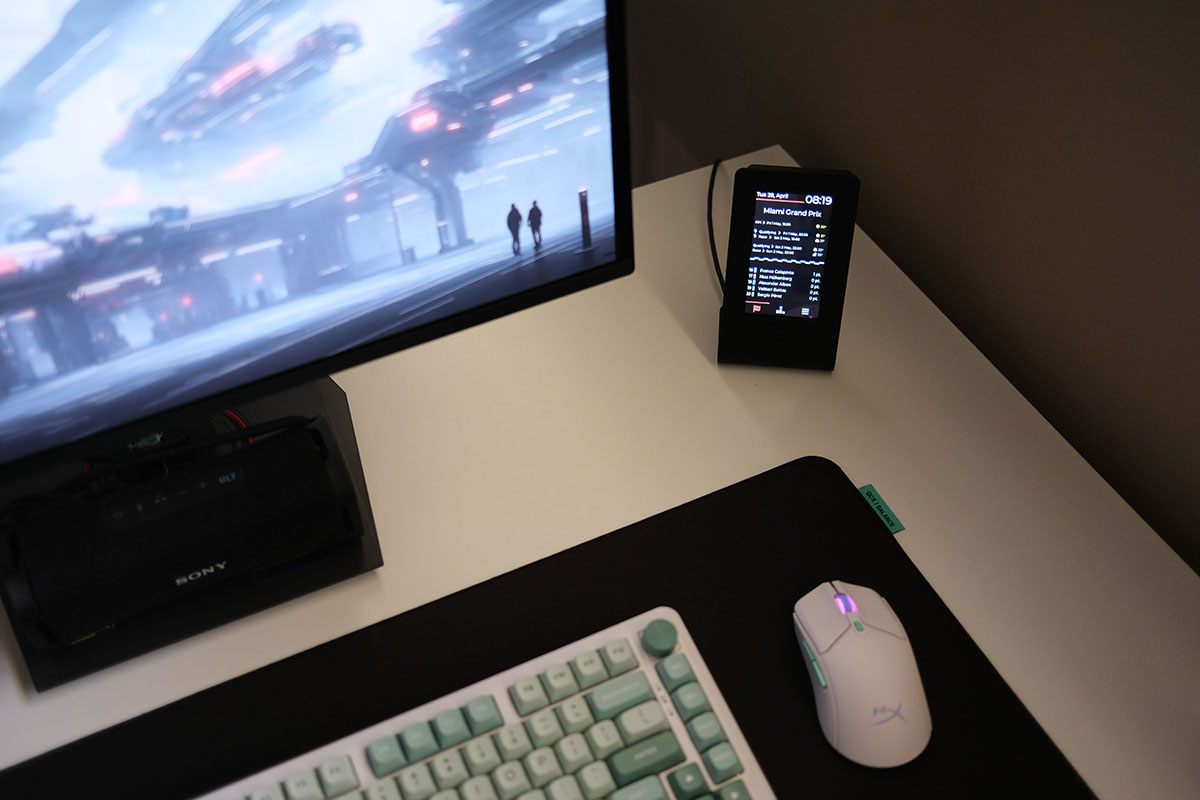
With F1 starting again this weekend I figured it would be a perfect time to talk about Halo F1. It’s an always on display that you can build yourself and displays a bunch of F1 info on it.

There are three parts to Halo F1, the stand which you can 3D print at home, the touch screen which you can order from AliExpress and costs around 5.5KD including delivery, and the software which is super easy to install.

The screen I ordered from AliExpress was the following:
Guition ESP32-S3 8M PSRAM 4M FLASH 4.3-inch IPS 480*272 LCD display module with WIFI and Bluetooth
AliExpress Link

It’s a JC4827W543 board and I ordered the capacitive touch version for $15.31 and with shipping to Kuwait the total came out to $18.98. The stand I printed out myself on my 3D printer and the files for it are available on Maker World.

Once you get the screen you just plug it in to USB-C and visit the website halof1.com so you can flash the screen through the browser with the Halo F1 software. Then it’s a matter of connecting to the screen’s Wifi and filling in your home network details and thats it. The screen updates the info automatically through your home wifi network, displays the upcoming race dates and timings in your local time as well as other info like current driver standings.

If you want to find out more about Halo F1 their website has all the details. Link


Categories
Geek Personal

What keyboard and mouse do you guys use?

A few days ago I decided since I now have a proper gaming PC, I might as well take advantage of it and not just use it for my racing rig. I figured I’d get a small desk, monitor, keyboard and mouse and set it up right next to my rig. Trying to find these simple things turned out to be a lot more difficult than I expected.

Finding a monitor was probably the hardest mostly due to the costs involved. Keyboard and mouse if you make a mistake you’re not out much, but with a monitor you’re stuck with it. I flip flopped a lot from budget to premium, from IPS to OLED and in the end, after a lot of research I narrowed it down to two options not he opposite end of the spectrum:

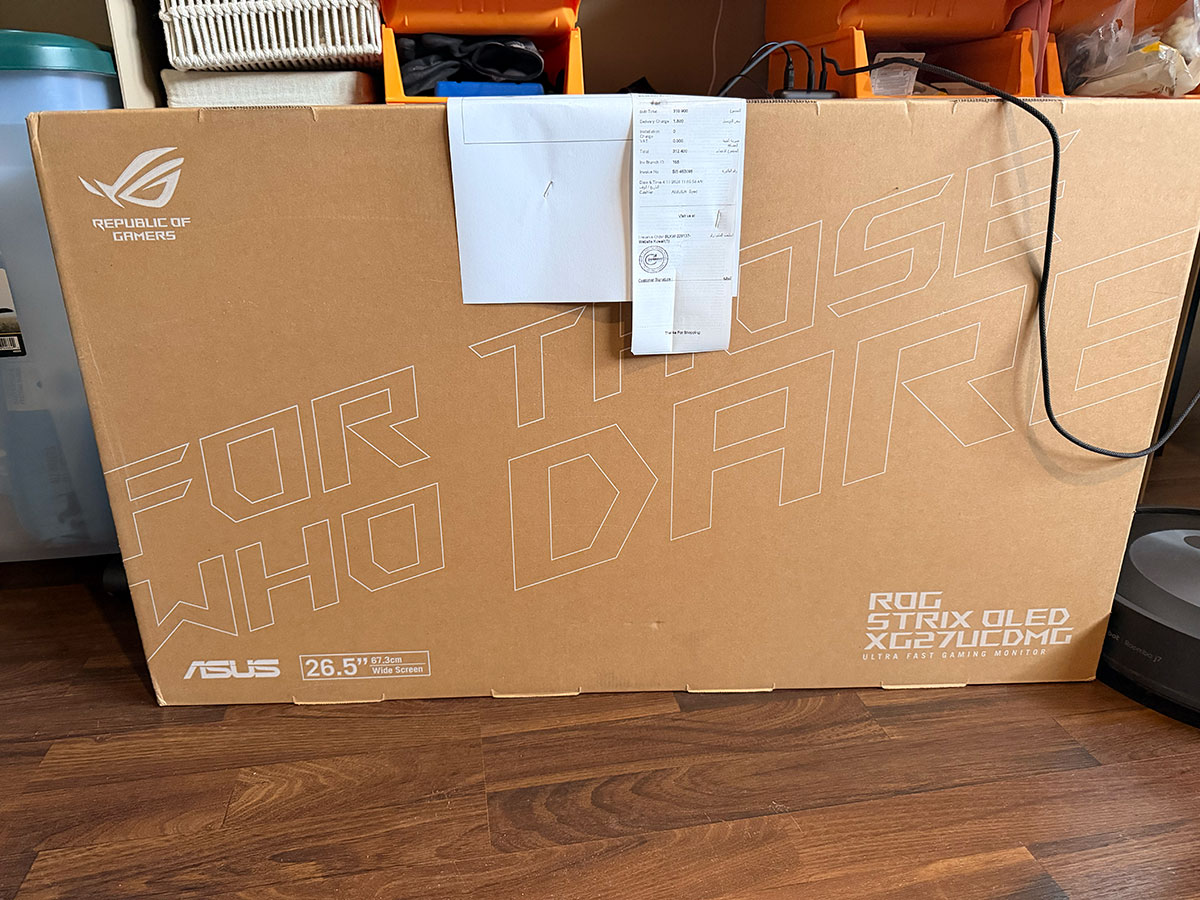
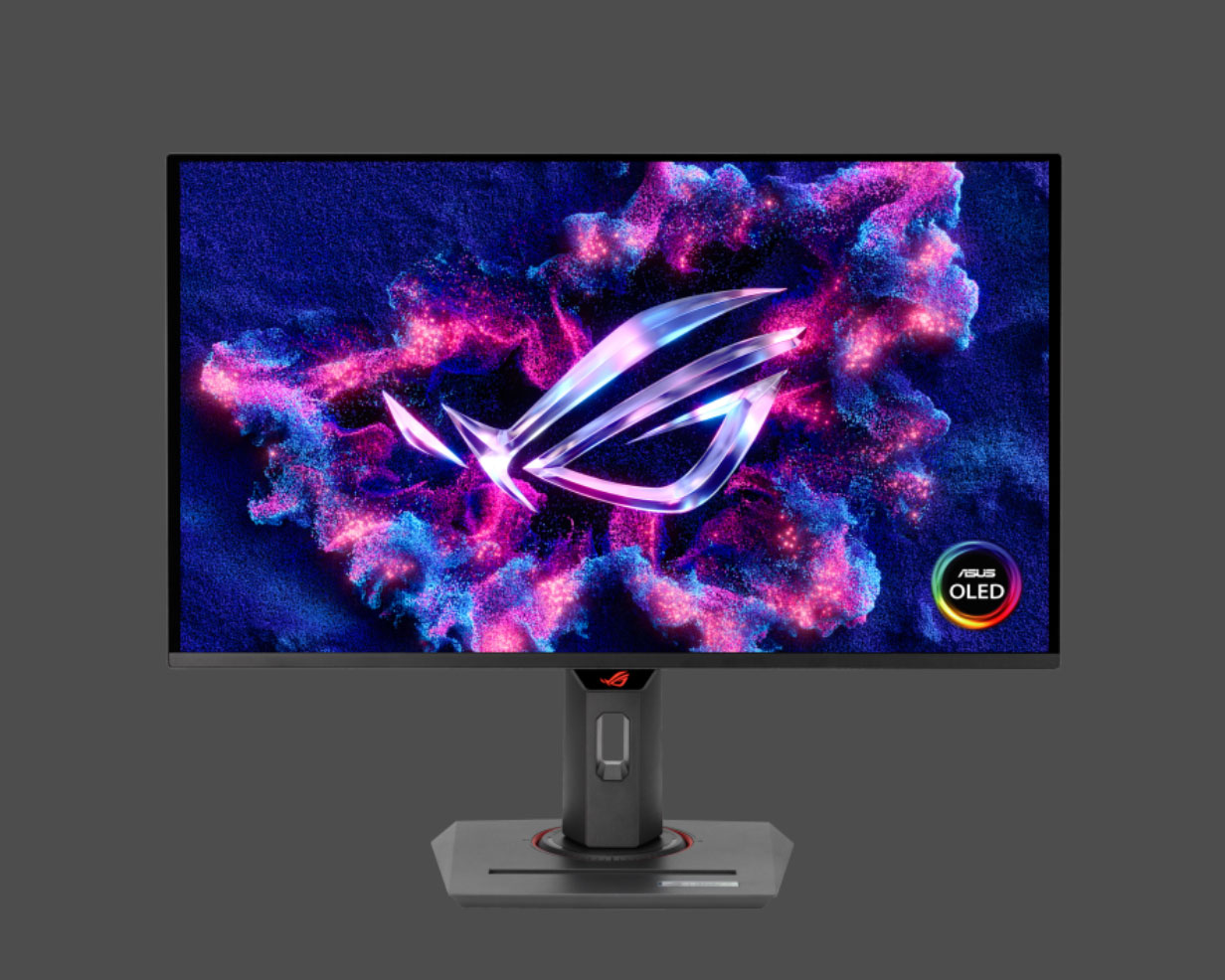
Asus ROG Strix OLED XG27UCDMG 27″ 4K QD-OLED, 240 Hz
Price: KD 311

LG 27G810A-B 27″ UltraGear™ 4K UHD IPS 180Hz
Price: KD 135

At one point I was looking at 32″ screens but based on the size of table I was looking to get it would have been too big. Plus they’re more expensive.

In the end I decided to go with the Asus. I figured I spent all this money getting a high end gaming PC it didn’t make sense to cheapen out on the screen now. The fact I only found one piece in the market helped create a sense of urgency to get it as well. The only place that still had one left from all the online stores was Blink, so I ordered it from them and it got delivered a few hours later.

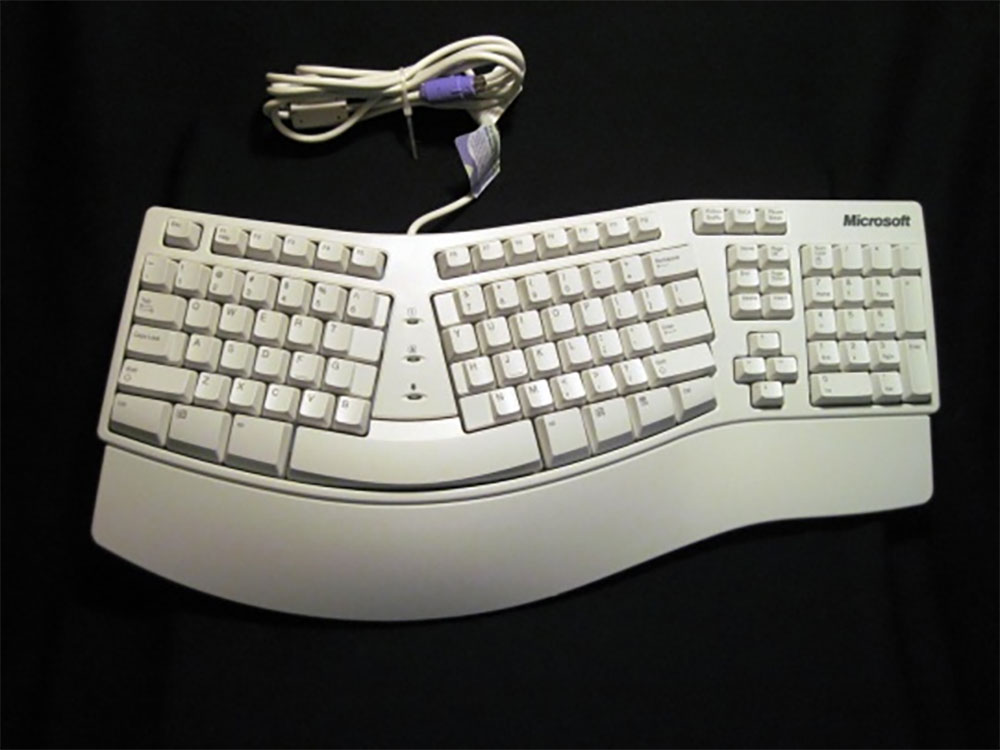
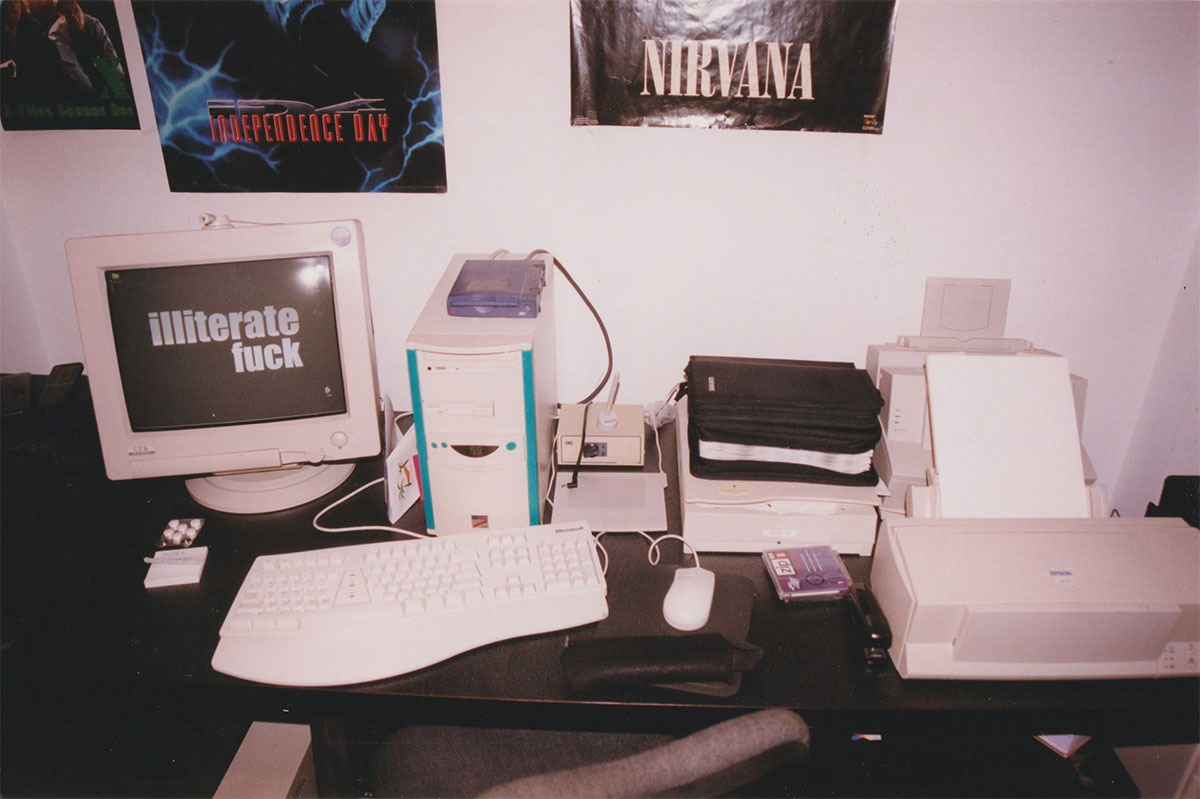
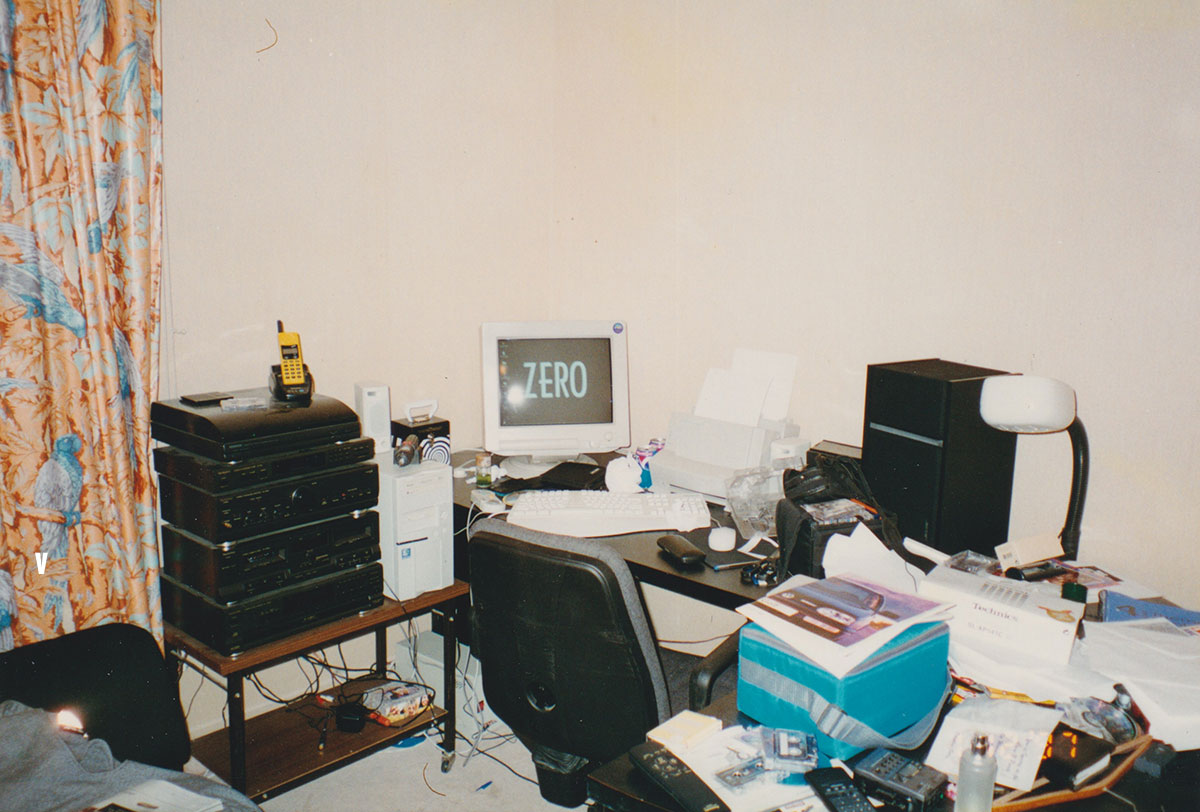
Next step was picking a mouse and keyboard. 25 years ago picking a keyboard and mouse was pretty easy, you just went Microsoft or Logitech. My favorite used to be the ergonomic keyboard pictured above my Microsoft, it was ground breaking when it was released. Now the number of options is crazy. especially if you search for gaming gear. Suddenly new terms started popping up like hall effect, rapid trigger, DPI, polling rate etc.. when back then all I had to pick from was either a trackball or optical mouse and either use a random keyboard I had or get a Microsoft one. The fact that people also care if the mouse weighs 60g or 84g or whatever is also such a new concept to me. But it goes to show how seriously gaming is being taken, it’s fascinating, I love it, but it’s also so overwhelming.

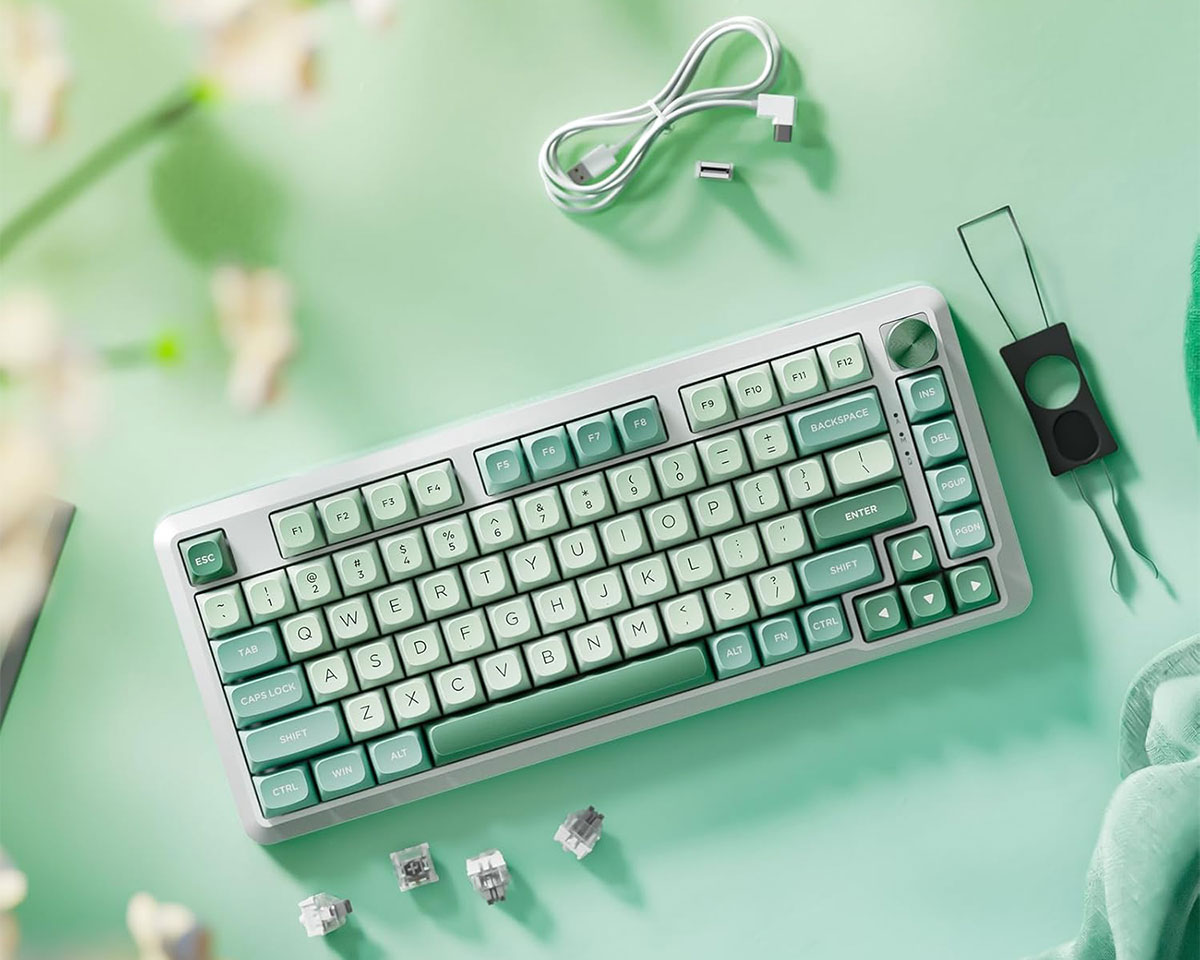
I’m still trying to figure out what keyboard and mouse to go with. I think with the keyboard I’m going to go with looks. I found the Redragon K681 Cyrus PRO locally which looks good, is mechanical and should be good for casual gaming. It’s wireless and costs KD22, plus I might swap out the AWSD keys with some pink ones to give it a 90s vibe. Game Store also have some cute stuff, but most are out of stock.

The last time I passed by Blink they had keyboards on display so might pass by and check them out as well. It needs to be a keyboard with no Arabic, so Keychron or Ducky our out of the question since the ones in Kuwait are bilingual.

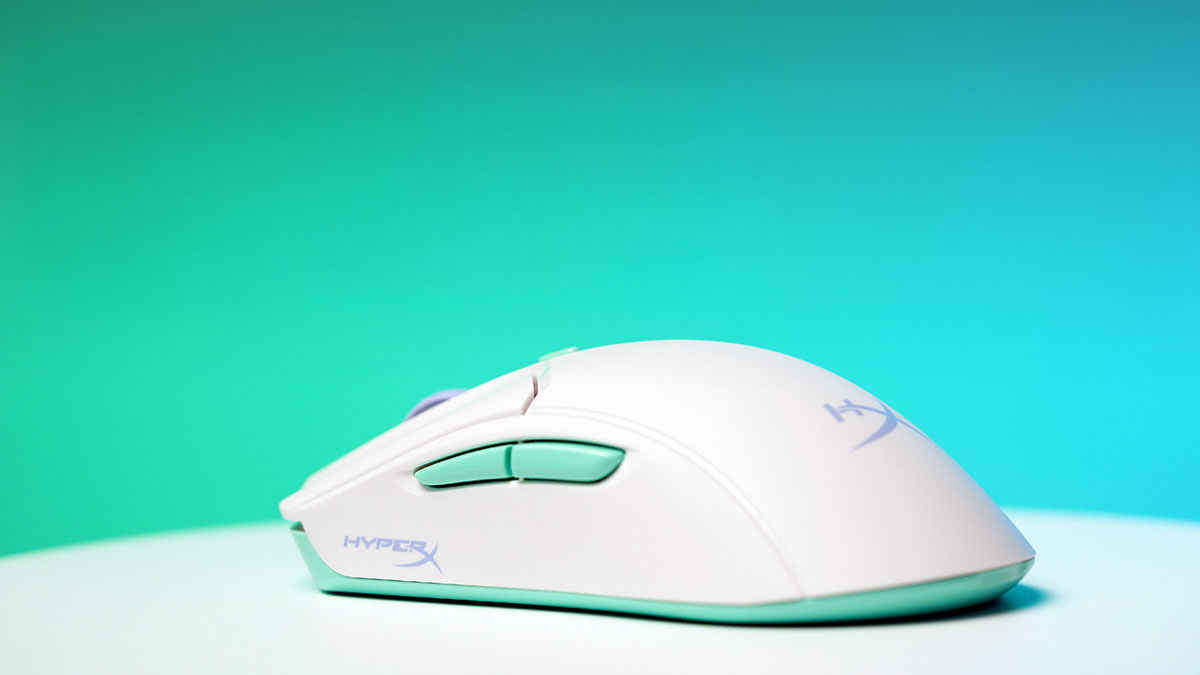
For the mouse I’m also thinking of going with the HyperX PulseFire Haste 2 Core because of the color combination that gives it a 90s vibe. It’s KD15 so not expensive and should be ok for casual gaming. Second option is possibly the white colored Razer DeathAdder V3 Pro since it’s a bit larger and so I think better for my wrists. But looks a bit too boring.

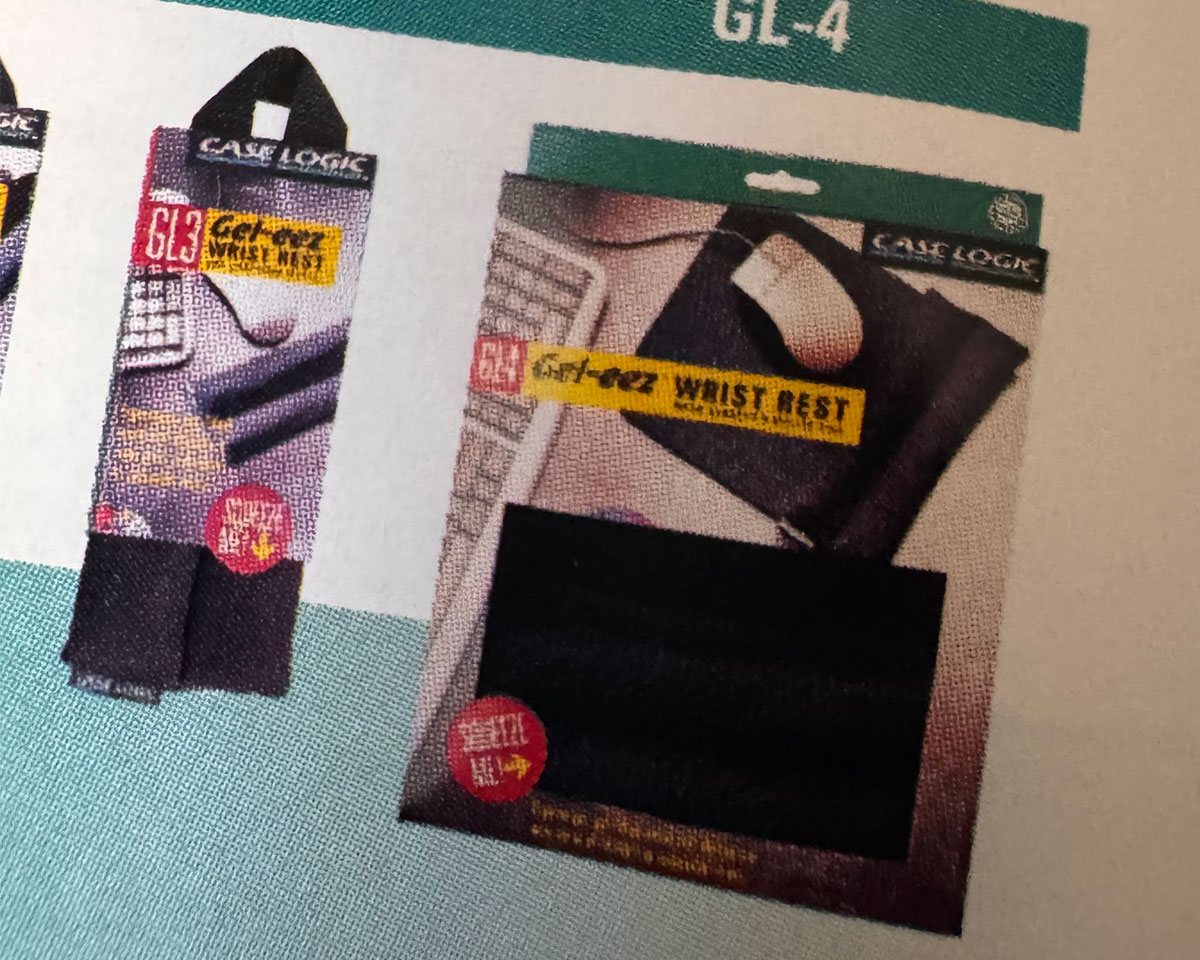
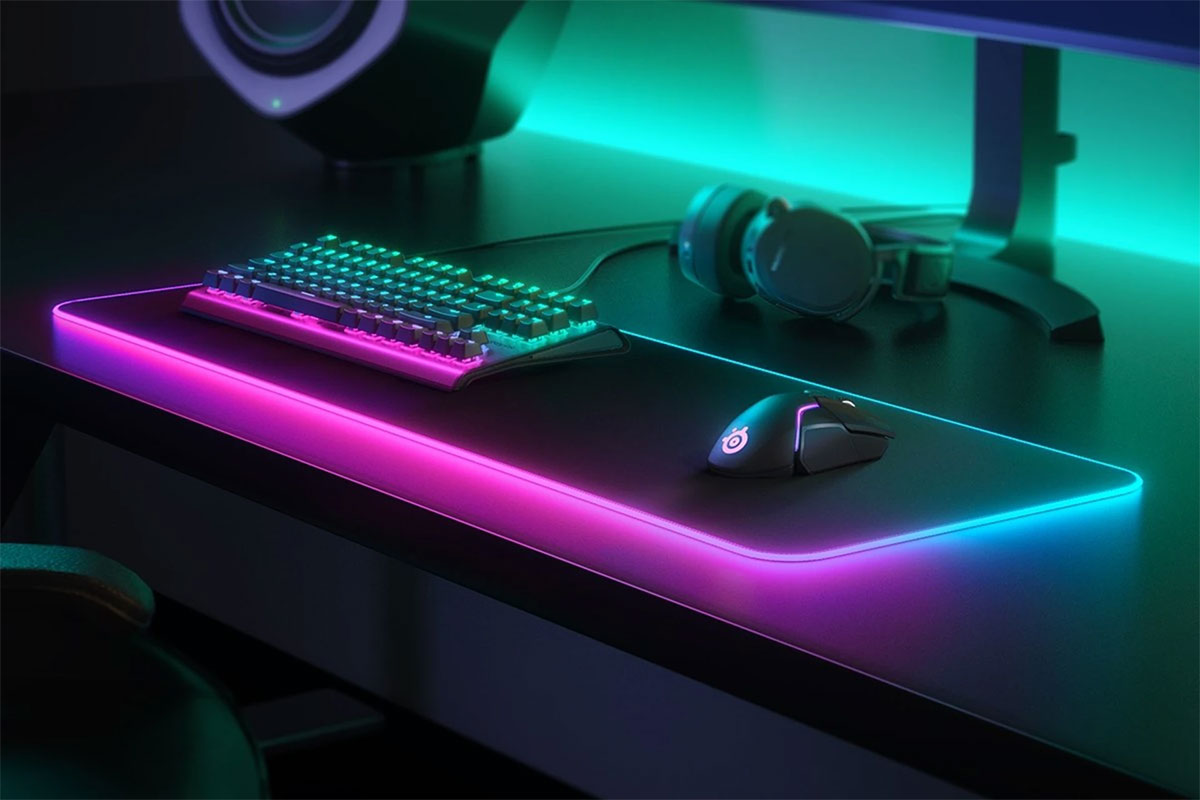
Back in the 90s Case Logic used to make these really great mouse pads that had a gel wrist rest and similar one for keyboards. They were life savers. I noticed some brands have similar ones now and mouse/desktops pads are a big thing as well. So might pick up a SteelSeries desk pad with RGB while I’m at it.

If you guys have any recommendations on keyboards and mice you’ve used let me know. Oh and if there is a store you know of that has a large selection also let me know. At the moment I’ve just been searching online but I’m sure there are a few shops that don’t have a website but have a good selection of stuff.


Categories
Geek Personal Video Games

I did it, I built a gaming rig :(

A couple of weeks ago I posted about the fact that I was thinking of building a gaming PC for my sim racing needs. After a lot of flip flopping on the idea because of the high cost involved, I finally pulled the trigger.

I was put off by the idea of spending so much on a PC since it was just going to be used for gaming, and my Mac mini which I use to earn a living cost me way less. But after going back and forth in my head and reading about how prices were just going to go up, I decided if I could build a PC for 1,250 I’d get it. So I headed to Hawally to see what the prices were like since up till that point I was just checking local stores that had websites.
99% of the shops were selling everything for the exact same price as the ones online, so that wasn’t helpful. But then on my way to PCkuwait which up to that point had the best prices, I decided to pass by Limra Computers.

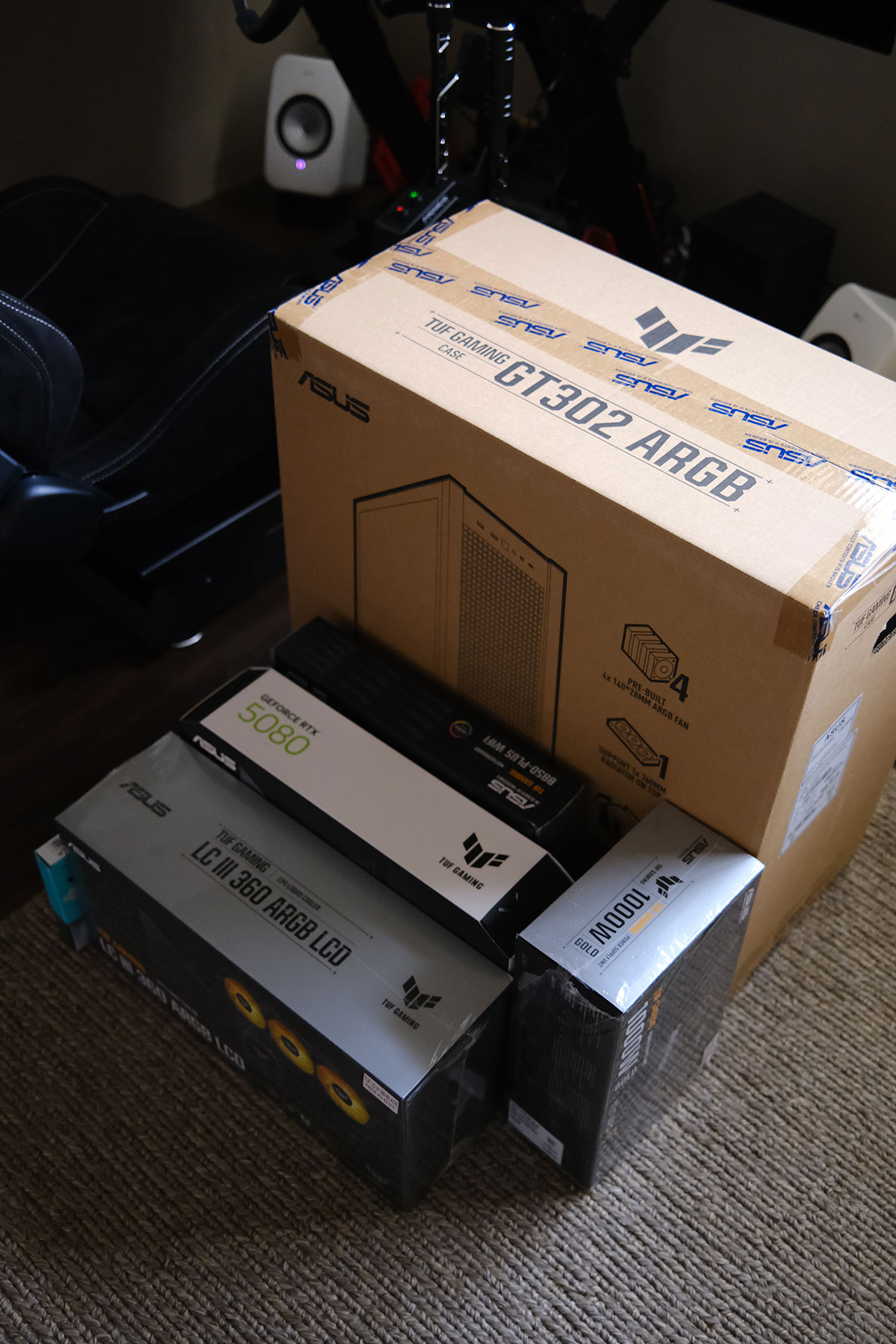
I posted about Limra all the way back in 2012, they’ve always been my go to place mostly for hard drives and other computer accessories. But for some reason I forgot that they carry everything in that tiny shop. So I passed by and gave him the full list of items I wanted and he quoted me a 1,300 KD. I still needed a way to drop it down to 1,250 so I decided to swap the motherboard from the Asus TUF B870E to the TUF B850Plus since it wasn’t going to make a difference for my use. That reduced the price considerably and I left to sleep on it and then came back the next day to buy it.

This was my final build:

CPU
AMD Ryzen 7 9850X3D – 180 KD

Motherboard
ASUS TUF Gaming B850-Plus WiFi7 – 82 KD

RAM
Kingston Fury Beast RGB 32GB DDR5 6000MHz CL30 – 145 KD

SSD
Samsung 9100 Pro 2TB PCIe 5.0 – 135 KD

GPU
ASUS TUF Gaming GeForce RTX 5080 OC 16GB – 570 KD

Cooler
ASUS TUF Gaming LC III 360 ARGB LCD – 58 KD

PSU
ASUS TUF Gaming 1000W Gold ATX 3.1 – 58 KD

Case
ASUS TUF Gaming GT302 ARGB – 40 KD

Total
1,268 KD including a Windows 11 Pro license
I compared my total price to NewEgg.com and surprisingly it was exactly the same. The different items varied in cost, like some things are cheaper in Kuwait, some cheaper on NewEgg, but the total still came out to be the same thing. That made me feel a bit better. So far though my experience has been a bit of a mess… on the software side.

I built the PC myself which was easy and the fun part. It’s been 25 years since I put a PC together and surprisingly nothing has changed, it’s still the exact same process. I’m glad I stuck to the Asus TUF ecosystem for everything since visually everything just looks good together.

But when it came to software, thats where things got mess.

I ran into issues installing Windows 11 since the installer couldn’t see my hard drive. Online I read that because its a new Gen 5 drive that some motherboards had trouble reading it, and after hours of trying different workarounds in the BIOS to get Windows to read my drive, it turned out the issue was with the Windows 11 boot drive I had made.

The first Windows 11 boot drive I made was using the Mac software called balenaEtcher.
The second one I did I used another software called Win Disk Writer. This worked. Hours wasted for nothing.

After installing Windows I then had to spend a couple of hours downloading and installing all the drivers. I didn’t know you guys still had to do this in 2026. Windows 11 couldn’t even read my built in wifi without installing a driver, wtf?
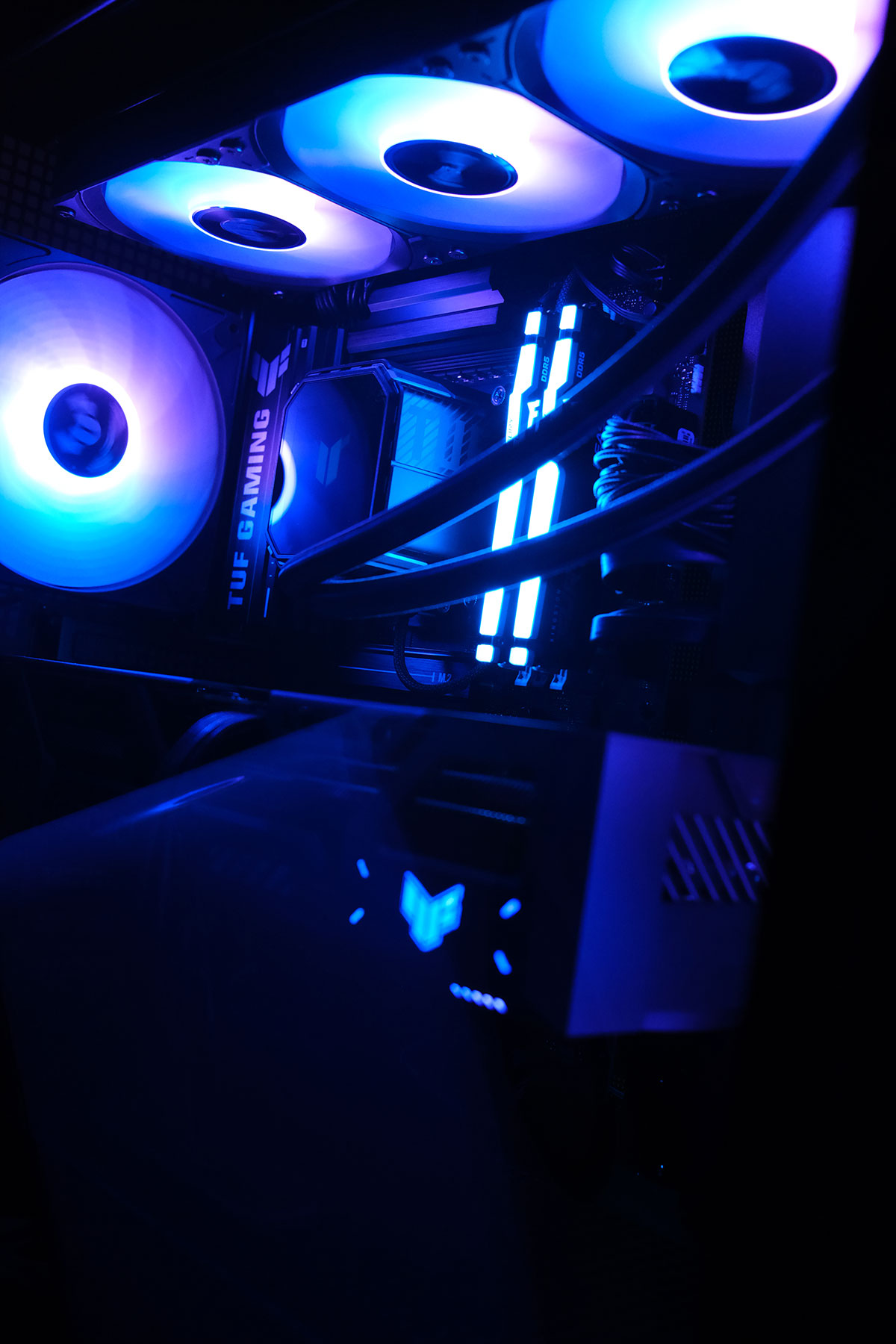
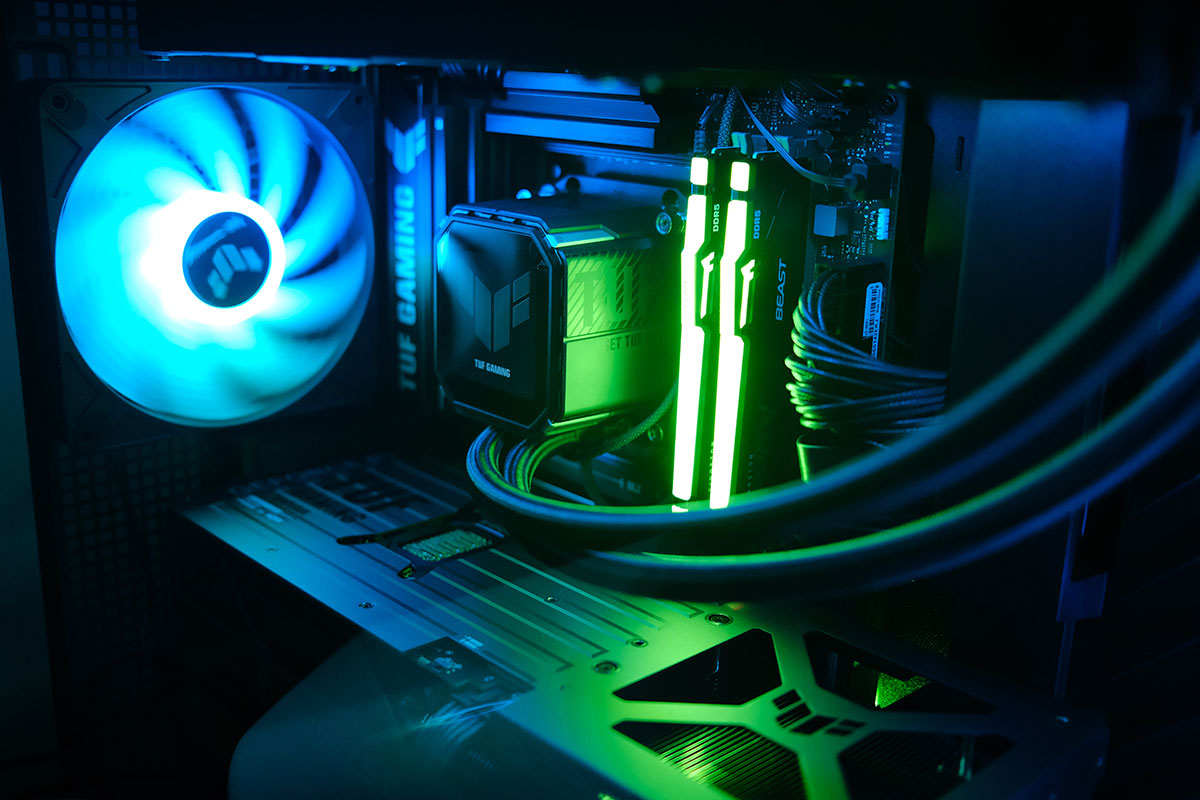
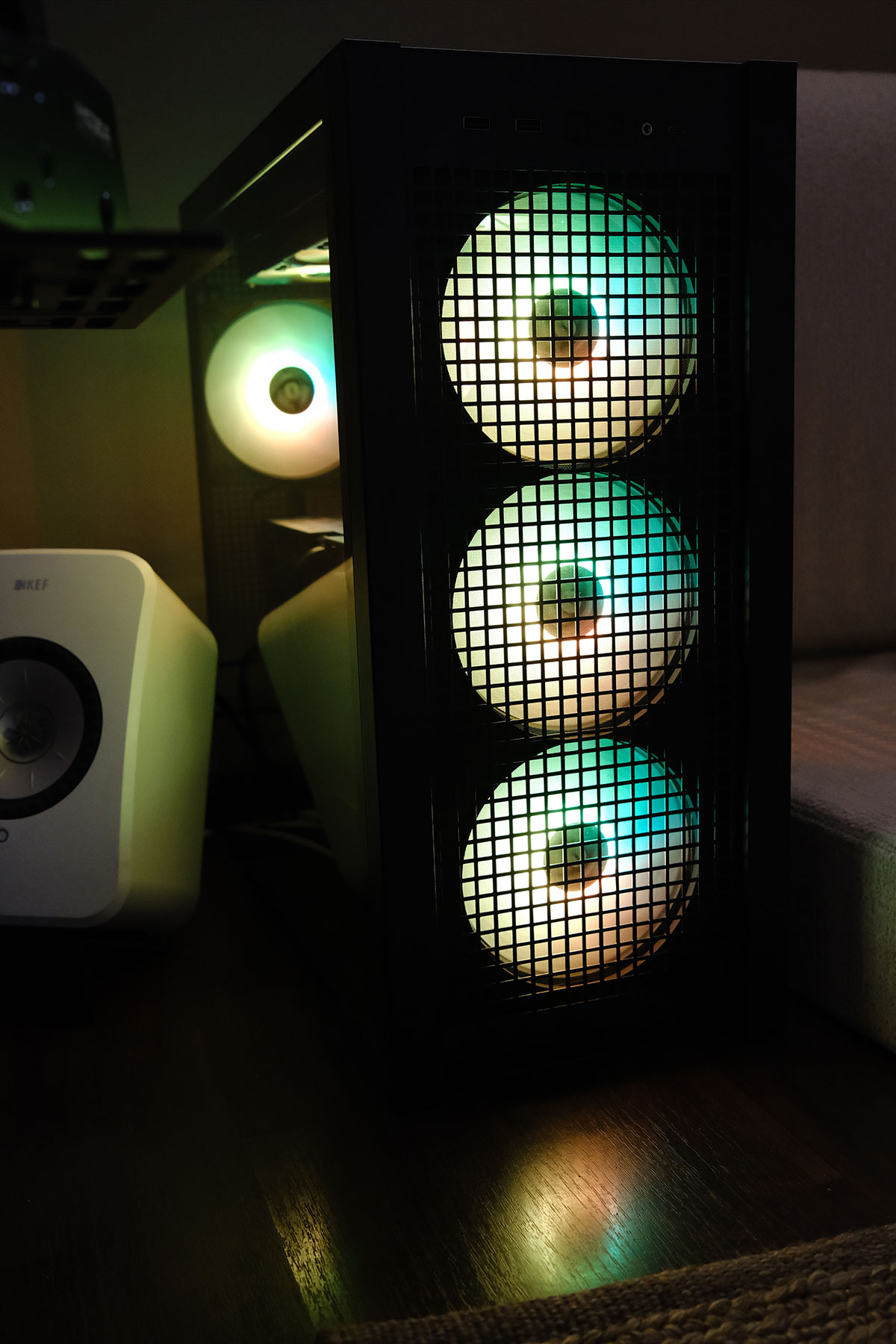
Currently, my computer looks like a Christmas tree with all these colorful LED’s. I have 8 fans, 7 of which have brights LEDs that are cycling through the rainbow. I have an LCD screen on my cooler for some reason that is playing an animation but can actually play videos as well. Even when the computer is in sleep I have some part of the motherboard glowing rainbow colors from the back. And why RAM sticks need brights LEDs?

This whole obsession with lights and screens INSIDE the PC is really bizarre, but whats weirder is I’m kinda liking it. I wouldn’t be surprised if in a few months I didn’t end up getting more screens and LEDs to put inside the case.

I also have a bunch of technical issues I’m trying to solve at the moment. My TV is 120hz but when I set the PC to 120hz the screen starts to flicker every few seconds, so I’m forced to keep it at 60hz for now. The ASUS software that controls the LED’s also doesn’t recognize the case or the cooler so I can’t control those LEDs yet. My first experience running Assetto Corsa Rally and Dirt Rally 2.0 didn’t result in graphics that much better than my Xbox. But I guess I knew that would be the case already, Dirt Rally 2.0 isn’t a new game and runs in ultra settings on a lot weaker GPUs perfectly fine. But it’s all about the mods, and I think once I get all the technical stuff out of the way I can focus on gaming and downloading ultra realistic graphics mods to really get the GPU working.

So far I’m obviously regretting this purchase. It was 100% stupid and knowing me I’ll end up installing Duke 3D, Red Alert Aftermath or the original Theme Park and end up just playing those. But in the long run, at least I’ll have a good PC to run GTA6 if it comes out this year. Also maybe down the line I can get a second screen and set it up for flight simulation. I don’t know, I’m just trying to convince myself I didn’t make an expensive mistake.

Categories
50s to 90s Geek Video Games

Thinking of Building a Gaming PC

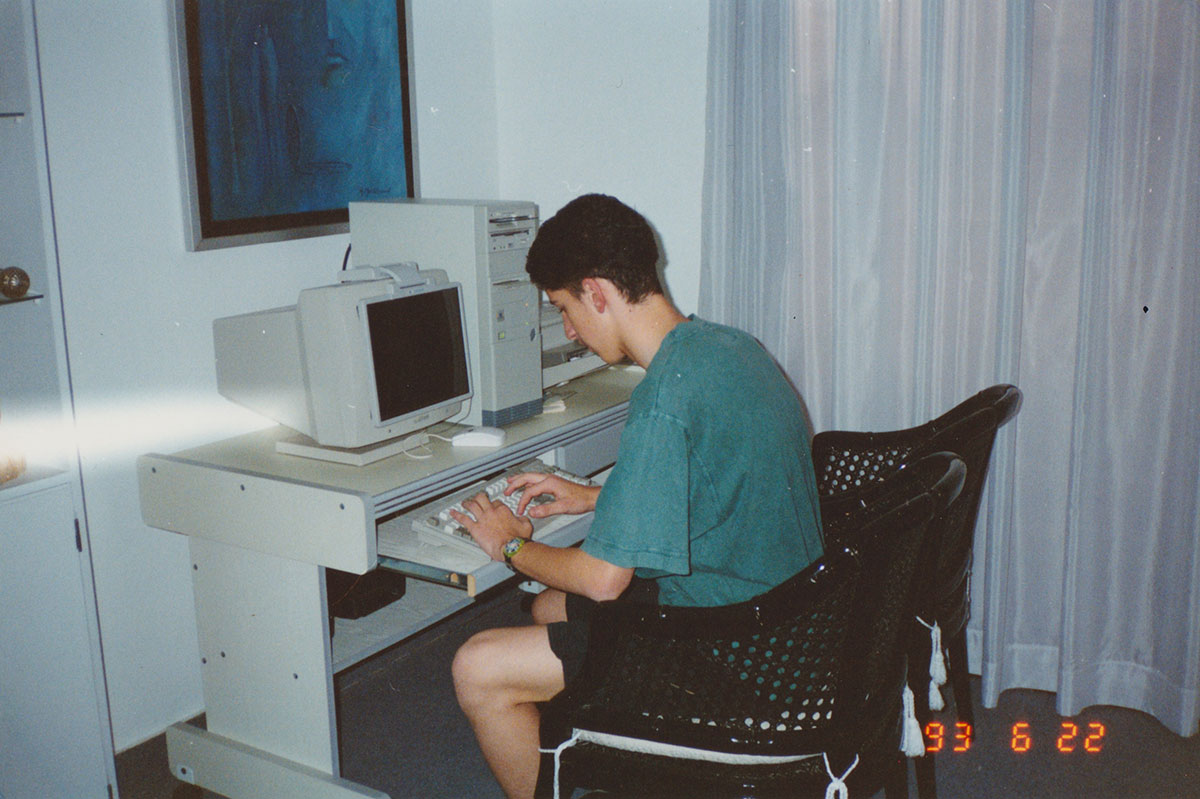
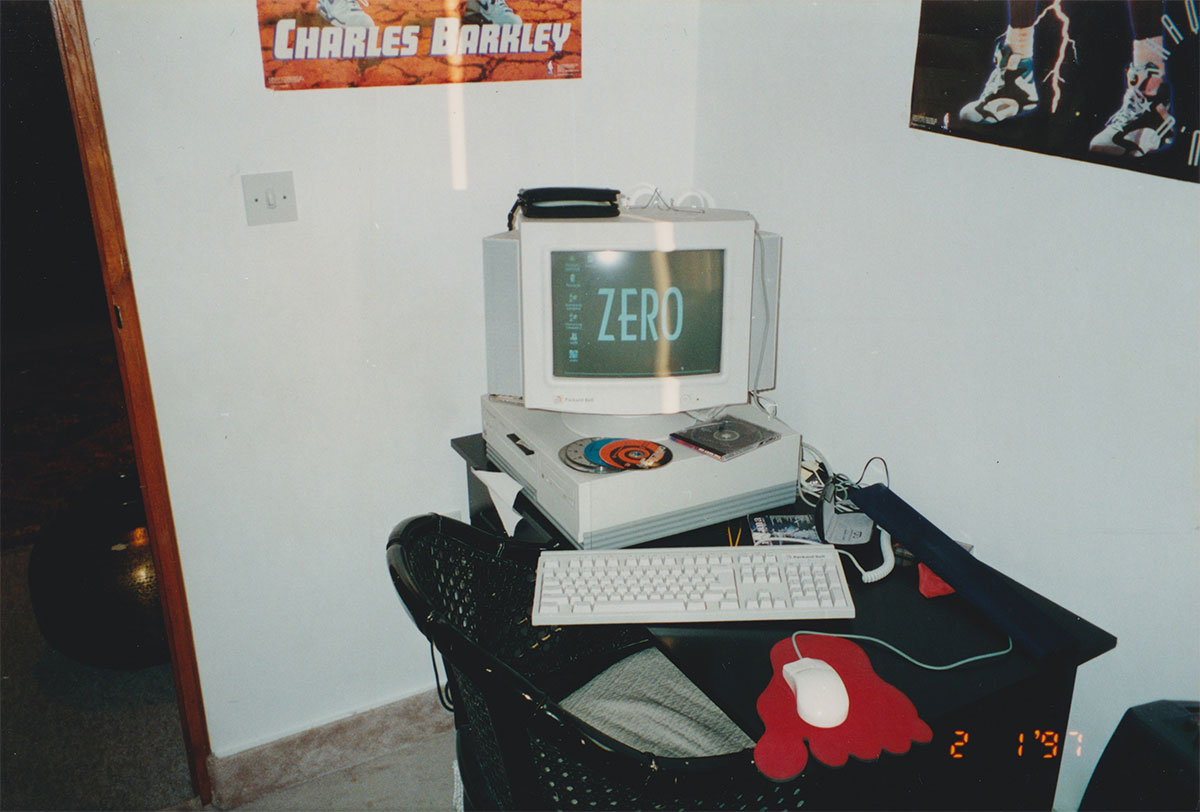
Back in the 90s I used to really love PC gaming and was constantly upgrading my computer to be able to run different games. When Doom came out my 33mhz PC couldn’t run it (pictured above) but our “family computer”, a Pentium 60 could so I used to get permission from my dad to play on it. Eventually I took over that computer since nobody at home really knew how to use it except me (pictured below).

When I moved to uni in 96 I used to spend all my money on CDs and upgrading my computer. I remember the first legit gaming card I got was the Matrox Mystique. But then a new brand launched called Nvidia and I got their Riva 128 card which was great until 3DFX came out with their Voodoo cards. Games that were optimized for 3DFX looked so much better so got that but I remember I used to have a lot of compatibility issues so got the Nvidia TNT and then later got the TNT 2 Ultra. I think the last decent card I got was the original Geforce 256 before I stopped PC gaming.

Recently I’ve gotten into sim racing and was considering building a gaming PC for it. My Xbox Series X is great but some games like Assetto Corsa Evo, Assetto Corsa Rally and iRacing aren’t available on the Xbox while other games like Dirty Rally 2.0 have ultra realism graphic mods that the Xbox version doesn’t have. It was pretty hard to get a grasp on whats considered good or not good nowadays since I haven’t had a Windows PC in over 20 years, but with the help of Ai I think I kinda started understanding things and managed to build a really good gaming PC, but wtf is up with these crazy prices??

This is the build I managed to put together based on parts currently available locally, I think memory is the hardest thing to get right now:

CPU
AMD Ryzen 7 9800X3D Gaming Processor — 179 KD

Motherboard
Asus TUF GAMING X870E-PLUS Motherboard — 129 KD

RAM
Kingston Fury Beast RGB 32GB (2x16GB) DDR5 6000MHz CL30 — 145 KD

Graphics
ASUS TUF GAMING GeForce RTX 5080 16GB GDDR7 OC — 580 KD

Storage
Samsung 2TB 9100 Pro NVMe M.2 SSD PCIe 5.0 — 117 KD

Cooling
Asus TUF Gaming LC III 360 Liquid CPU Cooler — 62 KD

PSU
Asus TUF Gaming 1000W Gold ATX 3.1 Power Supply — 58 KD

Case
Asus TUF Gaming GT502 — 54 KD

Total: 1,324 KD

That seems really insane, I thought I was going to end up paying like 500-600KD for a high end gaming PC but this is more than double that. I thought this might just be the usual Kuwait over inflated prices but seems to be pretty much the same even in the US. Crazy! How are you guys doing this?


Categories
Geek Music Shopping

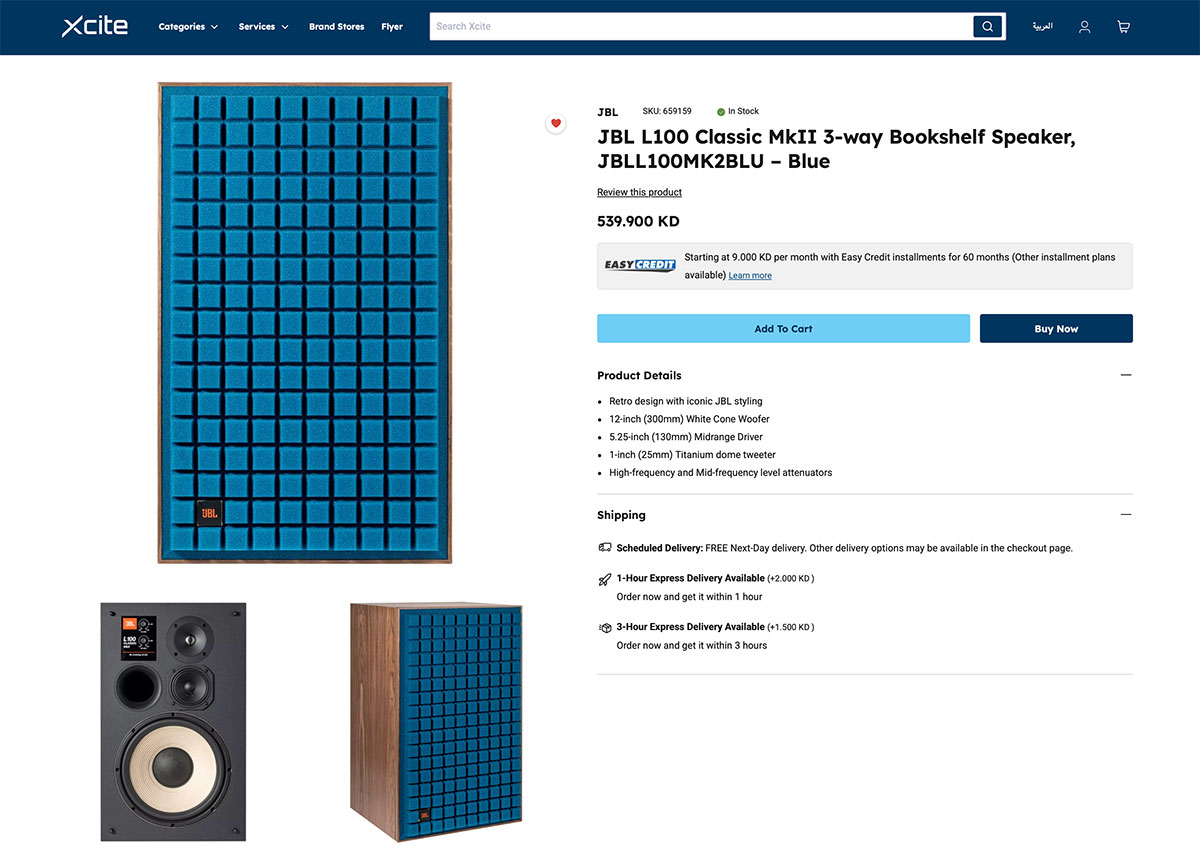
JBL L100 Classic MKII at Xcite

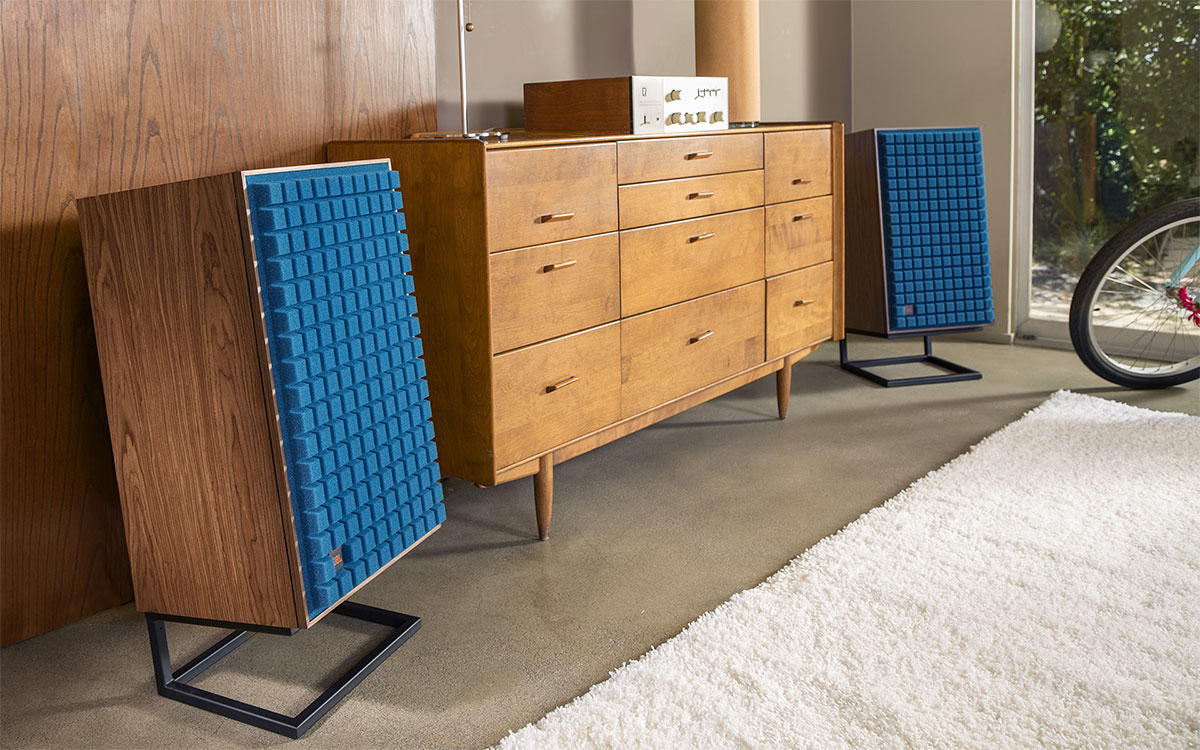
Last night I found out that Xcite have the JBL L100 Classic MkII speakers for sale. I had my eye on these years ago but shipping them to Kuwait would have costed an arm and a leg on top of the already crazy expensive price. Eventually I ended up getting the KEF R7’s, but now the JBL’s are available in Kuwait.

These speakers were originally released in the 1970s and became an iconic model. These’s MKII’s are a modern take on them and they’re selling at Xcite for KD 540 per speaker. So KD 1,080 for a pair. Sounds like a lot, cuz it is a lot but it’s still cheaper than how much they sell for abroad. This is technically a good deal.

It also looks like they recently got some new FOCAL speakers and updated their Marantz collection. Only reason I found out about all this is because I’m always looking for KEF items and it seems they’re no longer getting anything new. I need speaker stands for my LSX and LS50 speakers which they were selling at a steal at one point when they were getting rid of them, but now they don’t have any left in stock.

If you want to check out the JBL’s, here is the link.

I also noticed their website no longer lists any SVS subwoofers nor any Bowers & Wilkins speakers. Looks like they stopped getting those two brands as well. It’s really sad they stopped getting SVS products, they make the best subwoofers. I guess I’m lucky I bought the PB-2000 Pro and SB-2000 Pro when they had them in stock. Can’t recommend them enough!


Categories
Design Geek Videos

The Making of the 1984 Kuwait Nights Video

Yesterday I shared a video called Kuwait Nights 1984 created by Faisal Alrajhi and instantly fell in love with it. He created the video using AI, so after sharing his post on my story I got in touch with him to see if he could share his process with my readers.

Due to the length of his project he couldn’t share the full breakdown, so instead we decided to focus on one of my favorite scenes, the Green Island sequence.

Step 1 – Creating the visuals

The first thing Faisal did was create a custom prompt on Google Gemini:

“Create an 8-bit pixel-art scene of Kuwaiti people relaxing, sitting on benches, and walking inside Green Island. Show the iconic tower in the background, kids running in the distance, and palm trees lining the walkways. Use retro warm tones and subtle pixel shading.”

For the pixel-art images, he used the Google Gemini app along with Freepik’s Nano Banana feature. Freepik gave him higher-resolution results, which made a big difference when putting everything together into a video. He also added reference photos he found on Google, like shots of Green Island, to help the AI recreate the scenes more accurately.

Once he had all the images generated, he did some light touch-ups in Photoshop to clean things up, fix small details, and remove anything the AI added that didn’t belong.

Step 2 – Converting stills to animation

Once he had a scene he liked, Faisal then animated the images using an image-to-video AI tool from Freepik.

Step 3 – Creating the soundtrack

For the music Faisal used the AI music generator Suno. He gave Suno 30 seconds of the original song he wanted to use then used the following prompt to convert it into an 8-bit video-game style soundtrack:

“A playful 8-bit track opens with bright, pulsating chiptune synths and a bouncy, syncopated square wave melody. Driving 8-bit percussion interlocks with rapid arpeggios, playful sound effects, and simple bass, keeping the energy high. Short bridge introduces quirky glitch textures.”

Step 4 – Combining the scenes

The final step was putting everything together, he used Final Cut Pro.

So in case you want to replicate this video style, just follow steps 1 and 2 over and over for the different scenes and then combine them using a video editor.

When I posted this on Instagram, someone people left comments hating on the fact AI was used to create this. I think there is a huge misconception or naivety on how difficult and even impossible it would be to create a video like this without AI. One follower left a comment saying that Faisal should have instead “learn how to do pixel art and write music” as if it’s something someone can do by watching a YouTube video and not requiring any talent. I think that comment is actually more insulting to artists than him using AI to create this video. But even if Faisal was a pixel artists, it wouldn’t necessarily also mean he would know how to animate or compose music. Even if he did, the process of creating something like this would have taken months. Hiring a team to create a video like this especially when it’s something just for fun is also not realistic or feasible. AI has its issues, but in this instance it’s allowed someone to create something that wouldn’t be possible without the use of AI.

Make sure to check out Faisal’s Instagram account, he posts a lot of cool tech videos and they’re always informative. @f_alrajhii


Categories
Fun Geek Toys

Japan’s Gashapon Trend Comes to Kuwait

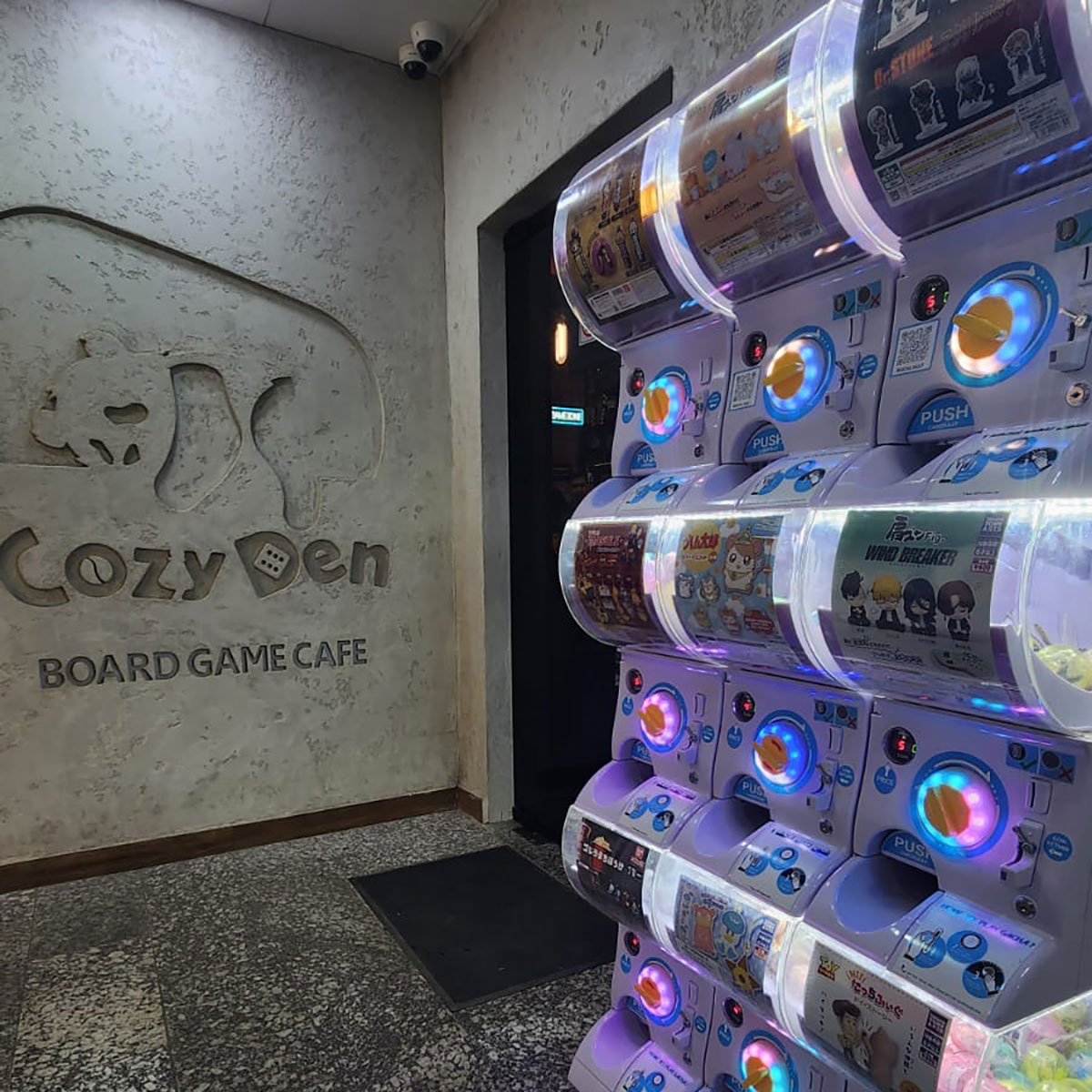
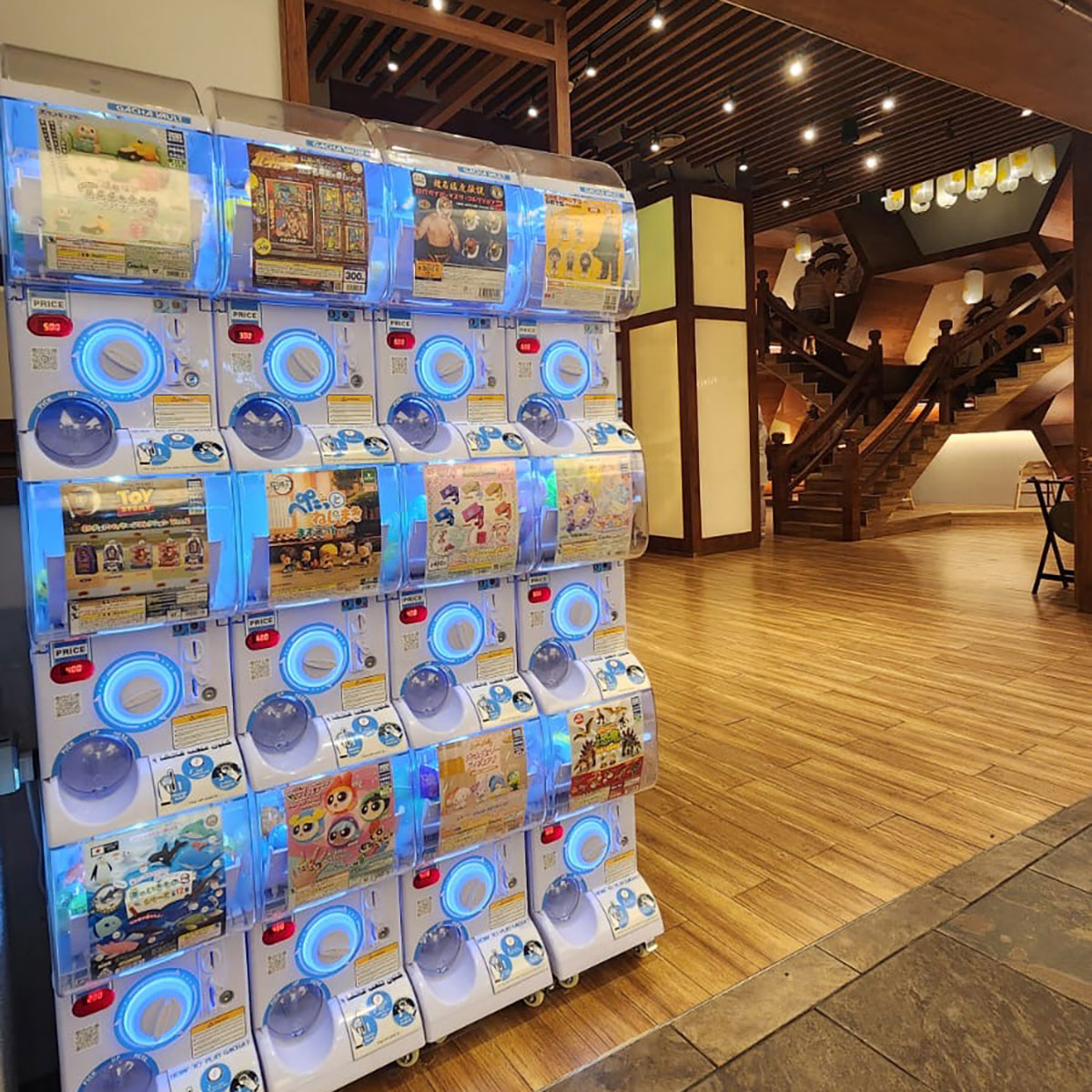
When I was in Japan last month, one of the things that caught my attention were the Gashapon machines, which were basically everywhere. Gashapon machines (also called gacha) are toy vending machines that dispense cylindrical capsules with a small toy inside. Each machine usually focuses on a specific theme, and within that theme there are variations. The capsules are blind boxes, so you won’t know which variation you’re getting until you open it.

In Japan the machines were everywhere, and you’d just look for one that had something you related to or wanted. For example, I spent most of my trip looking for a machine that dispensed Land Cruiser toy cars, while my wife was after the Polly Pocket machines trying to collect the different variations.

When I got back to Kuwait, I thought it would be fun to bring gacha here, and while talking to the owner of the Korean restaurant Sinjeon Topokki, she told me about @gacha.vault, a local business that had already done exactly that.

Gacha Vault was started by Naser Aljutaili after a trip to Japan in 2023. He and his daughters went crazy for the gacha machines, and once he returned to Kuwait he decided he had to bring that experience back and he did. He’s installed the machines in various places around Kuwait and built a pretty solid fanbase. The toys in the machines get swapped out once or twice a month, or sooner if a collection sells out. They import their high-quality gachas from Japanese brands like Bandai and Takara Tomy, so their selection is similar to what you’d find in Japan right now.

Their machines are currently available at the following places:

Cozy Den – Qurain Market
Game Store – Al Kout Mall
Good Game – Sanabel Tower
Meme Curry – Mall 30
Meme Curry – Avenues Mall
Meme Curry – The View

They’re also going to be in more locations soon since they recently partnered with a big brand (he didn’t tell me which one). They also pop-up at different comic cons and events.

The machines are fun and an easy way to experience a bit of Japan in Kuwait so if you spot one, try it out.


Categories
Geek Information Interesting

Kuwait’s Space Rocket Team Aims for a Record

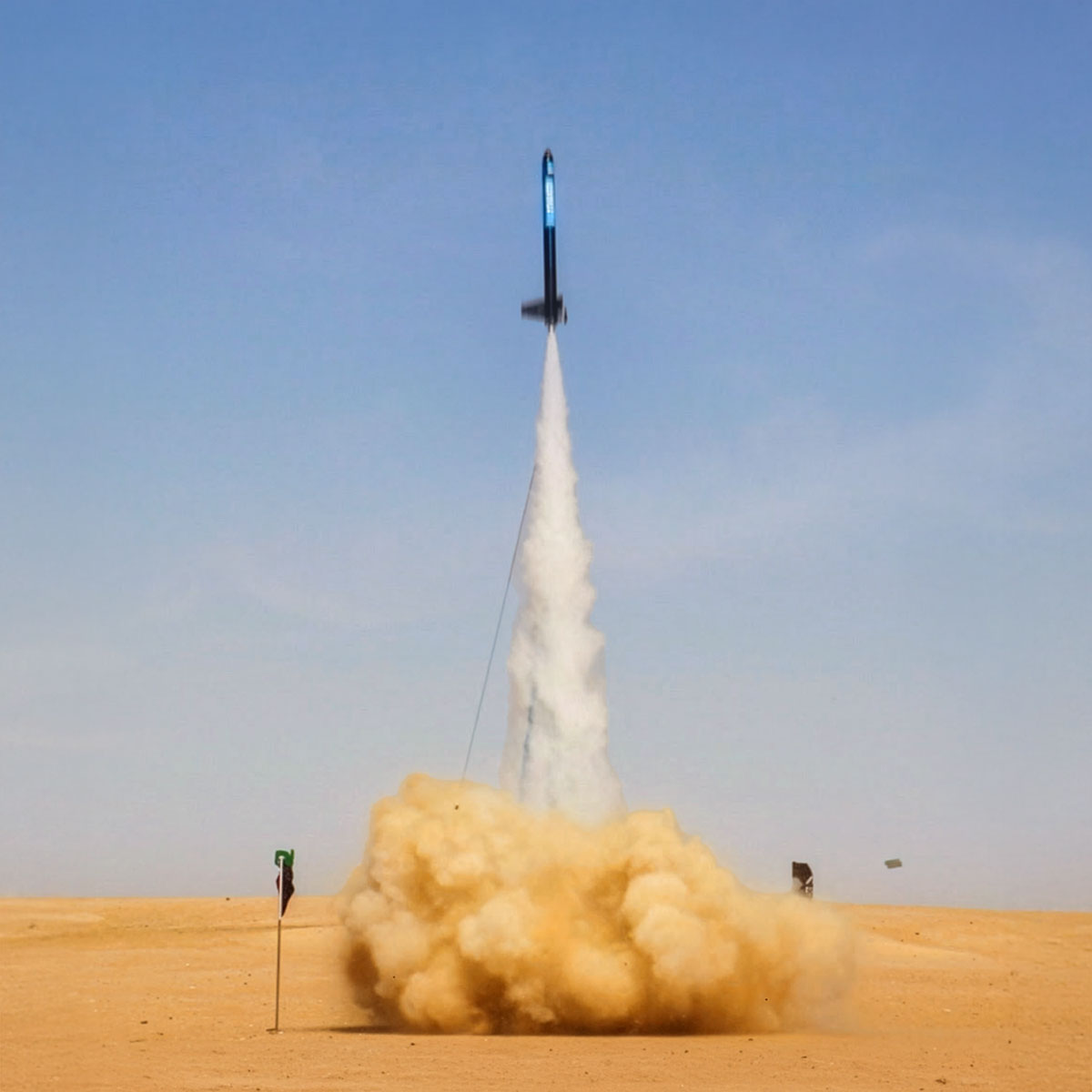
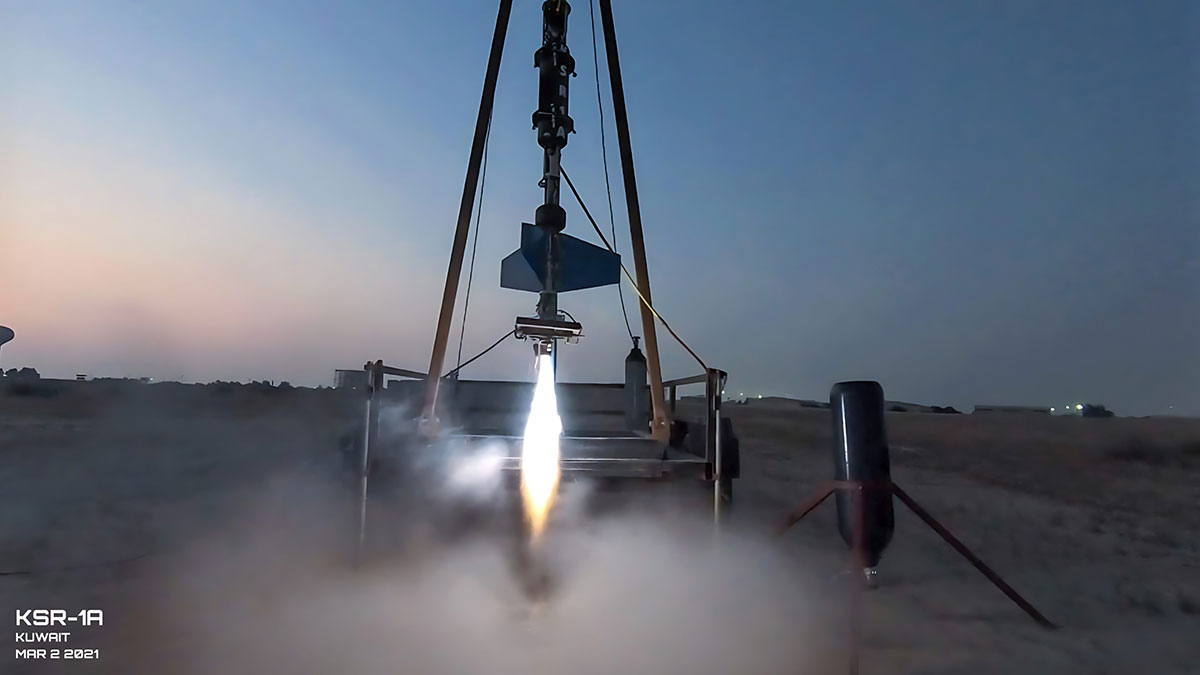
Kuwait Space Rocket is a project established in 2018 to build and launch the Arab world’s first suborbital liquid rocket. The team is made up of highly talented individuals from different STEM fields:

Naser Ashknani – Mechanical Engineer

Sulieman Alfuhaid – Aerospace Engineer and Propulsion Engineer at SpaceX (Currently pursuing his PhD in Mechanical Engineering)

Hassan Almutawa – Mechanical Engineer

They first reached out to me back in 2019, and going through our old emails now, I realized I regretfully didn’t take them too seriously. Their mission then, and still today, is to launch the first Arabian rocket into space and capture footage of the Kuwaiti flag with planet Earth in the background.

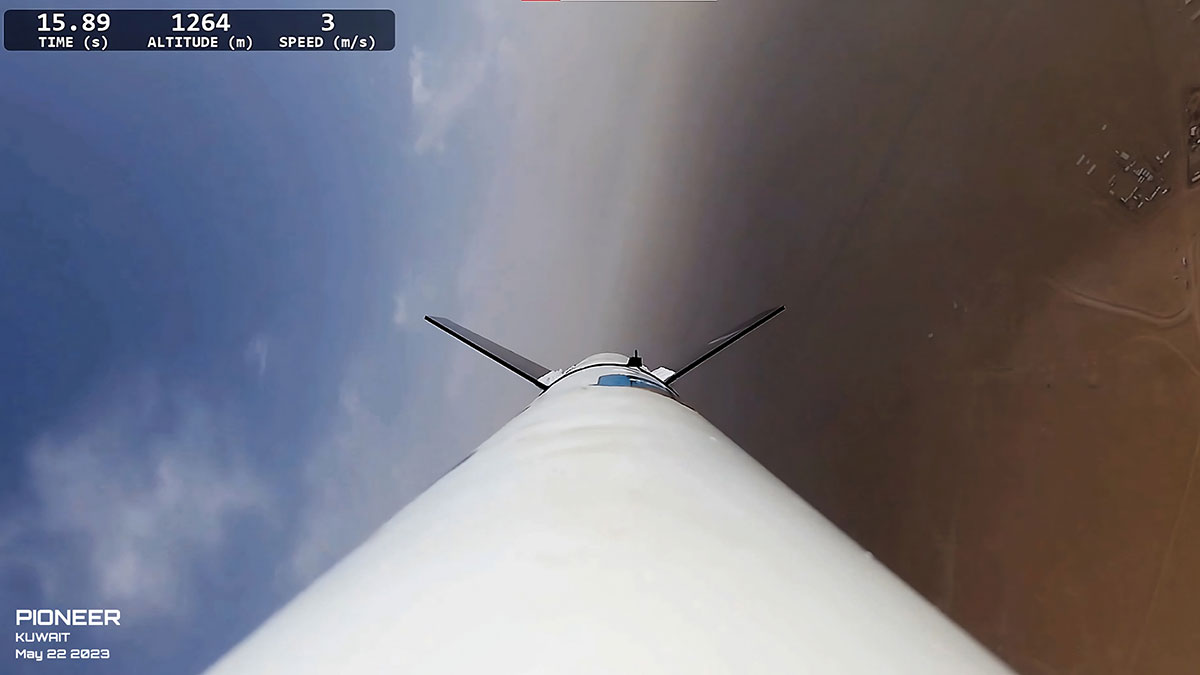
Since I last spoke to them, they’ve had five launches. Two were ground-tested only, while the other three were full rocket launches, with the highest altitude reaching 1,366m.

The team follows a goal driven engineering process that lets them move quickly and efficiently from concept to construction. They start with the design phase, using software like SolidWorks, Matlab and ANSYS to map everything out. Once the designs are ready, they move into the build stage, relying on tools such as 3D printing, welding, drilling, milling and CNC machines to bring the parts to life. Finally, everything goes through rigorous testing, including static testing to make sure every component performs the way it should.

Tomorrow (Saturday, December 6) at 8AM, the Kuwait Space Rocket team will attempt to launch their fourth rocket, AMBITION 3, to an altitude of 15 km. It’s a world record attempt for the highest altitude reached by a single stage sugar fueled rocket.

Since the launches take place inside a Kuwait military defense base, spectators aren’t allowed, but they’ll be streaming the attempt live on their Instagram. If you want to watch the launch tomorrow at 8AM, follow them @kuwaitspacerocket

Update: The record attempt failed after the rocket sadly exploded during launch


Categories
Geek Music Shopping Technology

Great Deal on KEF LS50 Metas

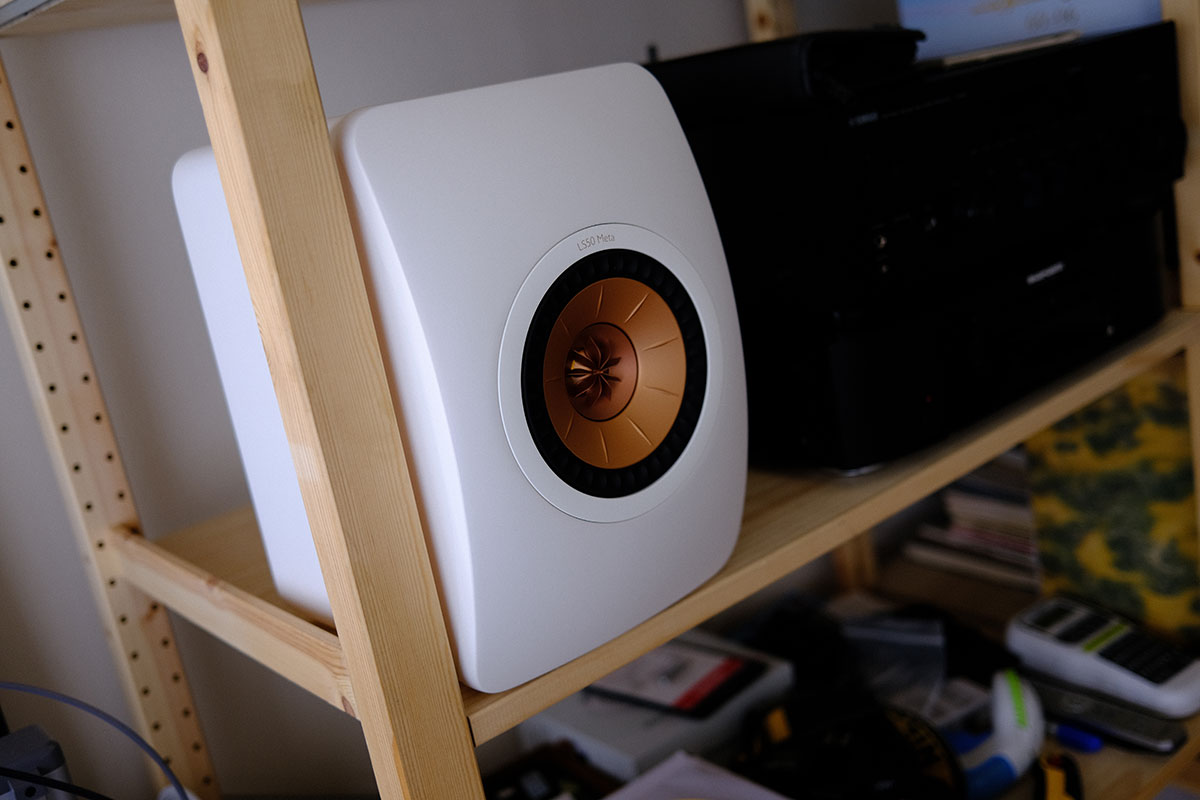
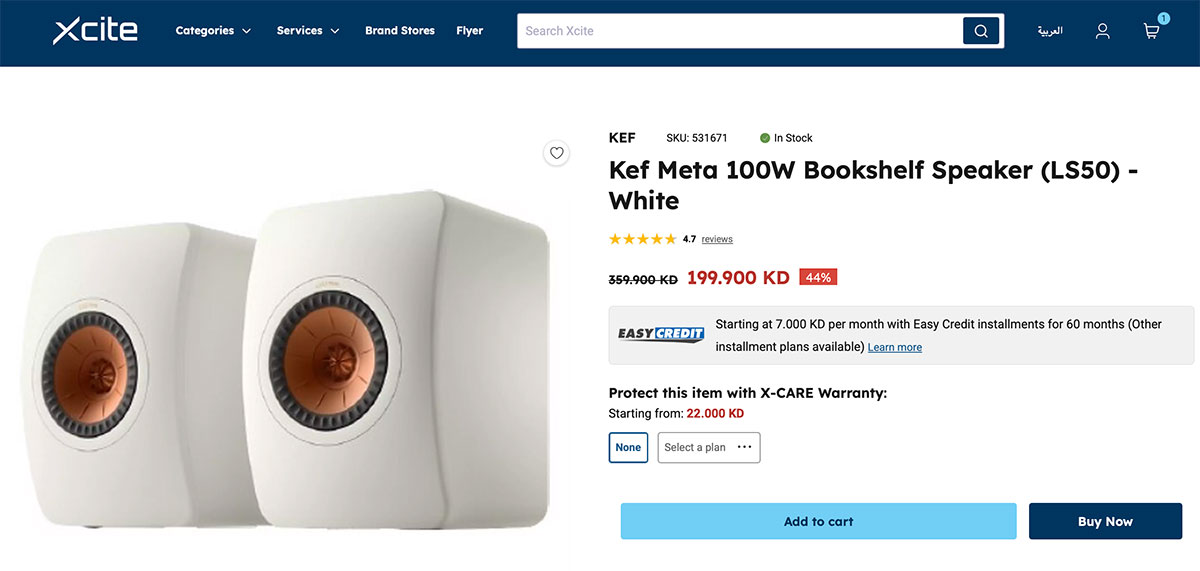
I’m a huge fan of KEF, since Xcite hooked me up with the LSX speakers 6 years ago, I’ve bought a second pair of LSX, a KEF R7 and now just got a pair of LS50 Metas. I wasn’t really looking for speakers but I was refurbishing one of my rooms that had a pair of floor standing speakers and decided I wanted to create more space by getting bookshelf ones. I had an extra pair of LSX lying around but then I found out the LS50 Metas were 44% off on Xcite and ended up buying a pair.

They’re literally the cheapest pair of LS50 Metas in the world. When BestBuy discounted them down to $1,000 in the US people in forums made a huge fuss about how much of a great deal that was, we have them for $650 in Kuwait. Well technically there is only one new pair left in that price point. For some reason the black and titanium colors aren’t discounted, only the white is priced at 199KD. When I bought mine the salesman told me there were only two pairs left, so one left now if anyone wants it. Link


Categories
Geek Reviews Technology

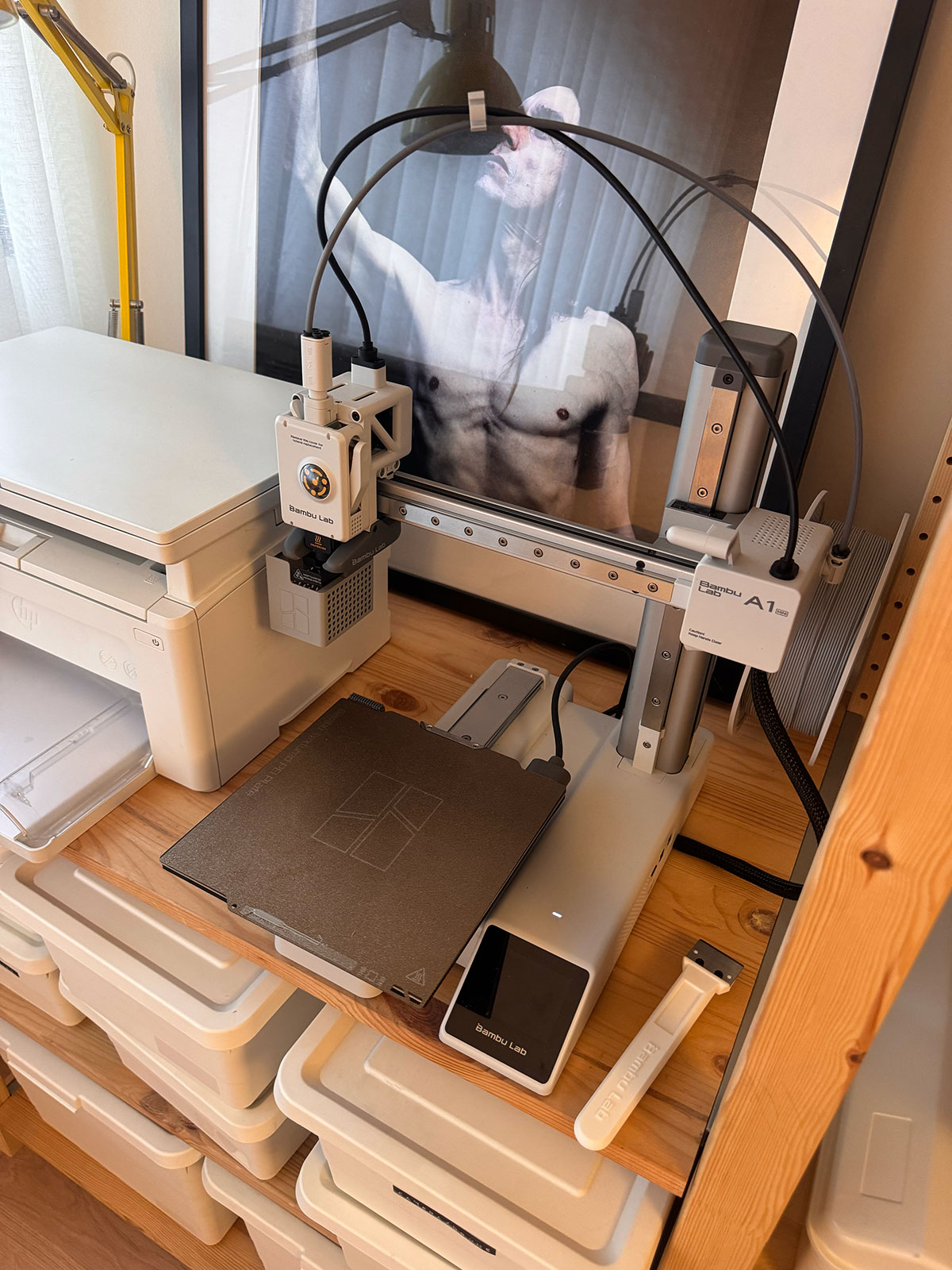
Bambu Lab A1 Mini 3D Printer First Impression

The last time I used a 3D printer was back in 2016 when I reviewed the Micro 3D Printer. Things have come a longggg way since then.

I was eyeing the A1 Mini for a few weeks, just out of curiosity since I had watched a YouTube video that had it and thought it was pretty cool for a 100KD printer. Then during Amazon Prime it went on sale for $250 and I actually bought it but then canceled the order before it shipped. Then randomly one night I was on the UK Bambu Lab website and saw it was on sale for £149, so 60KD~ or $200, I bought it right away. Shipping and customs was another 30KD but that was still cheaper than the 140KD price it was selling in Kuwait for.

Total was like 90KDish and I bought the Bambu Lab PLA Basic filament from the local dealer for KD8.750 so to get it up and running it was just under 100KD.

I’ve only had the A1 mini for around a week now, it’s plugged in and always on. There is a really great app for the phone and anytime I find something I want to print I just send to print from my phone. It even has a built in camera so I can watch the printing happening or shoot a time-lapse. The quality of the print outs is amazing, you can barely see any layering and things look like they’re store bought.

I also found it super easy to create something in Adobe Illustrator, import it into the Bambu app and then turn it into 3D. So for basic stuff you don’t even need to 3D model.

I’ll eventually do a proper review of the printer but just wanted to post about it now quickly since I noticed it’s back on sale but at £169 if anyone wants one. Link


Categories
Apple Geek Television

Apple TV 4K Gen 1 vs Gen 3

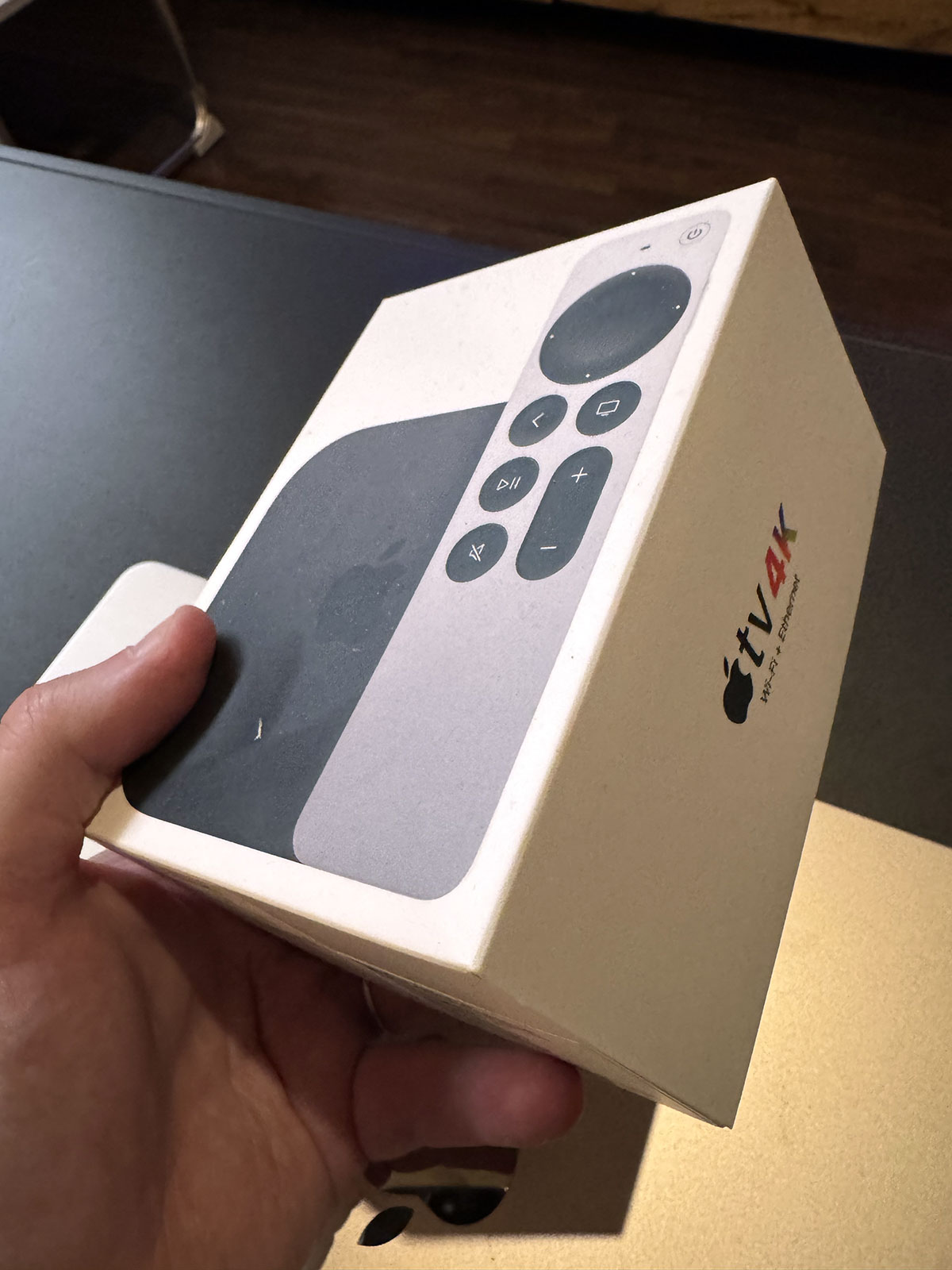
I don’t know how I only recently realized this but turns out there is a pretty big difference between the first gen Apple TV 4K and the 3rd generation one, even though they look pretty much the same.

I only found out after I installed tvOS 26 developer beta on my AppleTV. I didn’t notice any visual differences and then a few days later I read an article about how some of the new visual changes would only show on the gen 3 AppleTV. So I checked my model and realized it was the first generation from 2017. I didn’t really realize because at one point in time I upgraded my remote to the new one and so my AppleTV in my hands resembled the latest gen.

What I also didn’t realize was that there was a considerable upgrade to the Apple TV CPU from the 1st gen to the 3rd. So I went out and bought the latest AppleTV which is over 2 years old now and damn, the difference in experience is pretty big.

All the streaming apps start and run faster now, and even the streams start quicker. Not only that but Peacock for example seems to be streaming in 4K now when it previously wasn’t. Or maybe it was but the app processes the stream better now resulting in sharper footage? No idea but the whole AppleTV experience had just been a huge upgrade for me.

Usually I’m on top of everything Apple so quite surprised at how I was so unaware of this. I actually shouldn’t have bought the AppleTV now since it’s due for an upgrade soon, but figured I’d just sell it again once the new one comes out.


Categories
Geek Information Internet News

Starlink internet is coming to Kuwait

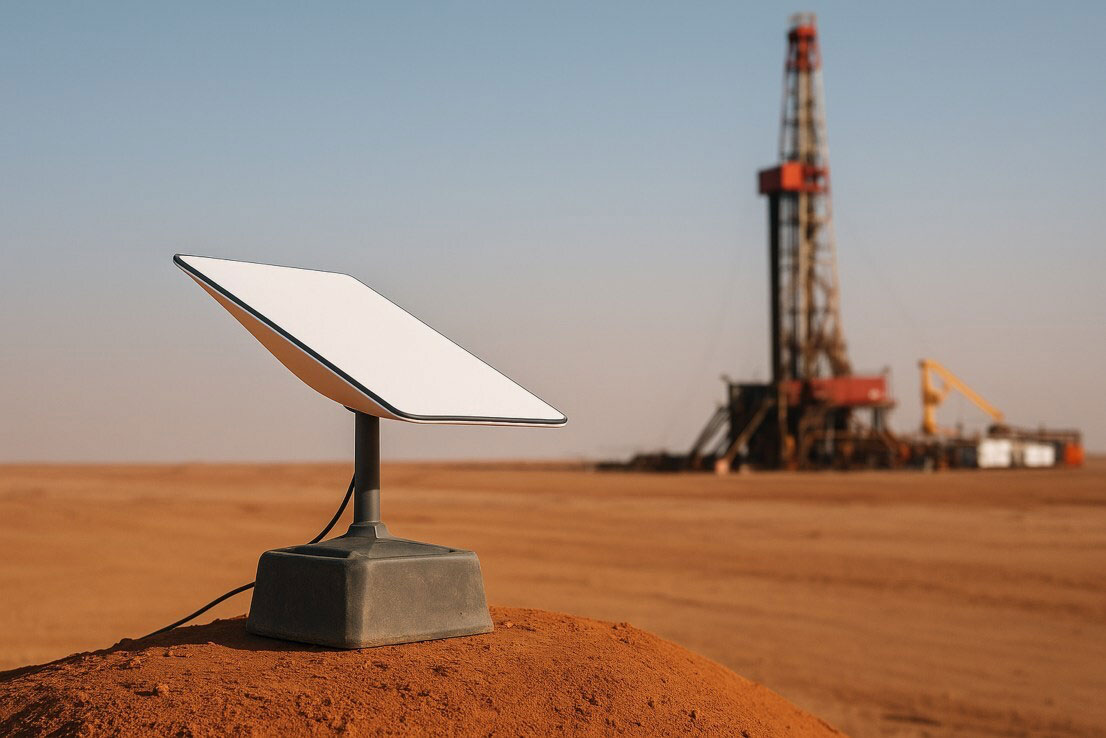
Alghanim Industries has announced that they’re now the official distributor of Starlink’s satellite internet in Kuwait and across the Middle East, North Africa, India, Turkey, Pakistan, and more. For those not in the loop, Starlink offers high-speed, low-latency internet that works through satellites, making it perfect for places where regular internet can be spotty or completely unavailable.

This is pretty big news. Although our internet is pretty fast here, our latency is terrible. Latency is the time it takes for data to travel from your device to a server and back. Basically, it’s the delay you feel when you’re trying to load a webpage, play a game online, or join a video call. Lower latency means less delay and faster responses.

According to the Sama X website, there will be four packages to choose from:

Sama X Personal 500GB
Sama X Personal 1TB
Sama X Personal 2TB
Sama X Personal 5TB

All four packages promise speeds up to 350/40 Mbps (download/upload), and 20-40ms latency. The difference between the four packages will be the bandwidth.

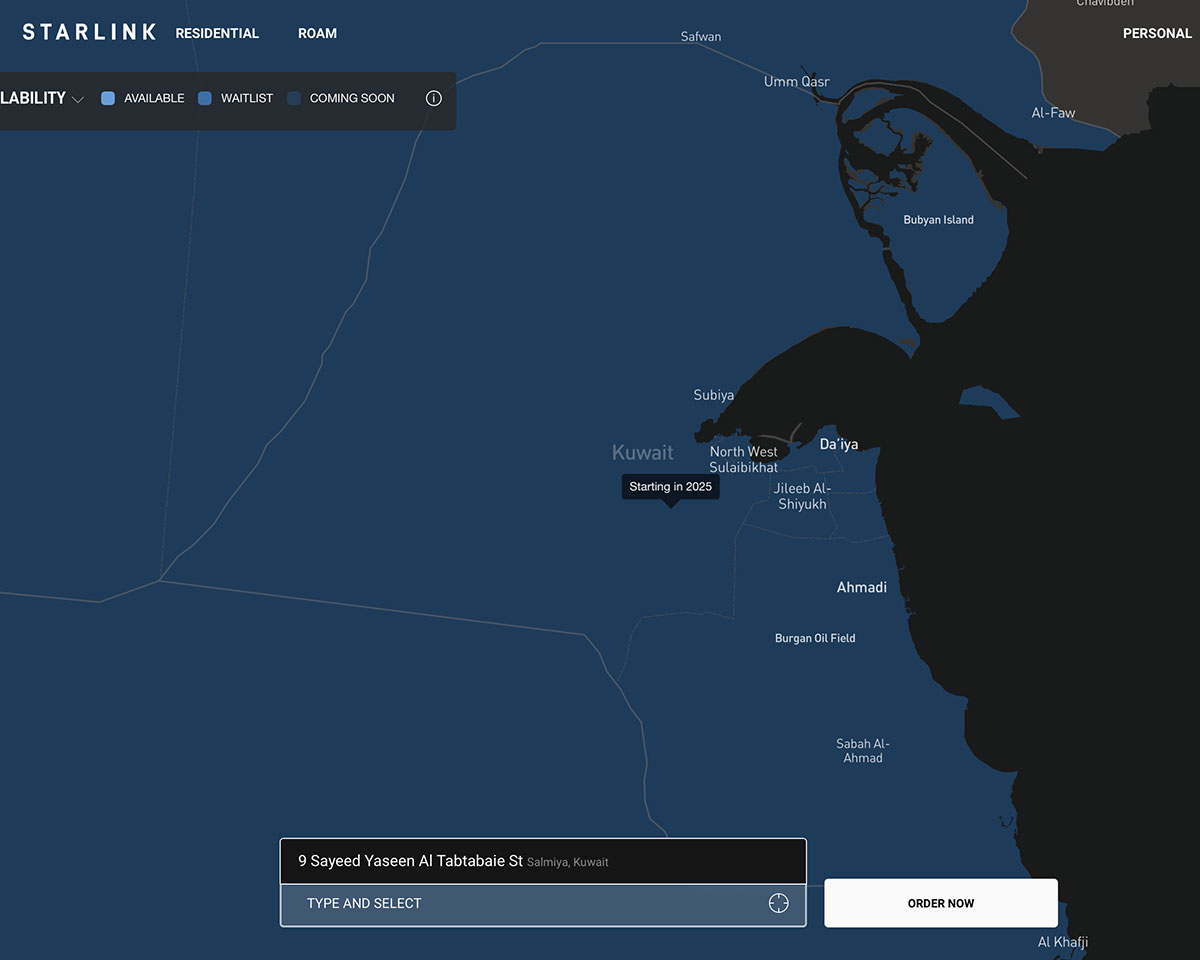
The rollout has already started across the region. According to the Starlink website, the service is currently available in Bahrain, Oman and Qatar. Saudi Arabia and the UAE are pending regulatory approval, while Kuwait will be available this year. Exciting!

Sama X don’t seem to have an Instagram account, but their website is samax.com


Categories
First Impression Geek Personal Technology

First Impression: Bee Wearable Ai – I like it!

I’m a huge fan of Ai and its potential, so when I heard about Bee and saw the price, I knew I had to try it. Even though reviews weren’t that great, the idea of Bee intrigued me and it was only $49, so not really a huge investment. I figured it was worth getting just to play around with especially since there wasn’t a monthly subscription or anything additional to the $49 I needed to pay for. I’ve had it now for a couple of weeks and my first impression, I really like it, well the idea of it at least.

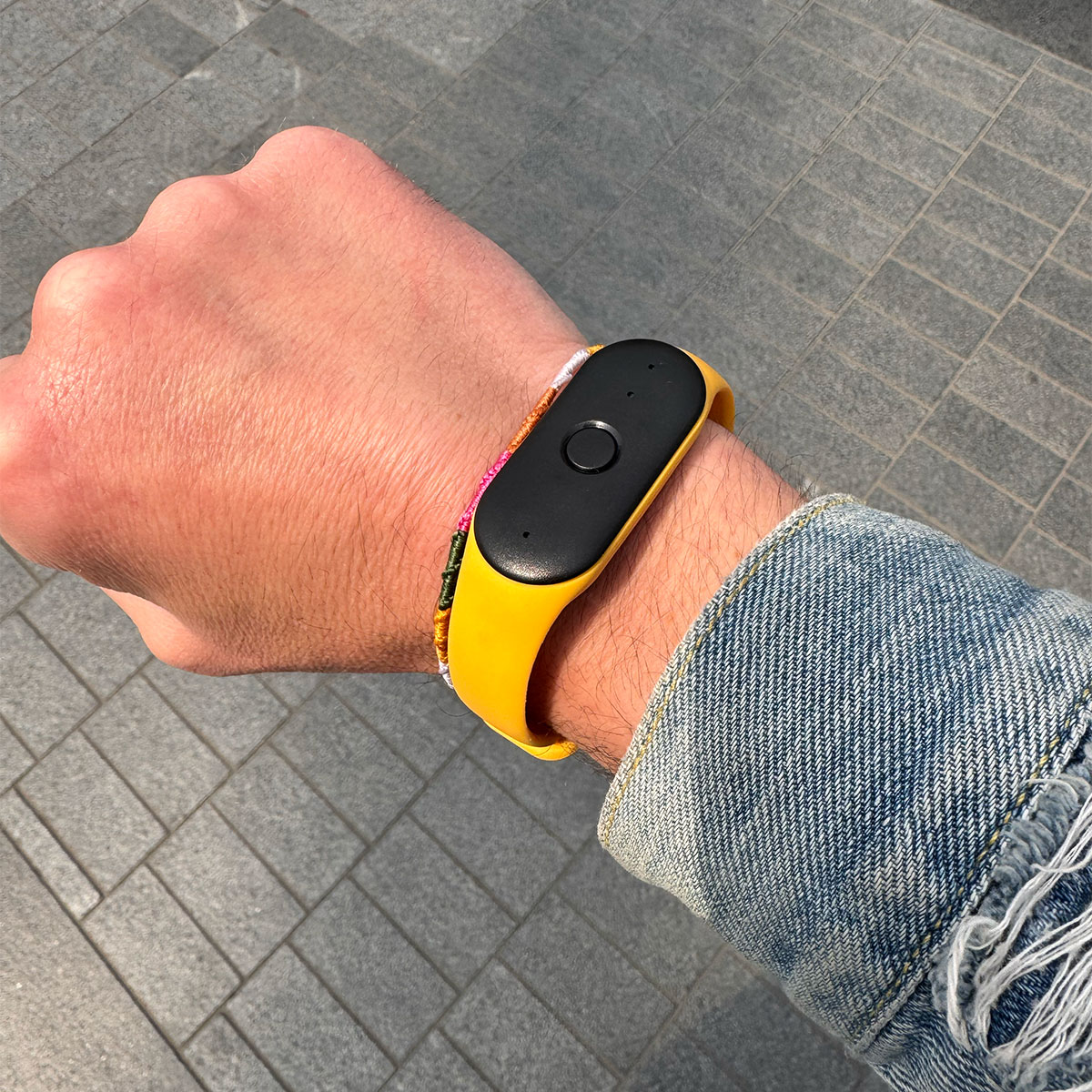
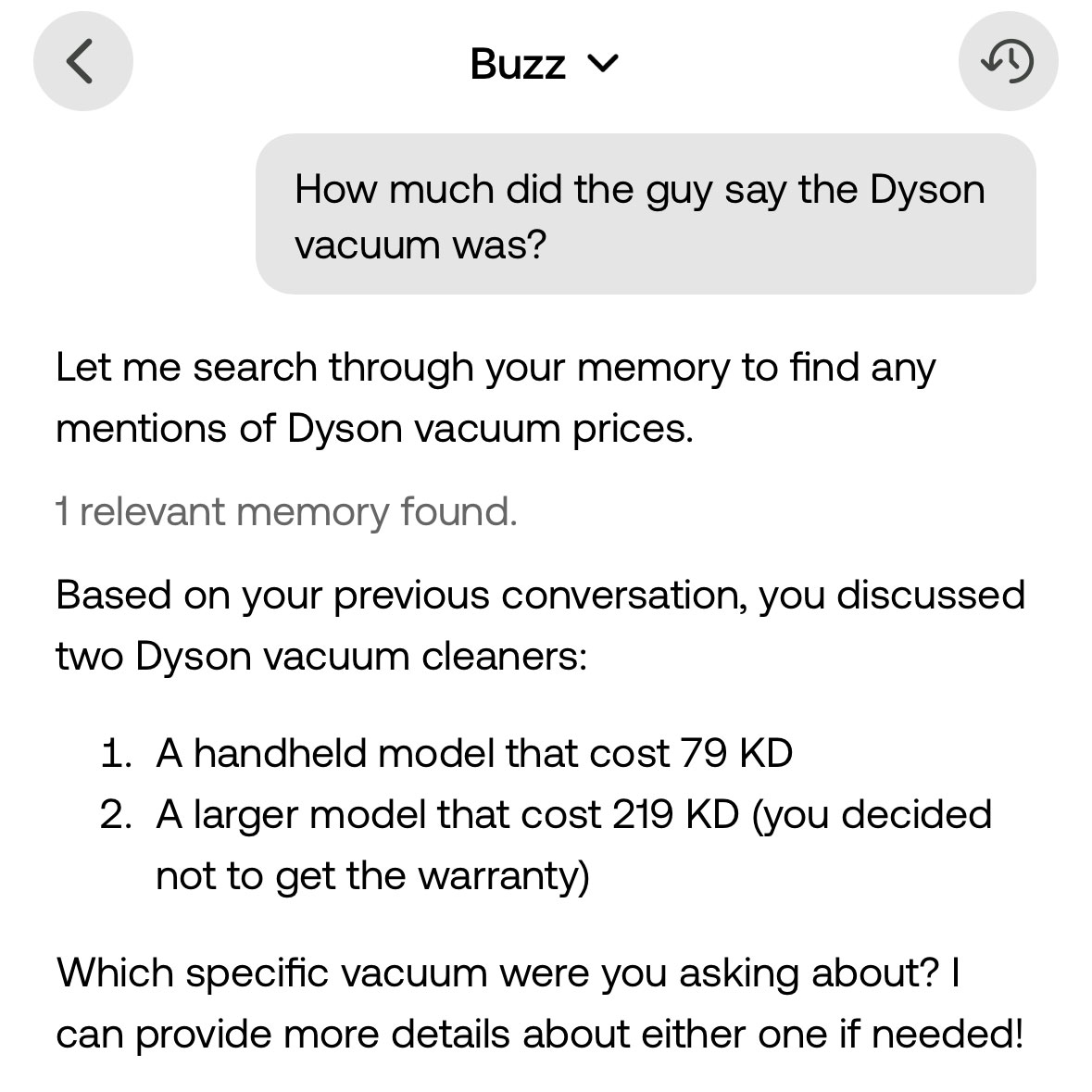
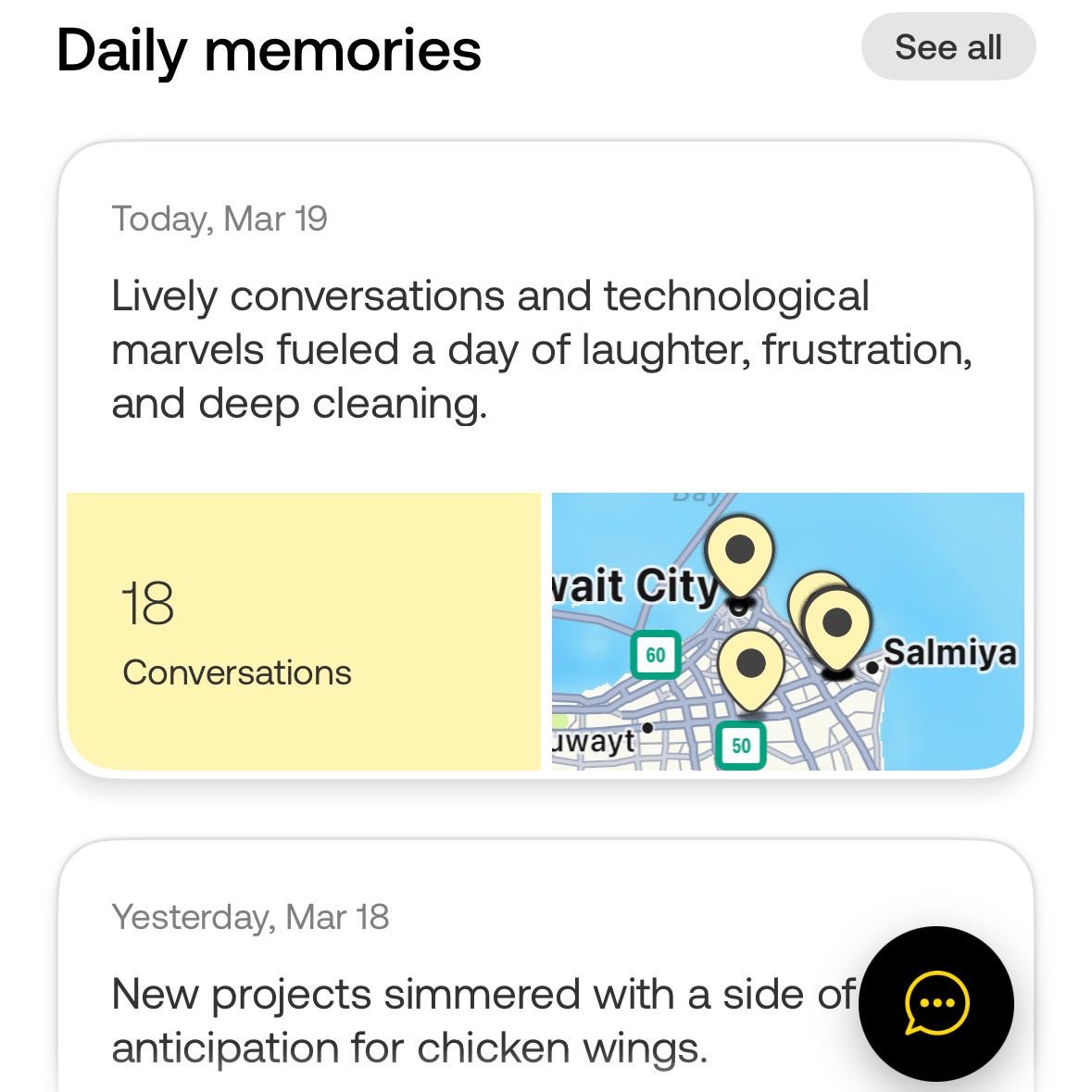
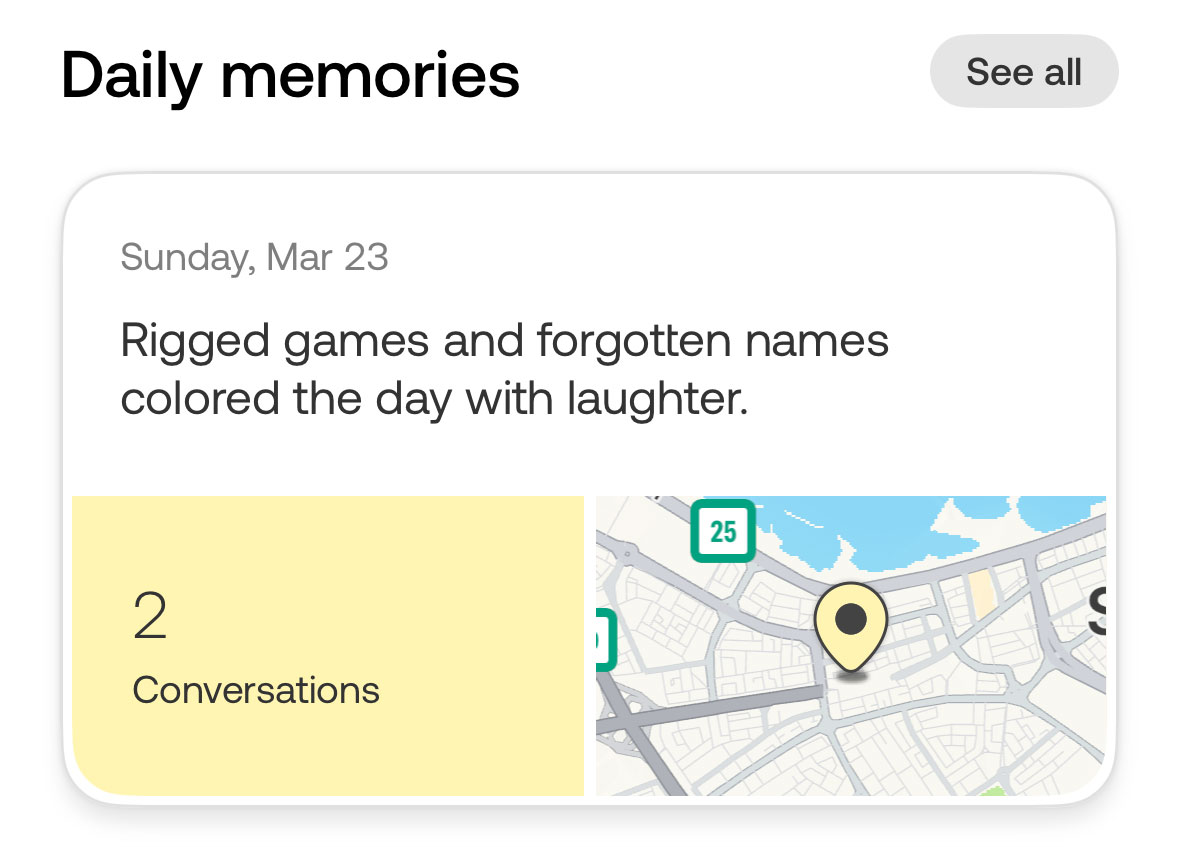
Bee Ai is basically two things, a mic you wear on your wrist like a Fitbit, or you can clip it onto your shirt. The second part to Bee is the software. The Bee mic constantly records everything around you and the software with Ai keeps track of everything for you. So for example, I went to Xcite last week to check up on some Dyson vacuum cleaners. The next day I asked Bee “How much did the guy say the Dyson vacuum was?”. Bee responded telling me the price of the handheld model I asked about and the larger model. It’s like ChatGPT but for my real life in a way.

But, Bee is also totally unreliable at the same time. It can’t tell the difference between a real conversation I’m having with an Xcite employee, or me watching an episode of White Lotus. It’s really unreliable, but also so accurate and great at the same time which is why I’m loving Bee more than hating it. When it gives me summaries of my day it’s generally accurate and the way it words it makes me feel good about the day, like I did so much and it was epic.

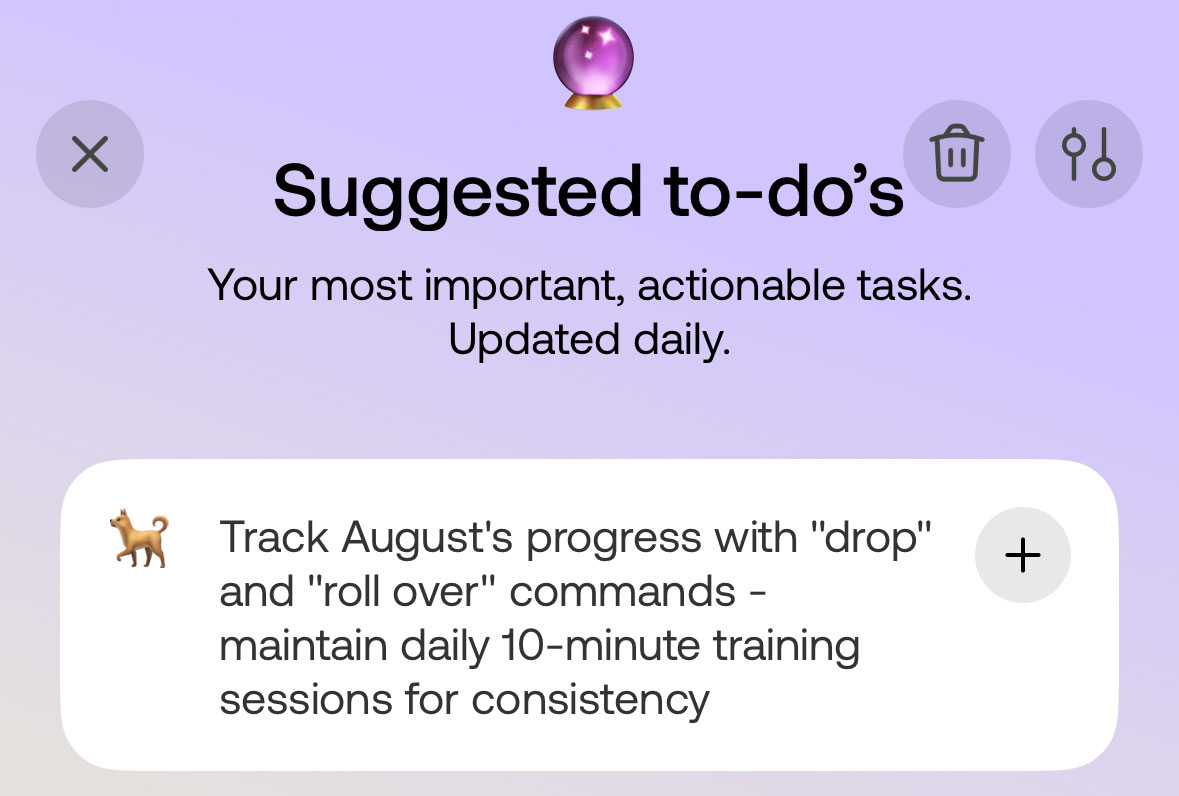
When Bee gives me suggestions to add to my to do list they’re usually very accurate. Actually, more like wow how did it know that kind of accurate. Like Bee knows I have a dog called August, it understood I was trying to teach my dog tricks and my dog was struggling. So Bee added the following to my suggested to do list:

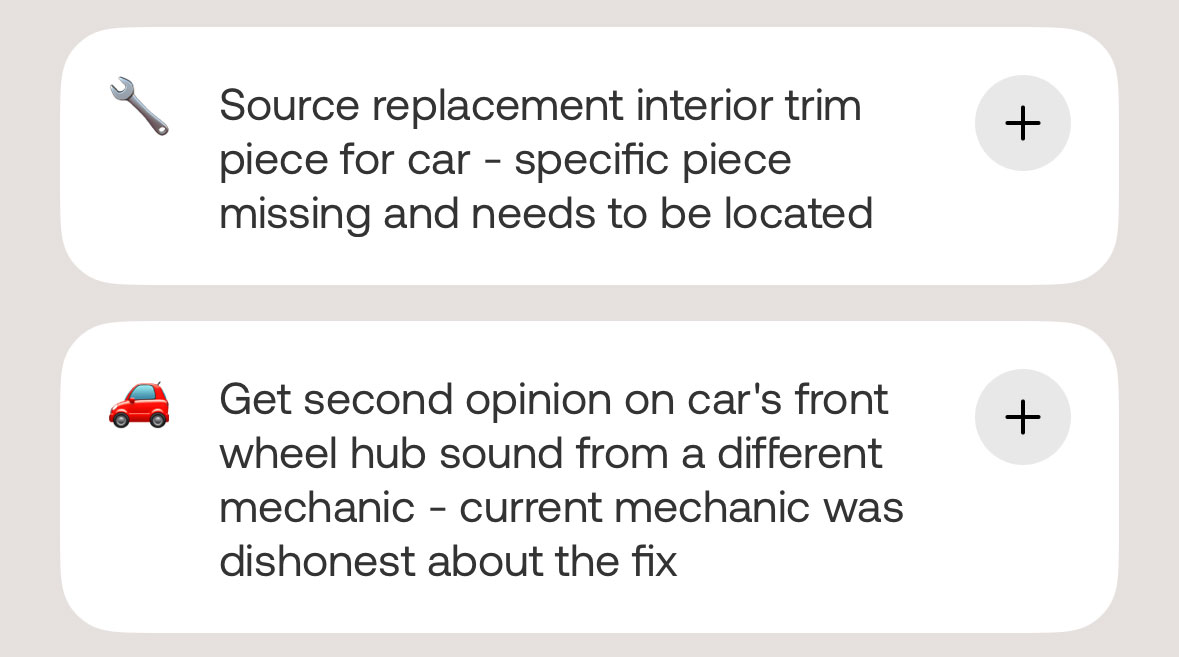
I was talking to a friend about one of my cars and an interior trim piece I needed to get, Bee added it to my suggested to do list.

I had a conversation with another dog owner about the possibility of getting a second dog. I didn’t know the dog owners name at the time but Bee still added the reminder for me to follow up with Waldo’s owner about the potential of getting a puppy. Bee did’t know the name of the person but recognized that the owner has a dog called Waldo and so referred to them that way. Thats common sense smart.

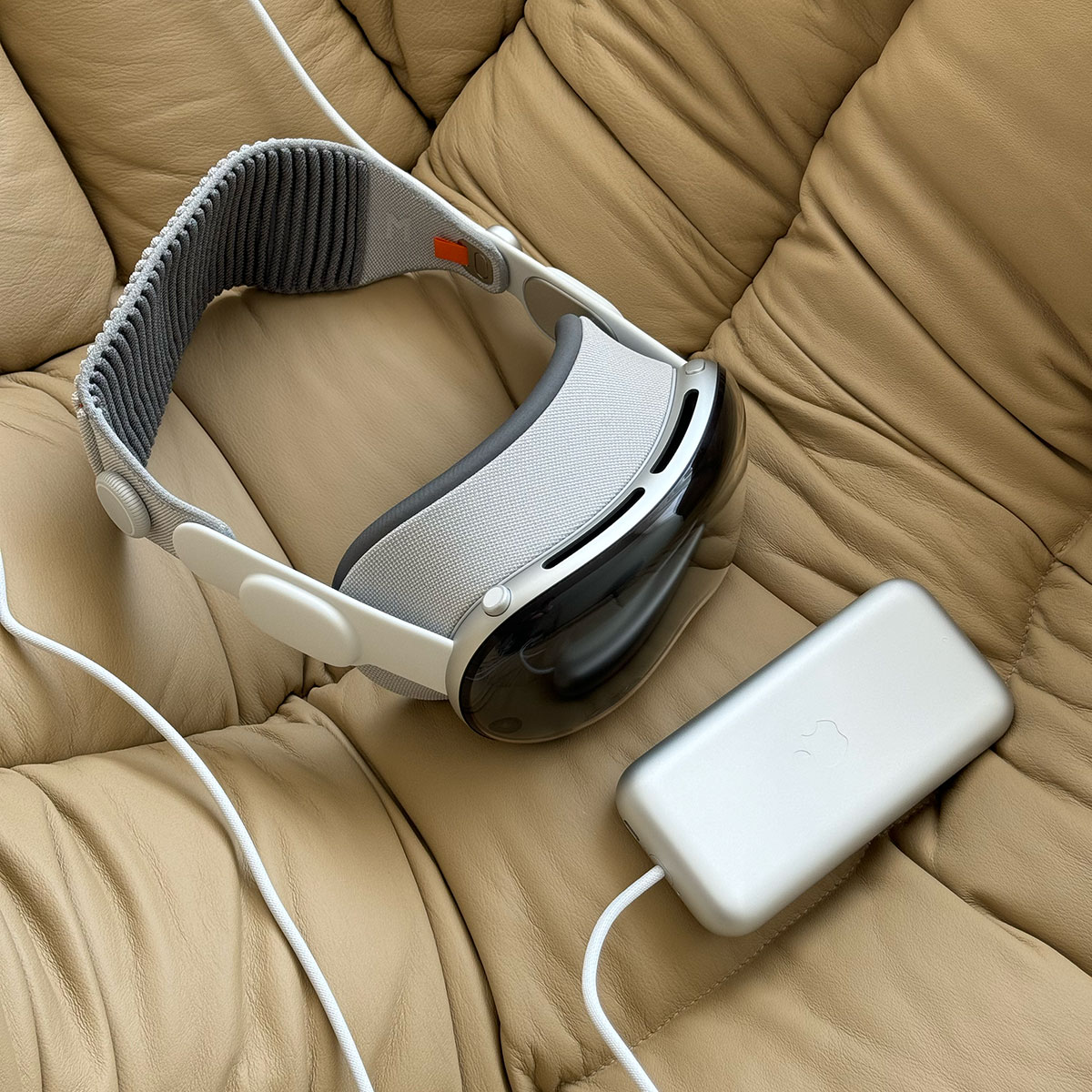
It’s actually a bit unreal how smart (and how stupid) Bee can be. It’s still too early for it to be really useful, but the potential down the line, it’s similar to the Apple Vision Pro, like you need to think much further down the line with improvement in technology and abilities. The idea of having basically an Ai assistant taking notes down for you throughout the day has so much potential, an Ai memory. I already use the blog as my digital memory, especially since back in the day I used to share more personal stuff here, but now something like Bee can become my real world memory. I mean it even recognized that on Sunday the talk of the day was the Ya Hala drama.

If you want to try Bee out, they just started shipping their 3rd batch. Here is the link to their website.


Categories
Apple Geek Reviews Technology

The New M4 Mac Mini

When the M1 iMac came out back in 2021, I bought one with 16GB of RAM and a 1TB hard drive. It was fast, especially after moving up from an old Intel-Mac iMac. More than 3 years later the iMac was still great, I never felt it was slow and really didn’t have any issues with it except for two things:

  • The color no longer suited my apartment. I went through a major redesign last year and the green iMac wasn’t working in my space.

  • The second issue I had was with the hard drive, 1TB wasn’t enough anymore and I kept running out of space. I couldn’t solve it with an external drive since majority of the space was taken up with my Photos library. I thought about moving it to an external drive but I read I would end up with issues which I didn’t want to risk or deal with.

I was also honestly looking for an excuse to pick up the Mac Studio, I loved the way it looked and just wanted to have one. I kept building a Mac Studio hoping I’d eventually pull the trigger but I kept hesitating and eventually knew I was too late to buy one since it was due for an M3 or M4 upgrade. I stayed patient and then the M4 Mac mini was announced.

It looked like the Mac Studio, but was a lot more smaller and much more cheaper. So I pulled the trigger and bought one.

Initially I wanted to get the Mac mini with the M4 Pro chip, but after realizing how much upgrading to 2TB was going to cost me, I decided not to go with the Pro. I never had a speed issue with my M1, and from what I read about the M4 Pro, I wouldn’t really benefit much from it anyway so to save some money I decided to stick to the “regular” M4. I ended up upgrading the RAM from 16GB to 24GB, and the hard drive to 2TB. The hard drive upgrade cost me $800! That’s more than the cost of the Mac mini by quite a bit. It’s crazy, but I guess that’s how Apple manages to set the entry price of the Mac mini so low, they make up for it with the upgrades. $200 to go from 16GB to 24GB RAM, and $800 to go from a 256GB hard drive to a 2TB one. $1,000 worth of upgrades on a $600 computer!

But, overall it was still a lot cheaper than the Mac Studio I had been building on the Apple website for months now which is why I still pulled the trigger.

I ended up buying the Apple Display from Xcite since they were selling it for KD499, similar price to apple.com not including tax or shipping. Once you include tax and shipping the price shoots up much higher than Xcite. You can find the display cheaper on Amazon but even then, once you add tax and shipping the price ends up being similar to Xcite.

Now that I have everything installed and running I really love my new setup. The Mac mini is really small and doesn’t take up much space on my desk. The Apple display is big and beautiful as well, it’s not much bigger than the iMac screen (24″ vs 27″), but it does give me much more room to have two windows open side by side comfortably. It also expands my USB-C ports by an additional 4 ports, and has a Mic built in which is great since the Mac mini doesn’t have a mic.

Having 2TB is probably the biggest relief since I don’t have anxiety about running out of space and this should last a pretty long time with me since I don’t really store any large video files or anything of the sort on my iMac, just my photos which are around 600GB, and work and blog related files which are less than 300GB.

The only negative I have with the Mac mini is that the headphone jack is on the front which means if I want to physically connect them to my speakers I need to have a wire running out the front. I have KEF LSX speakers next to my display and with my previous iMac I ran them over Bluetooth. But it isn’t very reliable as in every few days the speakers lose sync with the video on my Mac and I need to disconnect and reconnect to get them to sync again. With the Mac mini I was hoping to connect them with an optical out or audio out but from the back. I have a USB-C to headphone jack adapter but decided to get a USB-C to optical out and ordered one from Amazon. But I now have another issue, the adapter I got doesn’t support volume control from the Mac so that’s around 15KD wasted and I either need to find another optical out that supports volume control, or just give in and use my USB-C to headphone jack and connect the speakers that way.

But other than that I don’t have any complaints, and no regrets with my purchase either!


Categories
Apple Geek

Apple Vision Pro – 6 Months Later

So it’s just been over 6 months since I got the Apple Vision Pro, which is why I wanted to share a usage update.

My AVP usage has dropped considerably since I first got it, which is to be expected since the first couple of months its lots of experimenting, trying to see what I want to do with the AVP. Now I’m more aware of what to use the AVP for, and it’s mostly media consumption.

The #1 use of the AVP for me is watching Formula 1 races. There are two great apps on the AVP to watch the races and both offer similar features. Imagine sitting in a movie theater and watching F1, but it’s me on my couch watching it. And it’s not just about having a large screen, I also have multiple screens all around, one showing the timing screen, one showing an overhead map of the race, and then multiple windows of the different driver views. It’s ridiculous, I love it. Another advantage is I could sit in the living room and watch the races while my wife sits next to me watching TV. Both of us physically using the same real world space, but I’m in a different digital space doing my own thing.

My second favorite thing on the AVP are the immersive videos. These are videos that make you feel like you’re watching a film from inside the film. It’s nothing like you’ve ever experienced, it’s nothing like IMAX or 3D glasses or whatever, it’s an experience you can only have through the AVP at the moment. Immersive videos are 3D 180-degree 8K recordings with Spatial Audio. At first, Apple released a bunch of these, mostly short documentary like films, but a few weeks ago they released a short film called “Submerged” that takes place on a submarine during the World War and is directed by an Academy Award winning director. It was insane, I’ve never experienced a movie like that before in my life. I was left stunned and once I was done I made my wife watch it and I could see from her facial expressions that she was also taken aback by it. You’re IN the movie, it doesn’t feel like a camera is capturing the action, but it’s your own eyes. It’s very hard to explain because it can’t be compared to anything.

While on the subject of immersive videos, Apple has released I think three immersive sports videos, one from the NFL, one from MLS and one from the NBA All Star game. Those are crazy as well, imagine watching a sports game while standing on the sidelines of a soccer field or sitting court side at a basketball game. I’d watch so much more sports if this became the norm. It’s an insane experience, standing there on the court and having an NBA player just walk by you, you really don’t realize how tall or big sports players are until you’re right there next to them. It’s also not just one view, in the 5min or so long videos Apple lets you experience the games from multiple angles and at different times. So when the NFL game ended you’re there on the pitch surrounded by people celebrating, at the NBA game if someone is taking a free throw your view point is from behind the basketball. It’s also all in 3D so when a ball comes flying past you, you duck.

So yeah, that’s my primary use for it. Every now and then someone releases a new game or app that tries something different and I try it out for the experience. The Reddit AVP community is great. Apple hasn’t sold a lot of AVP’s so the community is pretty small. There are a lot of developers active on the AVP subreddit and take feedback seriously and usually make the changes pretty quickly. Many of them are always looking for people to test out their apps and games as well, so it feels like a close-knit community from the old Internet back in the 90s.

Yesterday, Apple released a software update that allows you to have an ultra wide monitor when mirroring your Mac. Lots of people were looking forward to that update since it would help them with their workflow. Some people love the AVP for traveling, especially when staying at hotels. Everyone is kinda finding their own thing of what they want from the AVP which is pretty cool to see.

I definitely don’t think anyone should buy an AVP right now that’s for sure, it’s not ready for the mass, it’s still just for people who are willing to basically be beta testers and have lots of money to buy one. They did announce they’re launching the Apple Vision Pro in the UAE, so the next time you’re there, if you can get a demo I’d highly recommend it, just to get an idea of what the future could be like.