
To view the websites statistics, go to https://248am.com/stats
Search: “sti”
We found 5,138 results for your search.
Categories
2:48AM Statistics
I noticed many bloggers are moving around lately either from blogger to WordPress or from Blogspot to a hosted blog. Well I found a link that can help you find free web hosting with no ads. There are a whole variety of hosts, some offering more web space, some offering more bandwidth but they nearly all allow you to setup your own domain. So if you are interested in moving to WordPress or off blogspot and need hosting, this link will help you find a free host. [Link]
Now in case you’re interested, here is a coupon for a $50 discount at my favorite web host DreamHost. Just use the code FIVEZEROOFF when checking out.
With iTunes 4.9 you can now browse, find, sample and subscribe to thousands of free podcasts — radio shows delivered over the Internet to your computer — then sync them to your iPod and listen anytime, anywhere. [Link]
Categories
The BEST Optical Illustion Ever
Just found this via waxy, its very scary, you won’t believe it… [Link]
Categories
qHate still kicking ass!
I was googling “Kuwait Blog” and to my surprise our (Rampurple, nibaq and mine) old blog qHate came out as a first result. So I decided to google a variety of words and checked how qHate ranks, below are the results:
Kuwait Blog (Rank 1)
Kuwait Blogs (Rank 10)
Kuwaiti Blogs (Rank 15)
Kuwaiti Bloggers (Rank 3)
Blogs from Kuwait (Rank 12)
Kuwait war blog (Rank 2)
Rampurple Blog (Rank 2)
Nibaq Blog (Rank 5)
Mark Blog (Rank not in top 500)
Wolf Blitzer suspicious of six foot one Arab males (Rank 1)
Categories
Busting Pirates on TV
Someone in the office just told me that they recently have been busting in on pirates in Hawalli and they are broadcasting the busts live on TV. COPS style. Anyone know anything about this or seen it?
Categories
2:48AM Statistics
I decided to share with everyone the statistics of 2:48AM from the day 1 which was February 19th till the end of April. The list is displayed as Date followed by amount of unique visitors.
Feb 2005 557
Mar 2005 1961
Apr 2005 3144
To see how many visiters have been coming in day by day detail click on more below.
Categories
Domain Purchase and Hosting
Question: What tips can you give mark regarding domain registration? in terms of url name, company, pricing, and so on..
Answer: I am gonna divide my answer into two parts, Domain Registration and Web Hosting.
Domain Registration
I get my domains from Directnic.com. I have been using them for a couple of years now since they first opened up. They offer domains for 15$ a year. There are other registrars like Joker.com who provide you with domains for $7 a year. I haven’t tried those registrars and I wouldn’t risk it also. There are some unspoken services which are offered and I don’t know if these other registrars offer it. For example with Directnic, incase you forget to renew your domain they will still hold the domain for you for up to 40 days. Then after the 40 days pass they will still hold the domain for you for another 30 days but you will have to pay an extra fee to get it back. Then after that they will let the domain go into public domain. With other registrars they might not hold the domain for you at all, some might even charge you an extra fee if you forget to renew it by 1 day.
Webhosting
There are thousands and thousands of providers to choose from but I will make it easy for you. If you register with Directnic, they provide you with free hosting for your domain but you will have their banner on your site. For a small yearly fee they can provide you with simple bannerless hosting. Now if you need something better then there are two ways you can go. Windows or Linux hosting. For Windows hosting I would recommend Fasthosts. I have a reseller account with them and have been using them for over 5 years now. They are VERY reliable with maybe only 1 down time in 5 years. They have excellent service, and their servers are very fast. I would also recommend Interland as a second option here. They also provide reliable Windows hosting for a decent price. For linux hosting you have a lot more cheaper options. If bandwidth isn’t an issue then I would recommend Interland here again. They are a good hosting provider for newbies. They have a very good “Help & Advice” section with lots of information for beginners. If bandwidth is something you need, then I would recommend Powweb. PowWeb offers 5GB of bandwidth a day for as little as 7$ a month. But the downside to Powweb is that their backdoor where you set your web settings and emails isn’t very easy to use at all. Other providers you might be interested in are: Addr, Dreamhost, Pair, iPowerWeb and LunarPages.
Categories
Funny Bumper Sticker
Today morning on my way to work I saw a funny bumper sticker on the car infront of me. Click here to see it.

Categories
Fisting

I keep passing by this sign on my way to the office and I seem to be the only one who gets it. Fist for Security & Safety. Get it? Fist… like in fisting? Urgh.. nevermind…
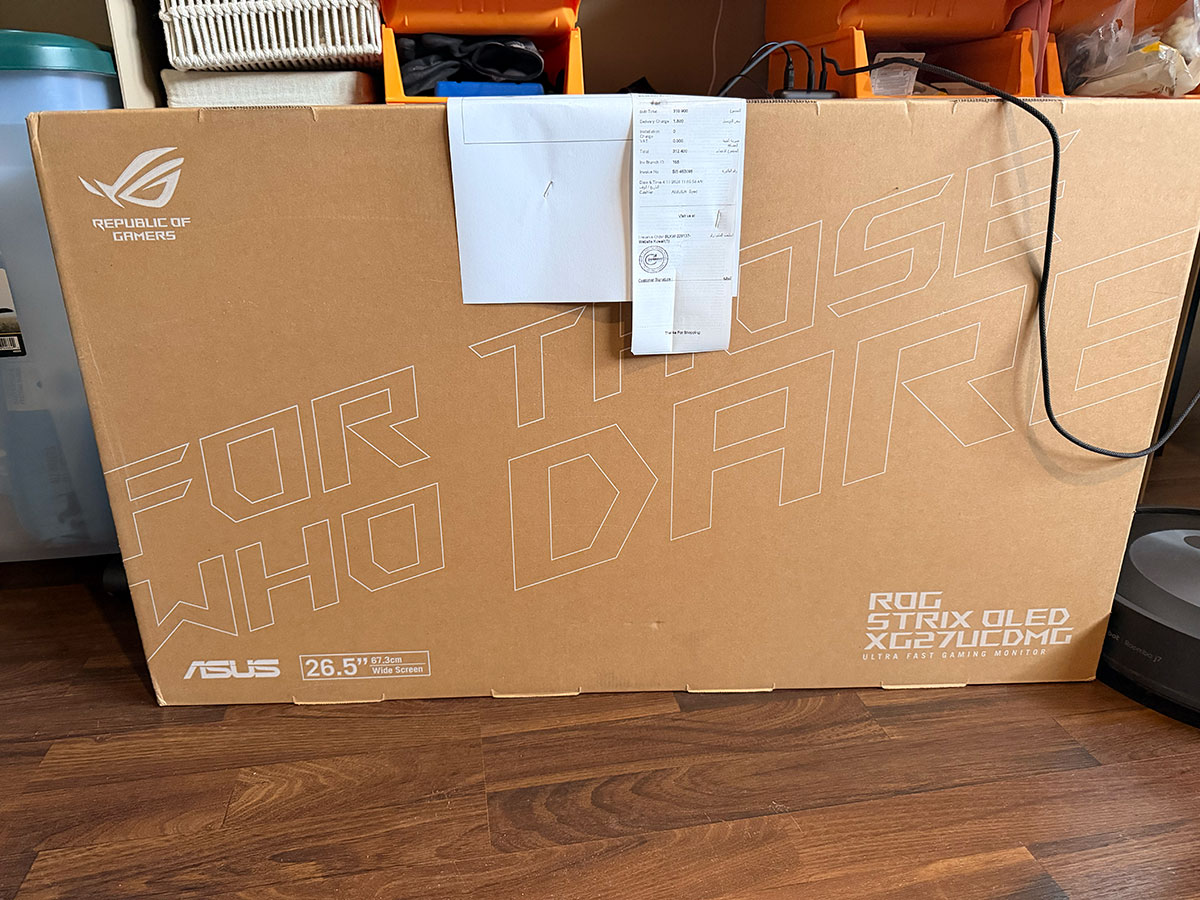
A few days ago I decided since I now have a proper gaming PC, I might as well take advantage of it and not just use it for my racing rig. I figured I’d get a small desk, monitor, keyboard and mouse and set it up right next to my rig. Trying to find these simple things turned out to be a lot more difficult than I expected.
Finding a monitor was probably the hardest mostly due to the costs involved. Keyboard and mouse if you make a mistake you’re not out much, but with a monitor you’re stuck with it. I flip flopped a lot from budget to premium, from IPS to OLED and in the end, after a lot of research I narrowed it down to two options not he opposite end of the spectrum:
Asus ROG Strix OLED XG27UCDMG 27″ 4K QD-OLED, 240 Hz
Price: KD 311
LG 27G810A-B 27″ UltraGear™ 4K UHD IPS 180Hz
Price: KD 135
At one point I was looking at 32″ screens but based on the size of table I was looking to get it would have been too big. Plus they’re more expensive.
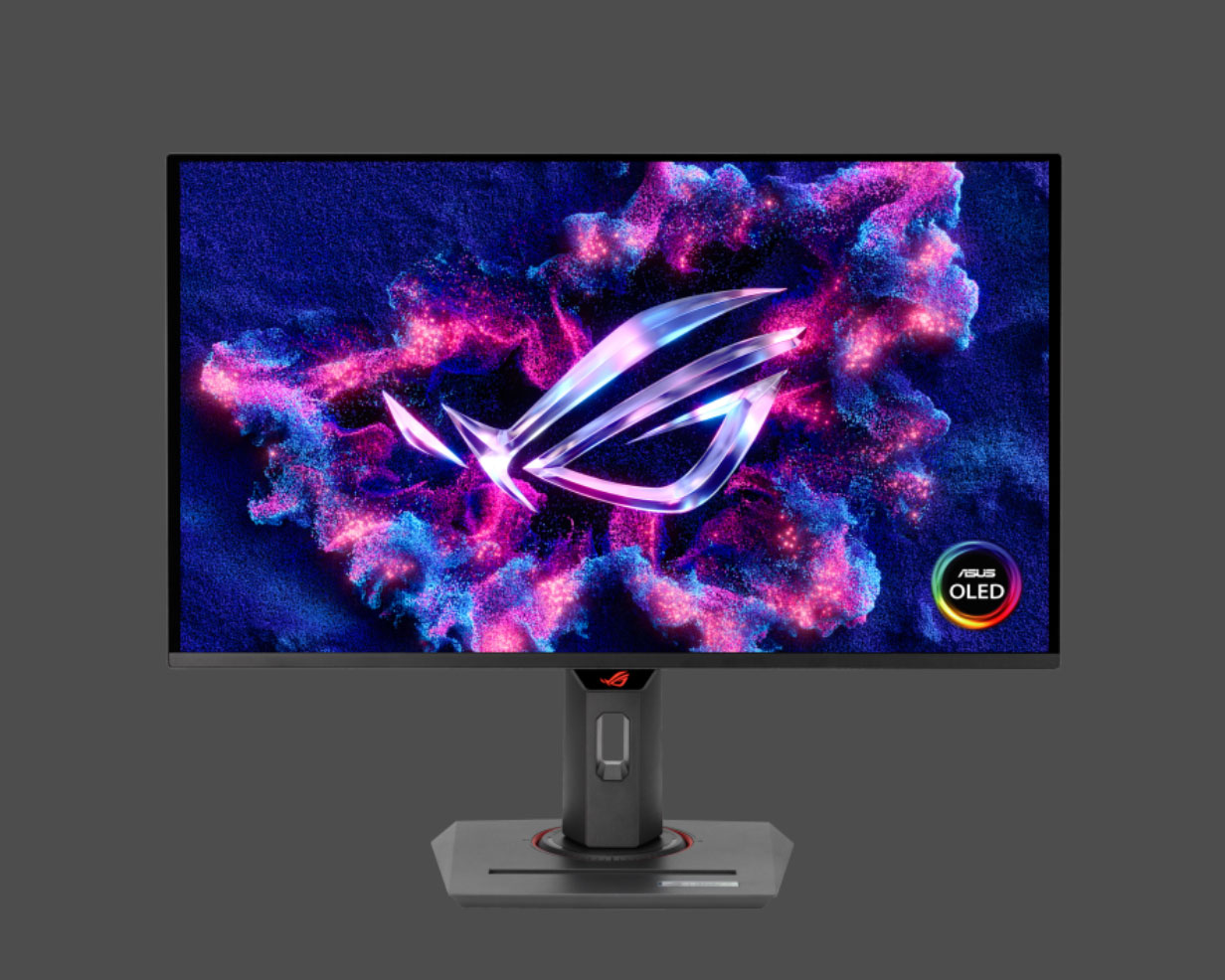
In the end I decided to go with the Asus. I figured I spent all this money getting a high end gaming PC it didn’t make sense to cheapen out on the screen now. The fact I only found one piece in the market helped create a sense of urgency to get it as well. The only place that still had one left from all the online stores was Blink, so I ordered it from them and it got delivered a few hours later.
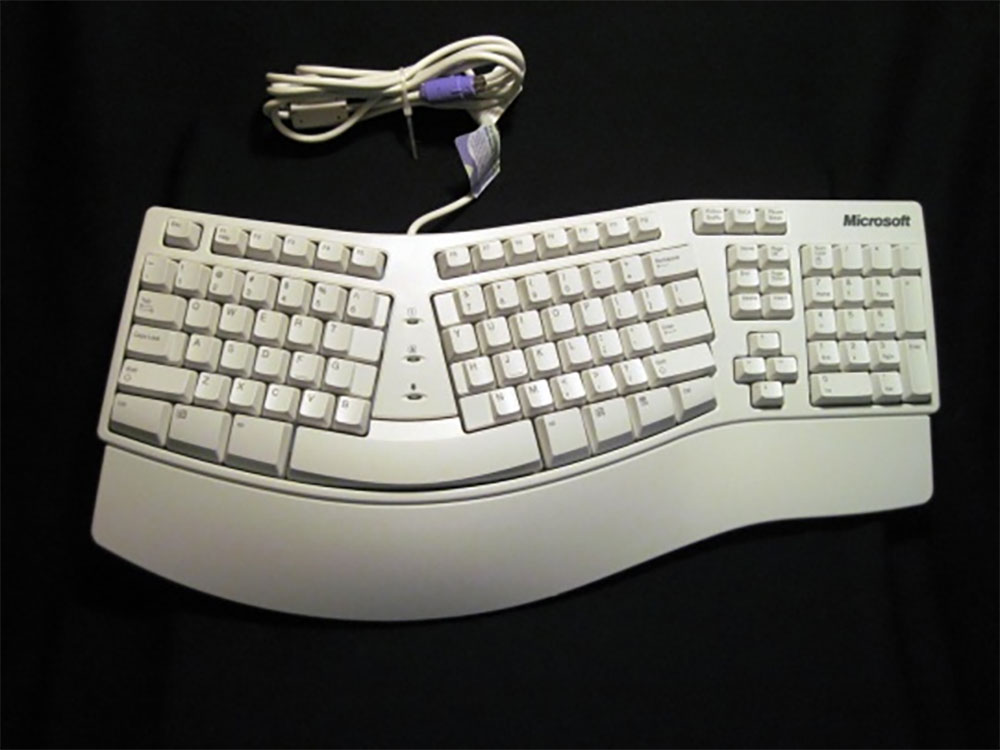
Next step was picking a mouse and keyboard. 25 years ago picking a keyboard and mouse was pretty easy, you just went Microsoft or Logitech. My favorite used to be the ergonomic keyboard pictured above my Microsoft, it was ground breaking when it was released. Now the number of options is crazy. especially if you search for gaming gear. Suddenly new terms started popping up like hall effect, rapid trigger, DPI, polling rate etc.. when back then all I had to pick from was either a trackball or optical mouse and either use a random keyboard I had or get a Microsoft one. The fact that people also care if the mouse weighs 60g or 84g or whatever is also such a new concept to me. But it goes to show how seriously gaming is being taken, it’s fascinating, I love it, but it’s also so overwhelming.
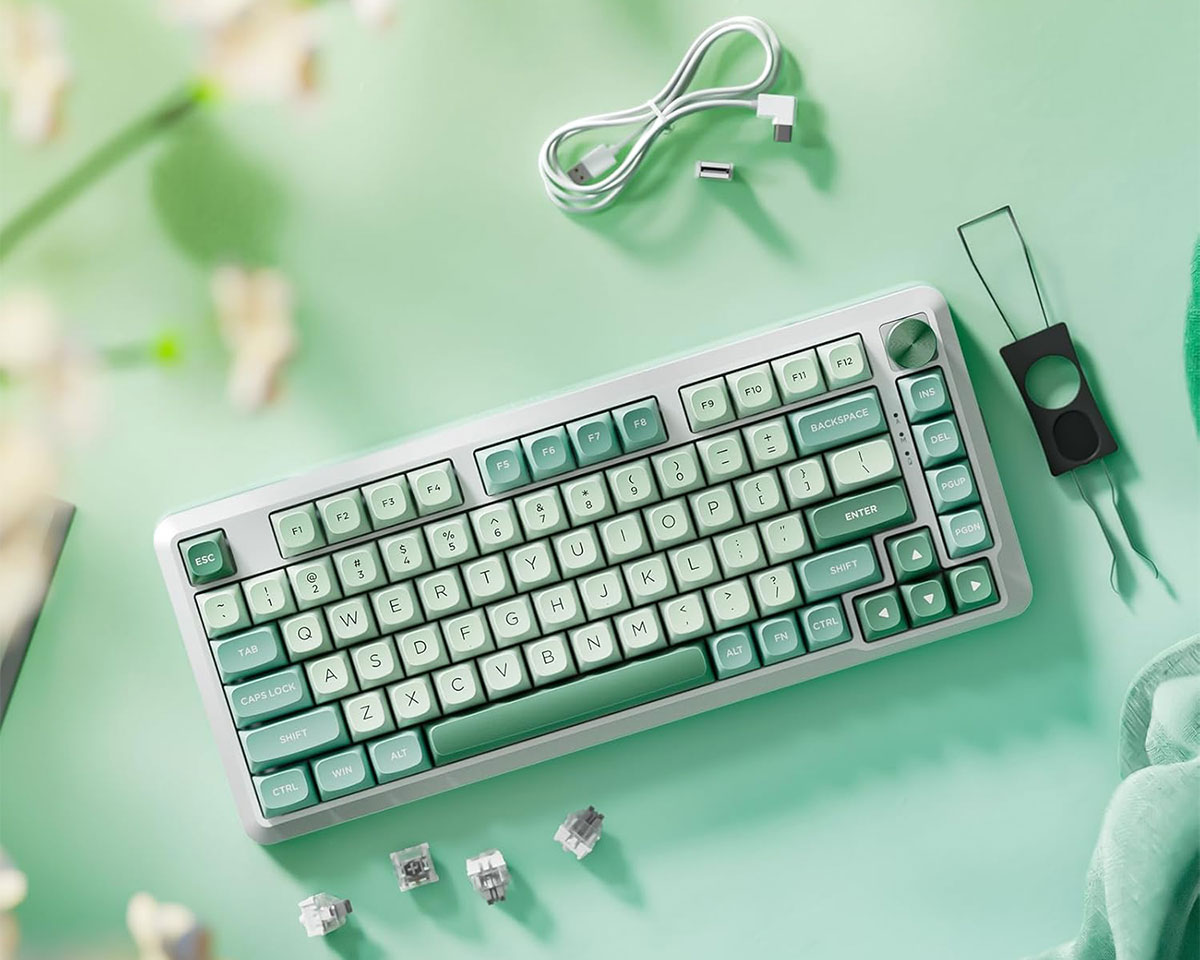
I’m still trying to figure out what keyboard and mouse to go with. I think with the keyboard I’m going to go with looks. I found the Redragon K681 Cyrus PRO locally which looks good, is mechanical and should be good for casual gaming. It’s wireless and costs KD22, plus I might swap out the AWSD keys with some pink ones to give it a 90s vibe. Game Store also have some cute stuff, but most are out of stock.
The last time I passed by Blink they had keyboards on display so might pass by and check them out as well. It needs to be a keyboard with no Arabic, so Keychron or Ducky our out of the question since the ones in Kuwait are bilingual.
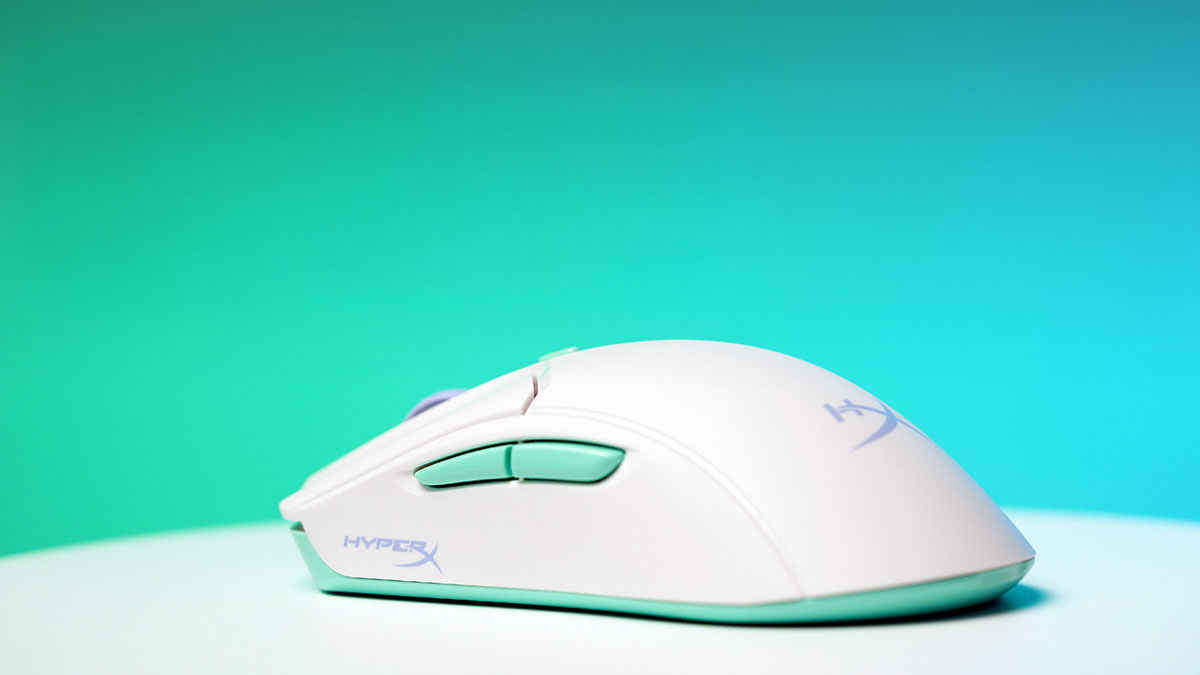
For the mouse I’m also thinking of going with the HyperX PulseFire Haste 2 Core because of the color combination that gives it a 90s vibe. It’s KD15 so not expensive and should be ok for casual gaming. Second option is possibly the white colored Razer DeathAdder V3 Pro since it’s a bit larger and so I think better for my wrists. But looks a bit too boring.
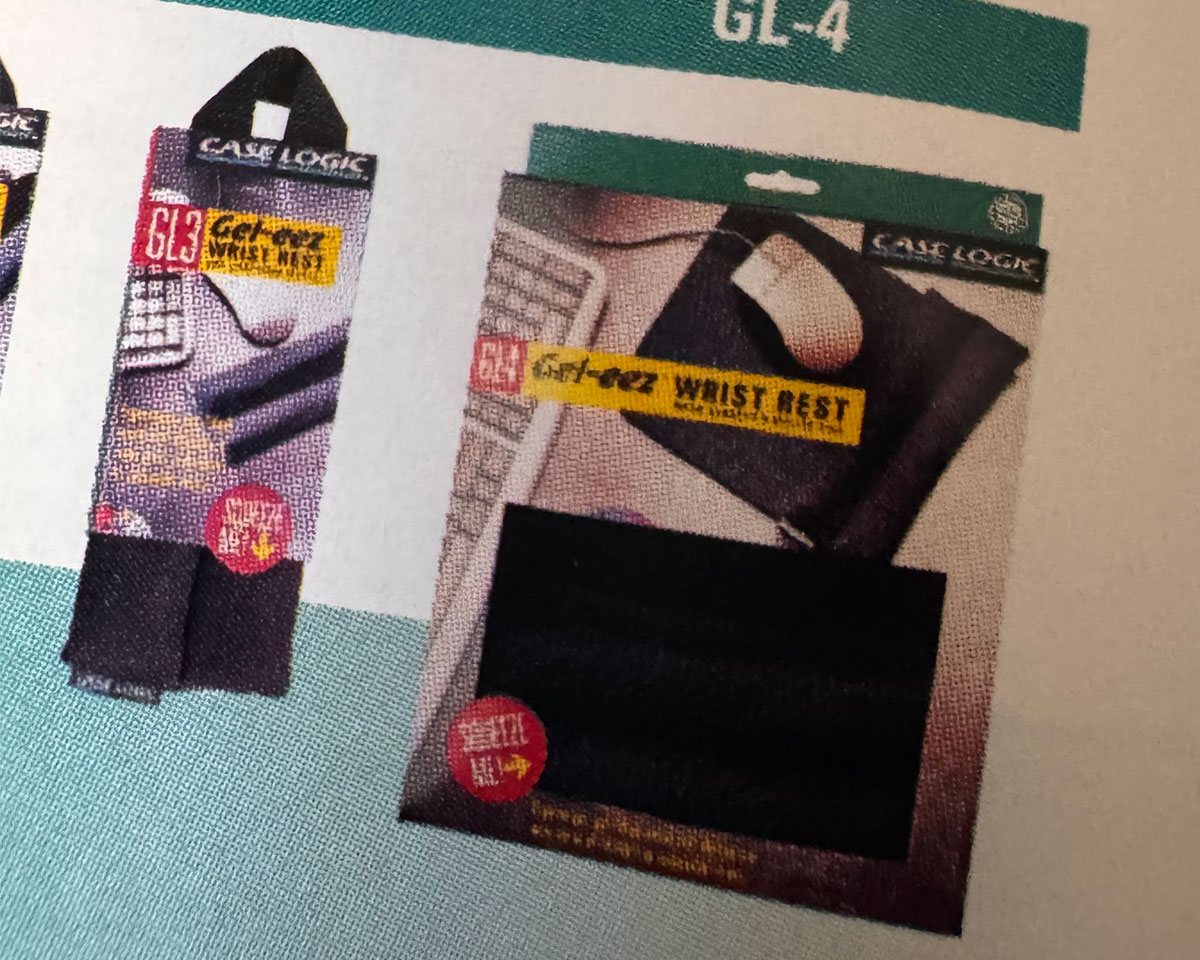
Back in the 90s Case Logic used to make these really great mouse pads that had a gel wrist rest and similar one for keyboards. They were life savers. I noticed some brands have similar ones now and mouse/desktops pads are a big thing as well. So might pick up a SteelSeries desk pad with RGB while I’m at it.
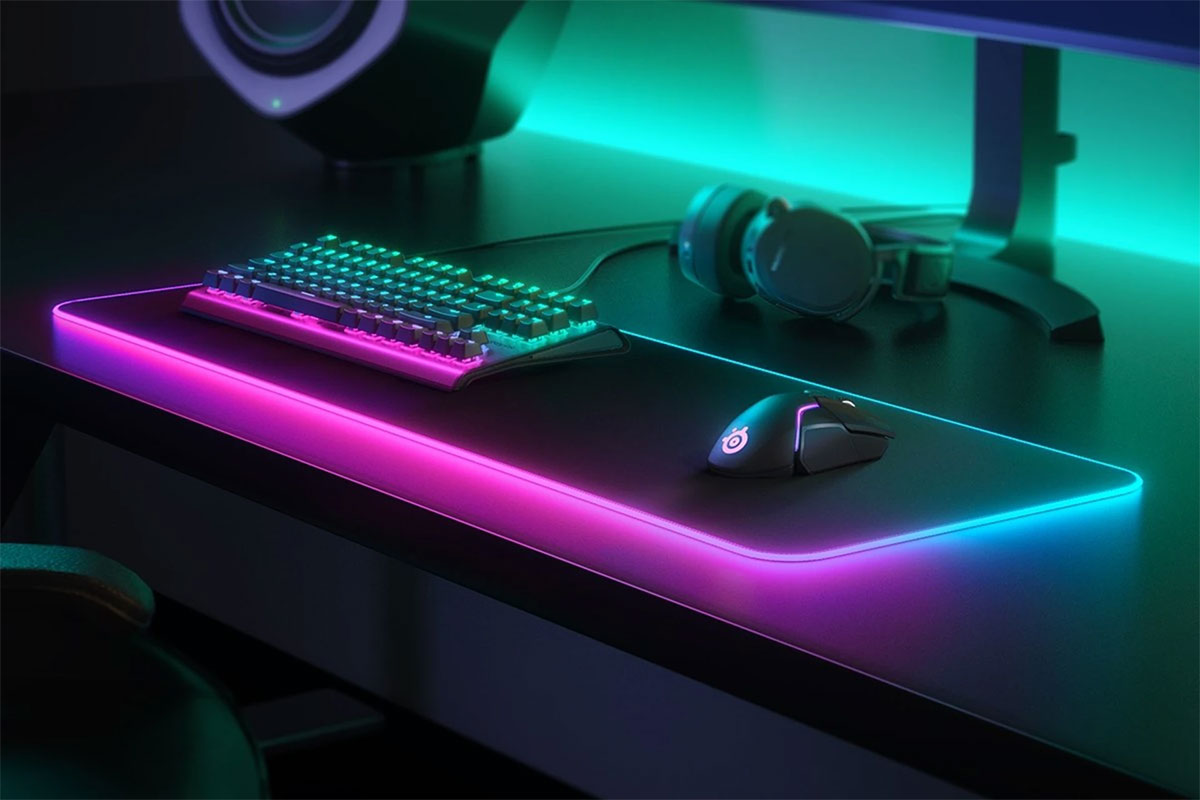
If you guys have any recommendations on keyboards and mice you’ve used let me know. Oh and if there is a store you know of that has a large selection also let me know. At the moment I’ve just been searching online but I’m sure there are a few shops that don’t have a website but have a good selection of stuff.
Categories
I did it, I built a gaming rig :(
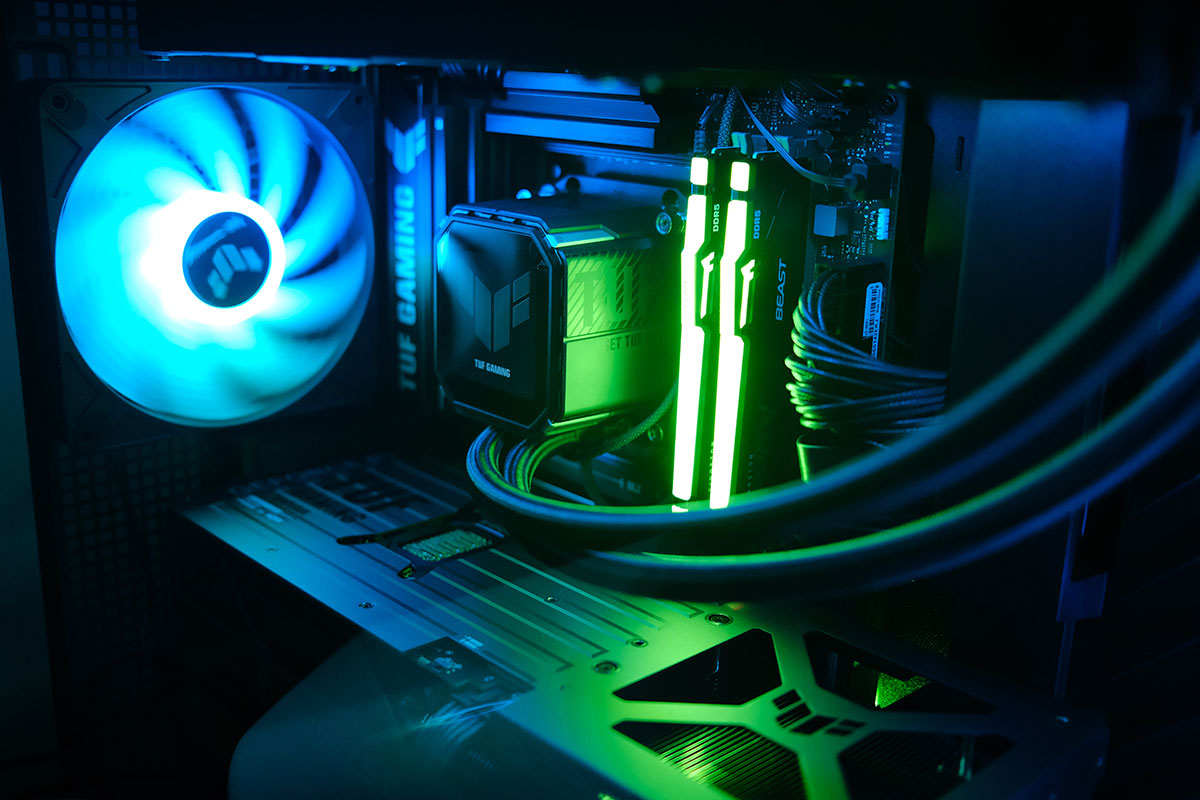
A couple of weeks ago I posted about the fact that I was thinking of building a gaming PC for my sim racing needs. After a lot of flip flopping on the idea because of the high cost involved, I finally pulled the trigger.
I was put off by the idea of spending so much on a PC since it was just going to be used for gaming, and my Mac mini which I use to earn a living cost me way less. But after going back and forth in my head and reading about how prices were just going to go up, I decided if I could build a PC for 1,250 I’d get it. So I headed to Hawally to see what the prices were like since up till that point I was just checking local stores that had websites.
99% of the shops were selling everything for the exact same price as the ones online, so that wasn’t helpful. But then on my way to PCkuwait which up to that point had the best prices, I decided to pass by Limra Computers.
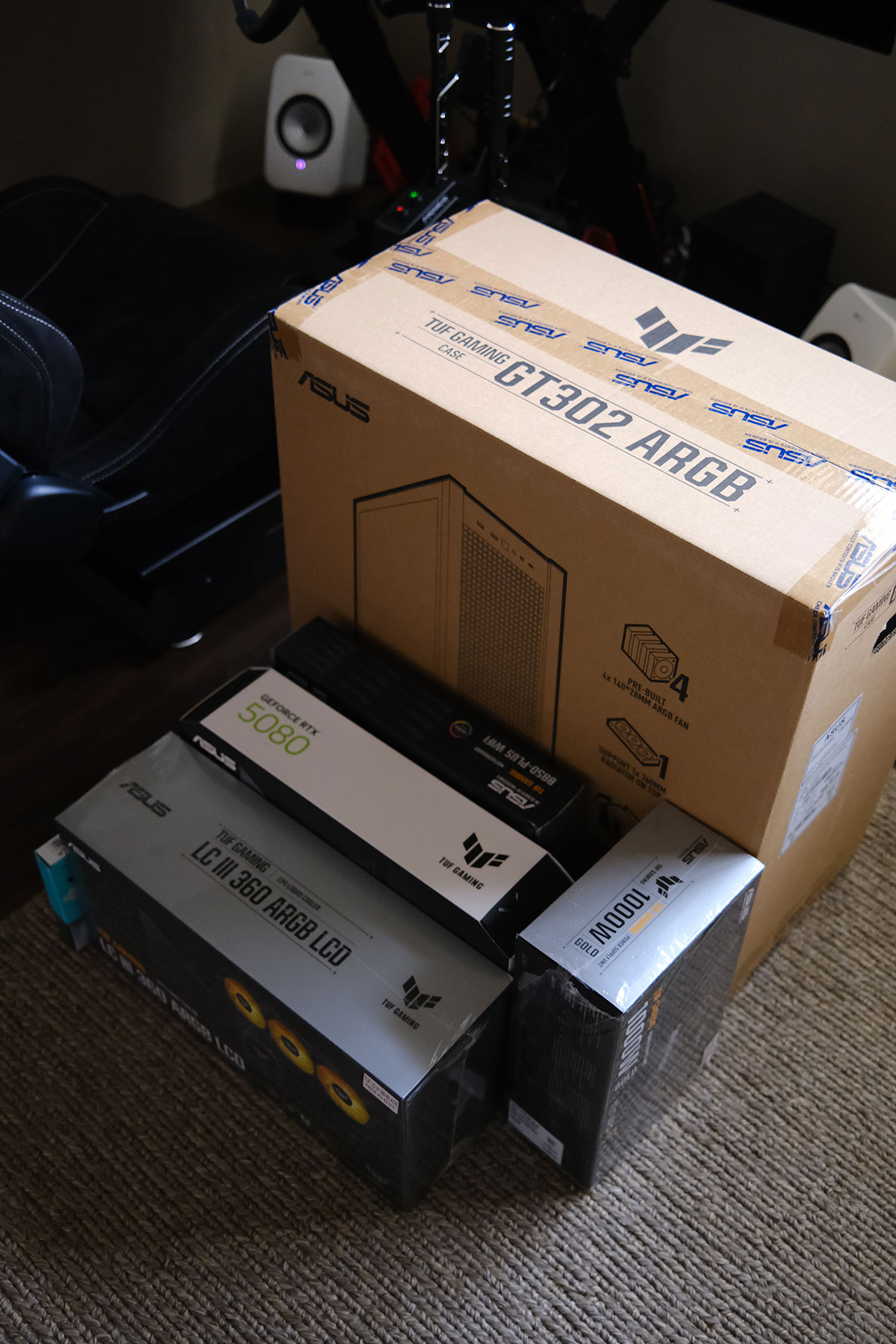
I posted about Limra all the way back in 2012, they’ve always been my go to place mostly for hard drives and other computer accessories. But for some reason I forgot that they carry everything in that tiny shop. So I passed by and gave him the full list of items I wanted and he quoted me a 1,300 KD. I still needed a way to drop it down to 1,250 so I decided to swap the motherboard from the Asus TUF B870E to the TUF B850Plus since it wasn’t going to make a difference for my use. That reduced the price considerably and I left to sleep on it and then came back the next day to buy it.
This was my final build:
CPU
AMD Ryzen 7 9850X3D – 180 KD
Motherboard
ASUS TUF Gaming B850-Plus WiFi7 – 82 KD
RAM
Kingston Fury Beast RGB 32GB DDR5 6000MHz CL30 – 145 KD
SSD
Samsung 9100 Pro 2TB PCIe 5.0 – 135 KD
GPU
ASUS TUF Gaming GeForce RTX 5080 OC 16GB – 570 KD
Cooler
ASUS TUF Gaming LC III 360 ARGB LCD – 58 KD
PSU
ASUS TUF Gaming 1000W Gold ATX 3.1 – 58 KD
Case
ASUS TUF Gaming GT302 ARGB – 40 KD
Total
1,268 KD including a Windows 11 Pro license
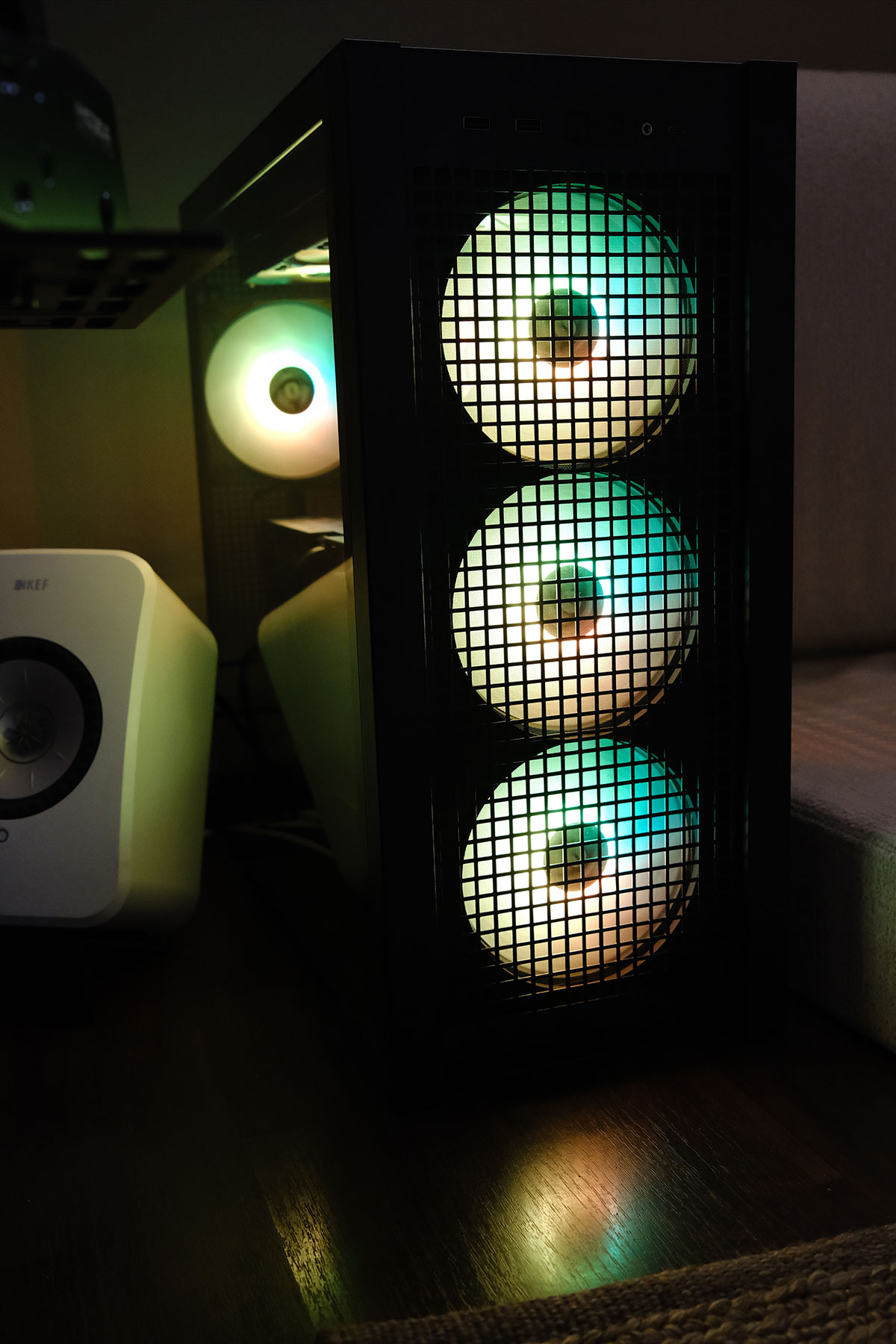
I compared my total price to NewEgg.com and surprisingly it was exactly the same. The different items varied in cost, like some things are cheaper in Kuwait, some cheaper on NewEgg, but the total still came out to be the same thing. That made me feel a bit better. So far though my experience has been a bit of a mess… on the software side.
I built the PC myself which was easy and the fun part. It’s been 25 years since I put a PC together and surprisingly nothing has changed, it’s still the exact same process. I’m glad I stuck to the Asus TUF ecosystem for everything since visually everything just looks good together.
But when it came to software, thats where things got mess.
I ran into issues installing Windows 11 since the installer couldn’t see my hard drive. Online I read that because its a new Gen 5 drive that some motherboards had trouble reading it, and after hours of trying different workarounds in the BIOS to get Windows to read my drive, it turned out the issue was with the Windows 11 boot drive I had made.
The first Windows 11 boot drive I made was using the Mac software called balenaEtcher.
The second one I did I used another software called Win Disk Writer. This worked. Hours wasted for nothing.
After installing Windows I then had to spend a couple of hours downloading and installing all the drivers. I didn’t know you guys still had to do this in 2026. Windows 11 couldn’t even read my built in wifi without installing a driver, wtf?
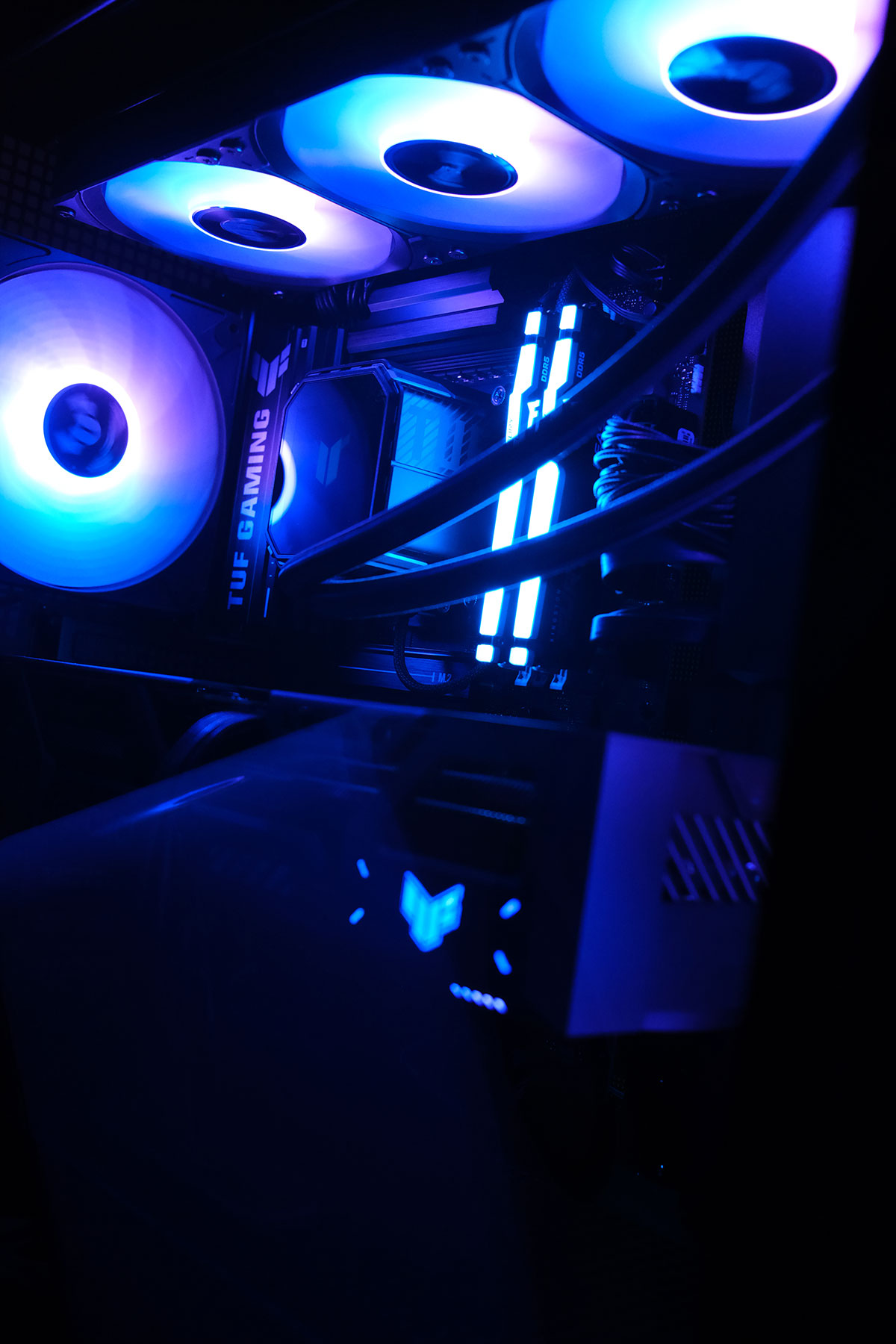
Currently, my computer looks like a Christmas tree with all these colorful LED’s. I have 8 fans, 7 of which have brights LEDs that are cycling through the rainbow. I have an LCD screen on my cooler for some reason that is playing an animation but can actually play videos as well. Even when the computer is in sleep I have some part of the motherboard glowing rainbow colors from the back. And why RAM sticks need brights LEDs?
This whole obsession with lights and screens INSIDE the PC is really bizarre, but whats weirder is I’m kinda liking it. I wouldn’t be surprised if in a few months I didn’t end up getting more screens and LEDs to put inside the case.
I also have a bunch of technical issues I’m trying to solve at the moment. My TV is 120hz but when I set the PC to 120hz the screen starts to flicker every few seconds, so I’m forced to keep it at 60hz for now. The ASUS software that controls the LED’s also doesn’t recognize the case or the cooler so I can’t control those LEDs yet. My first experience running Assetto Corsa Rally and Dirt Rally 2.0 didn’t result in graphics that much better than my Xbox. But I guess I knew that would be the case already, Dirt Rally 2.0 isn’t a new game and runs in ultra settings on a lot weaker GPUs perfectly fine. But it’s all about the mods, and I think once I get all the technical stuff out of the way I can focus on gaming and downloading ultra realistic graphics mods to really get the GPU working.
So far I’m obviously regretting this purchase. It was 100% stupid and knowing me I’ll end up installing Duke 3D, Red Alert Aftermath or the original Theme Park and end up just playing those. But in the long run, at least I’ll have a good PC to run GTA6 if it comes out this year. Also maybe down the line I can get a second screen and set it up for flight simulation. I don’t know, I’m just trying to convince myself I didn’t make an expensive mistake.
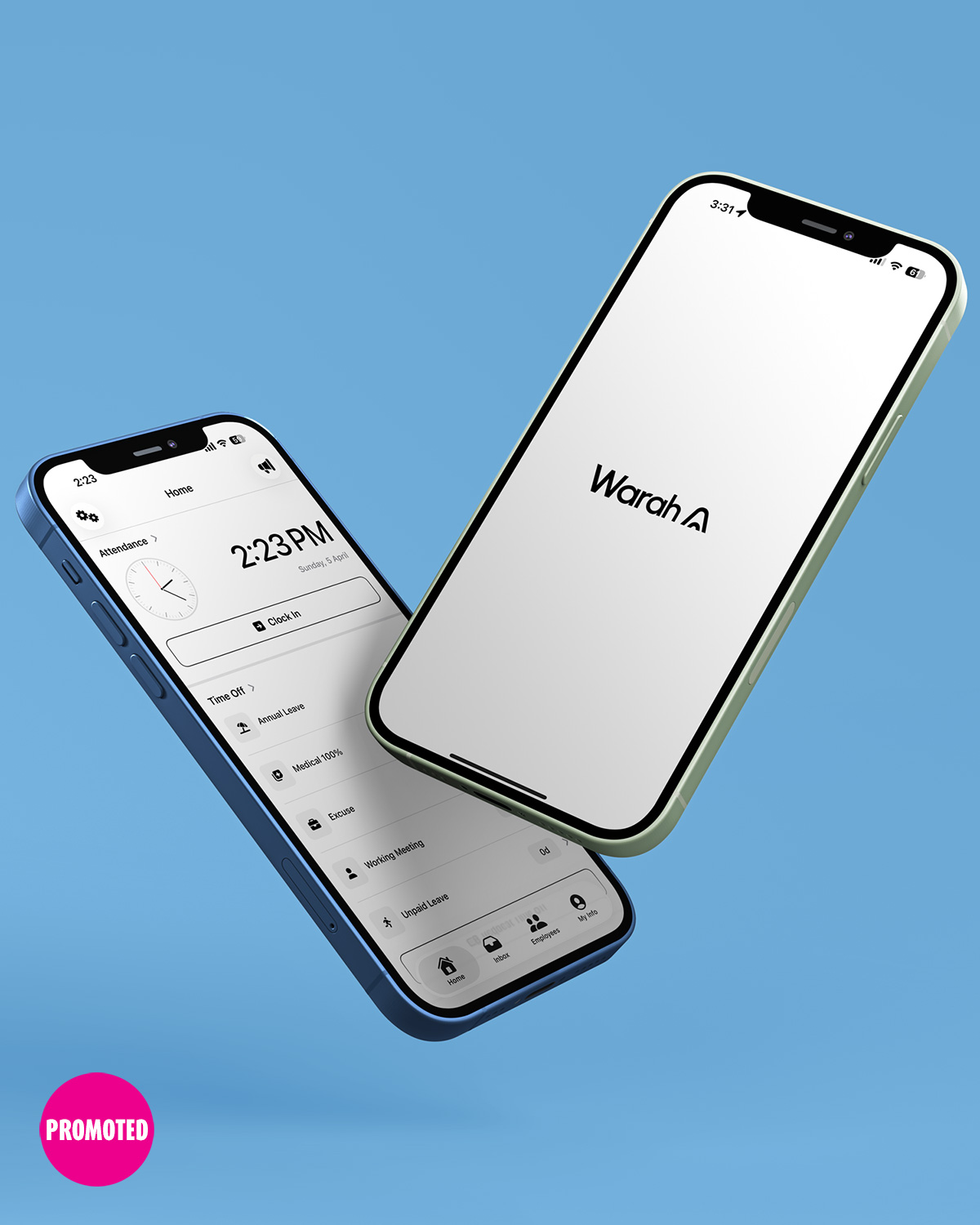
Warah is a Kuwait-based HR platform designed for small and medium sized businesses. There are still a surprisingly large number of companies here that rely on spreadsheets or WhatsApp messages to track employee attendance and manage HR tasks. A lot of that comes down to not wanting to deal with hardware, maintenance, or complicated setups, which is exactly why Warah was created.
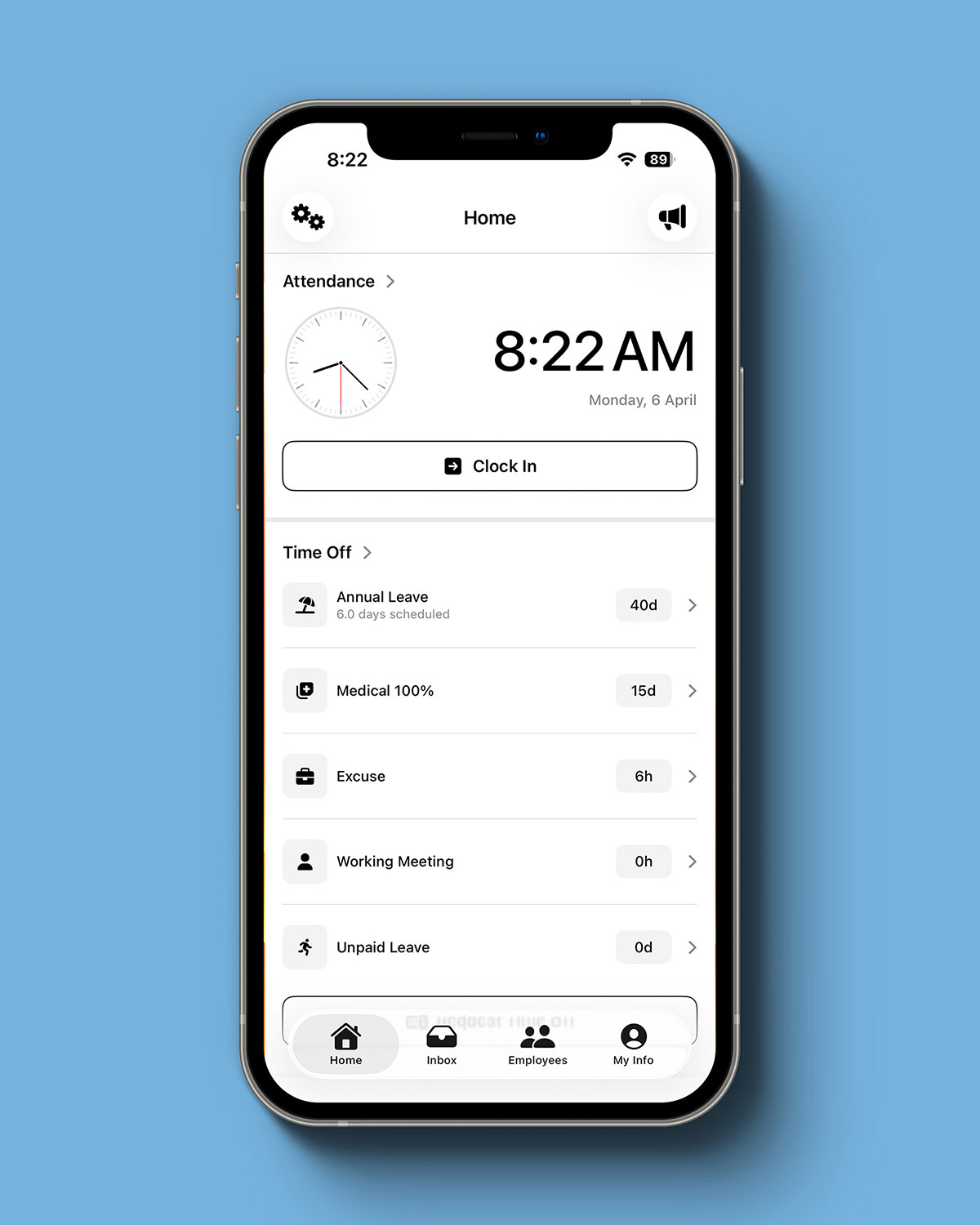
The Warah platform handles all the usual HR functions like employee records, attendance, leave requests, overtime tracking, and payroll. Managers can access attendance reports, employee hierarchies, and analytics all from a single dashboard. And since Warah was built locally, it also takes Kuwait’s labor laws into account, from public holidays and vacation days to an accurate indemnity calculator.
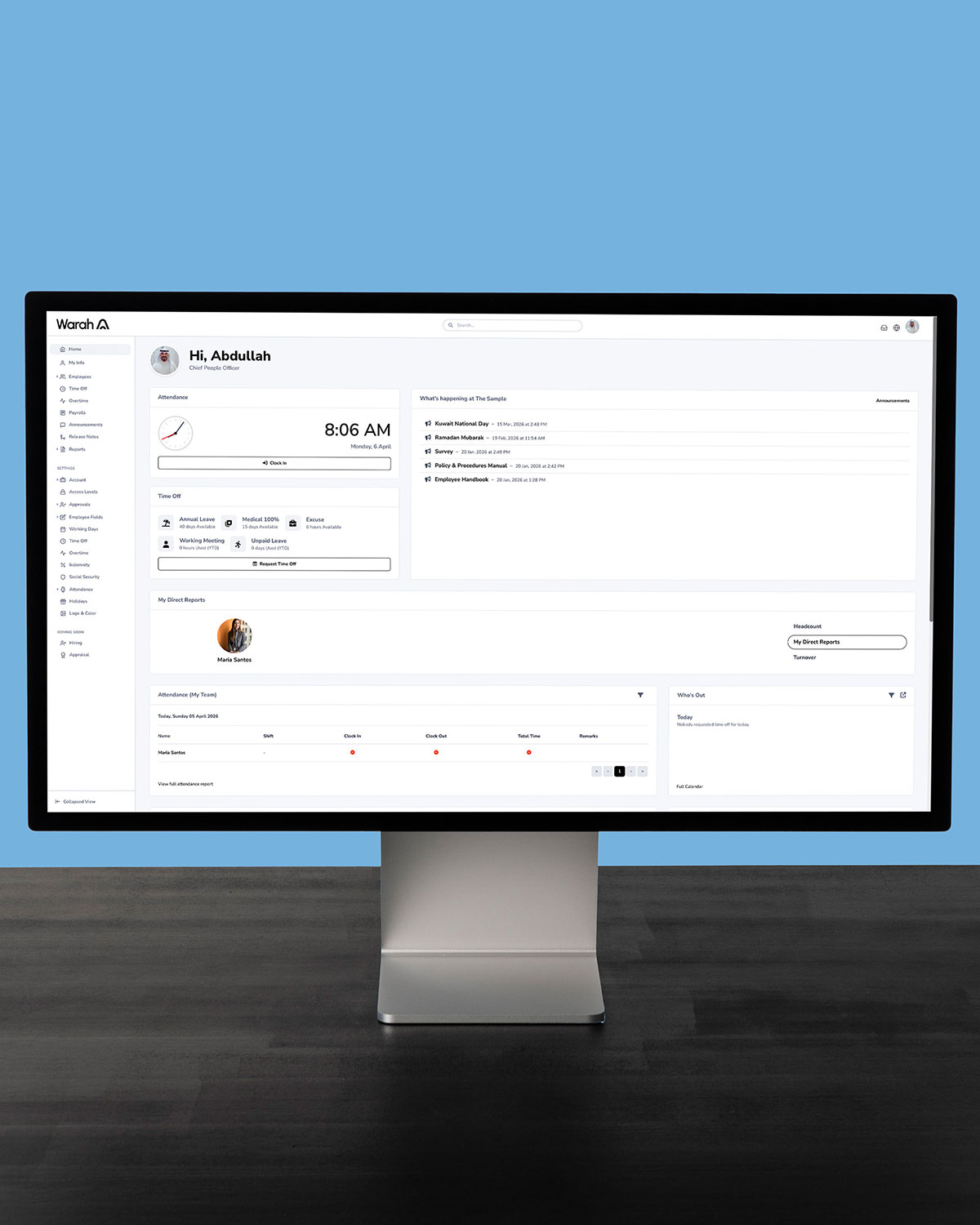
The feature that stood out to me the most was the attendance tracking. Instead of installing fingerprint or facial recognition machines, employees can check in and out directly through the system using geolocation, either through the web or mobile app. This removes the need for additional hardware, which helps reduce costs and is a big plus, especially for smaller businesses.
With the current economic situation, more and more businesses are trying to reduce their overheads. Warah was built with that in mind, offering different packages depending on the number of employees, with pricing starting from KD 25 a month.
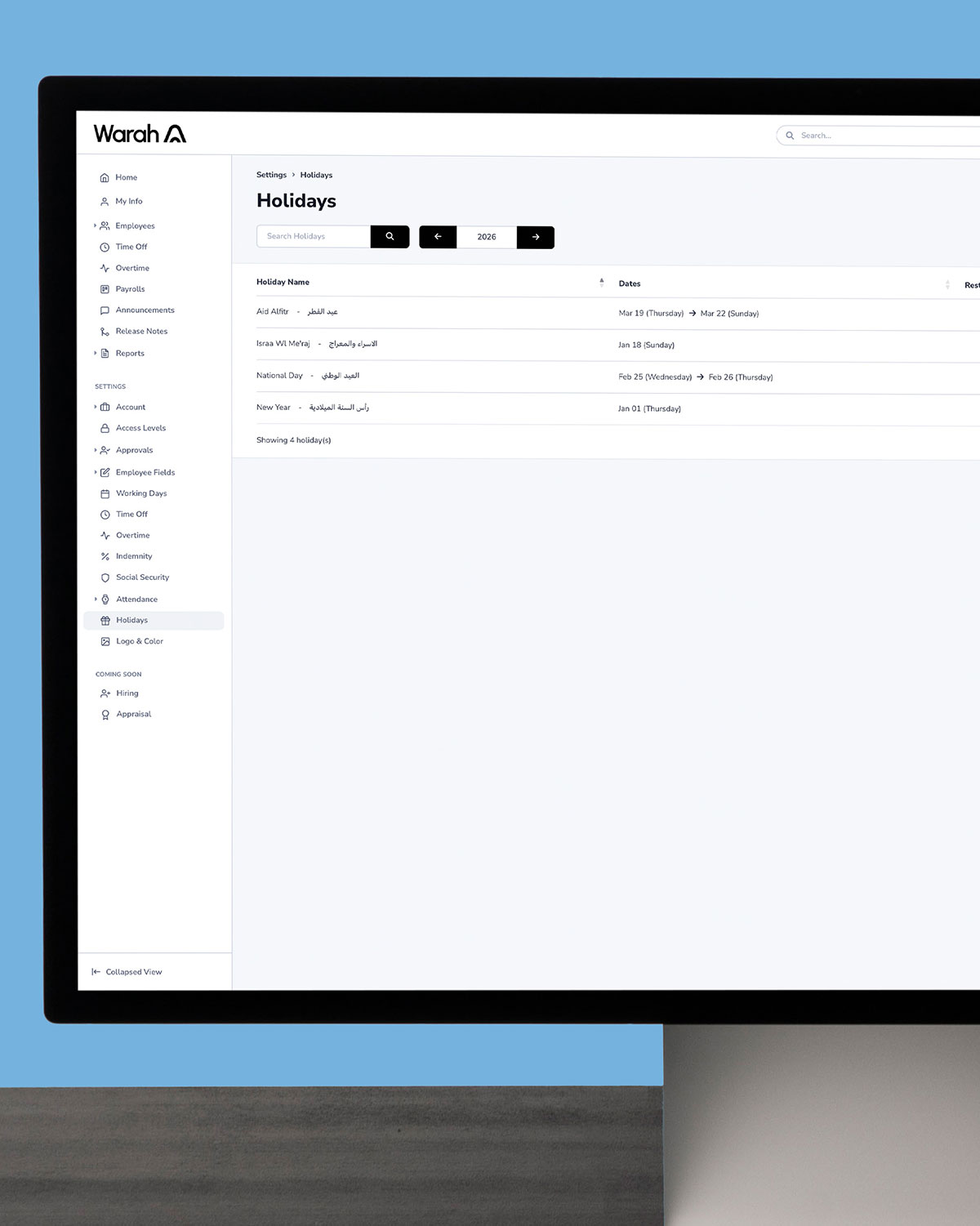
I got access to a demo account to try it out, and I liked how visually clean and straightforward the experience was. Even though I know very little about HR, I was still able to navigate the app and understand everything because of the simple language they use. That’s intentional since they wanted to make the platform easy to use for anyone.
Demos and free trials are available, so if you want to check it out, head to warah.com

Jaber AlSabah is a 16 year old racing driver currently competing internationally in the British Formula 4 Championship. F4 is widely considered the starting point for drivers on their journey to Formula 1, and that’s the goal every driver is working towards, including Jaber.
Jaber first got into racing at the age of 12 when his dad bought him a racing sim. He was instantly hooked and would spend hours daily practicing and improving. Seeing how committed he was, his dad eventually took him karting at Kuwait Motor Town. From that point on, he knew this was what he wanted to pursue.
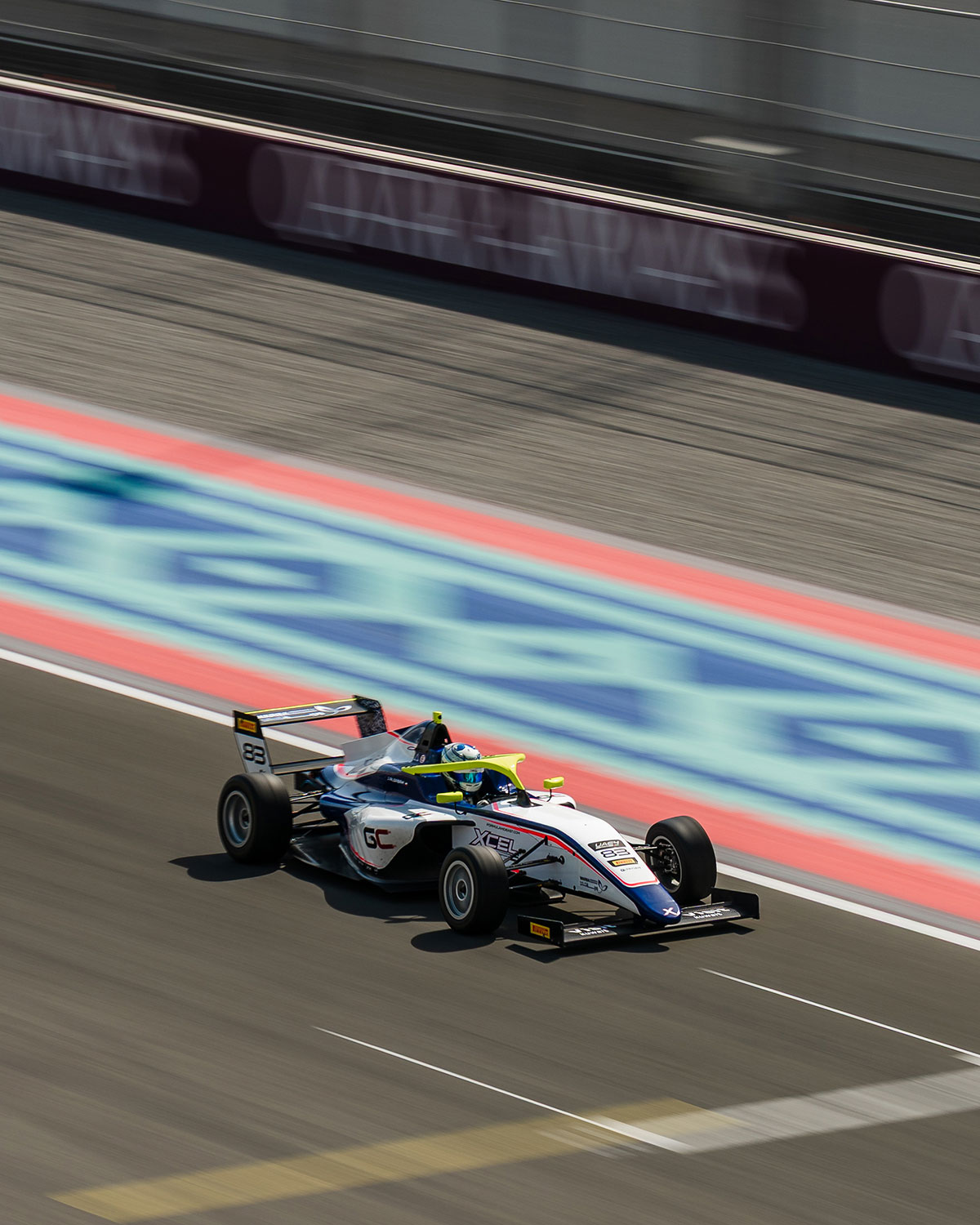
Jaber began his racing career in the Rotax Karting Championship, followed by the IAME series. After climbing through the karting ranks, he moved up to Formula 4 last year with a seat at Xcel Motorsport.
Kuwait has a pretty big car culture, and in some motorsports like drag racing, we’re actually very competitive. But when it comes to single seater racing, especially at an international level, it’s still pretty rare to see Kuwaiti drivers making their way up the ranks. That could be partly because until 2019, we didn’t have a proper race track in Kuwait.

Racing isn’t just a hobby for Jaber, it’s his career and something he takes very seriously. It demands a huge amount of time, focus, and dedication, and there’s very little room for error. His ultimate goal, like every driver, is Formula 1, but with only 22 drivers on the grid, he knows how competitive that path is. He thinks a more realistic route could be endurance racing like WEC or GT racing, both of which are still at a very high level.
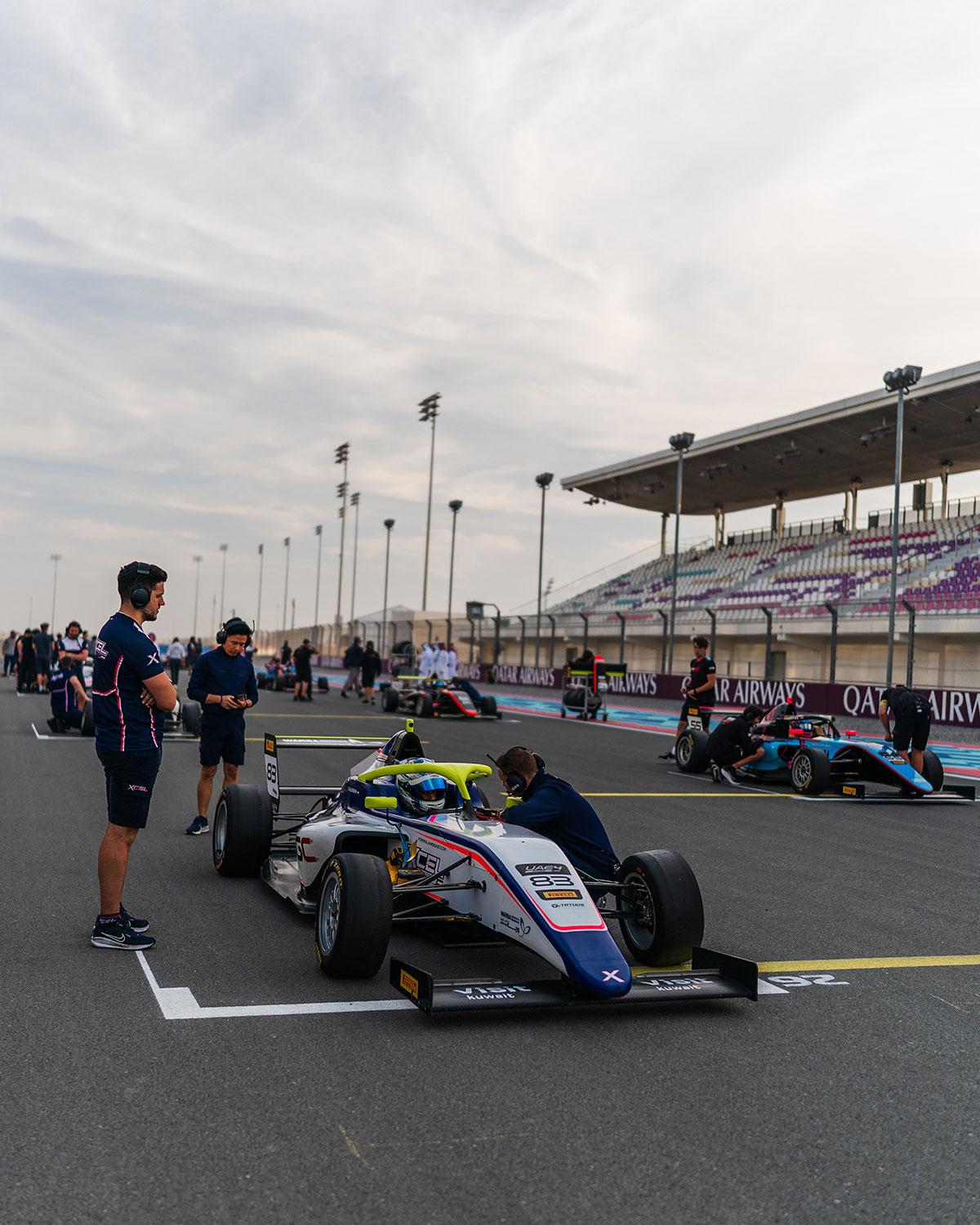
KMT played a big role in Jaber’s journey, without it, it would have been much harder to get started, and he might never have discovered his passion for racing. Support from local companies like Gulf Cables, Warba Insurance, Motorgy, and Kuwait Airways has also helped a lot since racing is an expensive sport.
I’m a big fan of KMT, and I wouldn’t be surprised if we start seeing even younger drivers competing internationally. If you want to follow Jaber’s journey, he’s on Instagram @jab3ralsabah
Photos by Stanley Deslandes
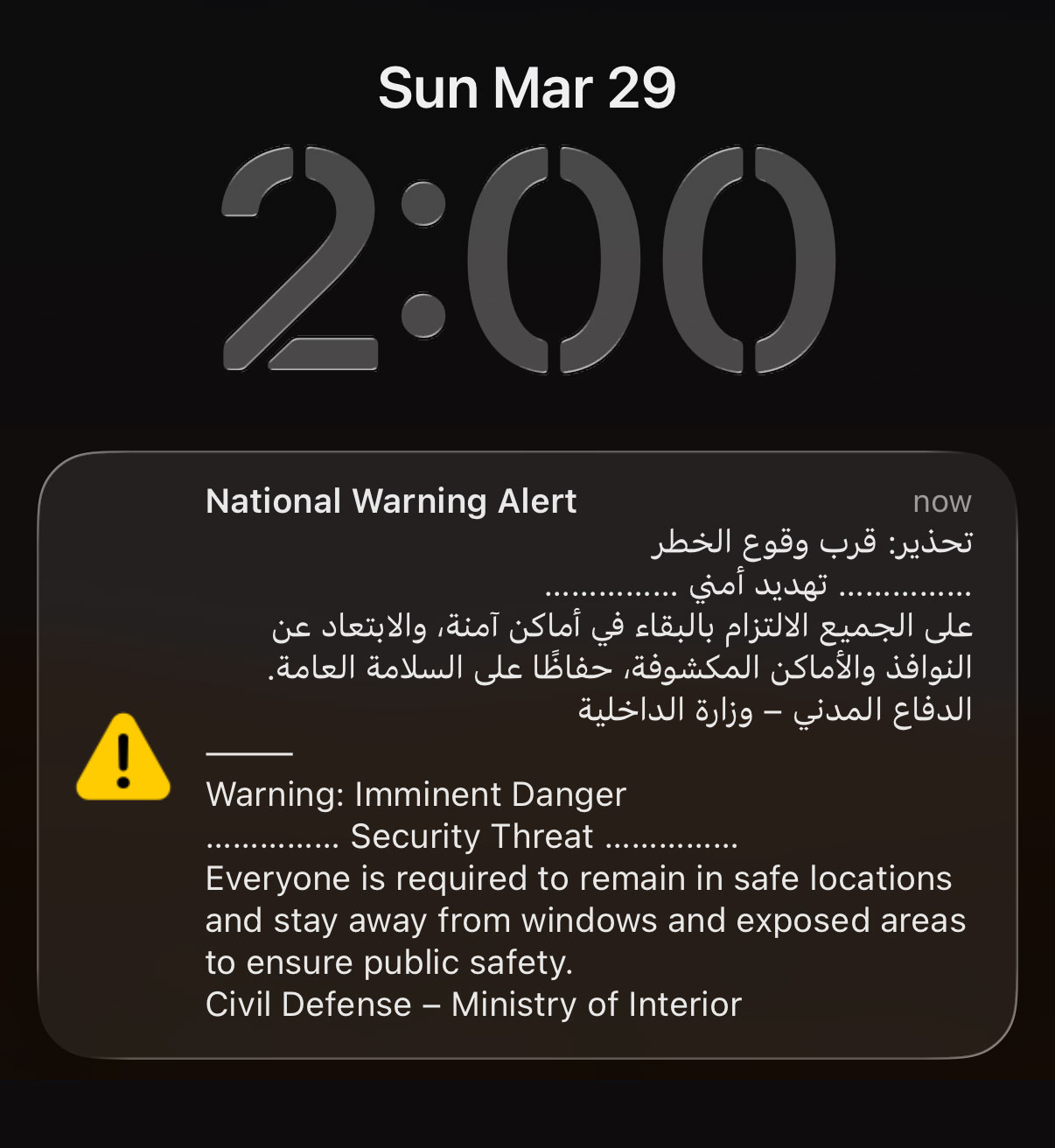
If like me you woke up from deep sleep at 2AM to a sound of an air horn, this is how you can turn off the National Warning Alert:
Step 1: Put your phone in airplane mode
Step 2: Turn on WiFi
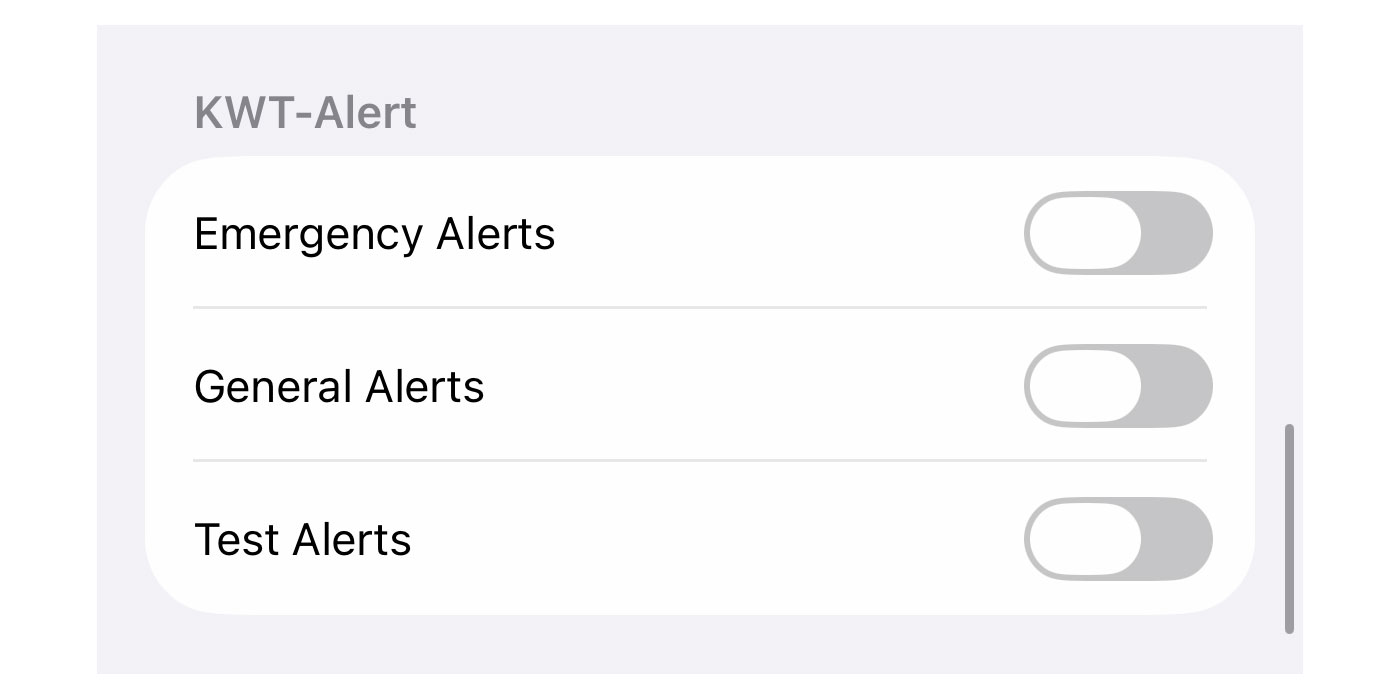
This is the only way I found to turn off these alerts, switching off cellular. Every other way didn’t work including turning off “Critical Alerts” or the “KWT-Alerts” under notifications, at least on iPhones.
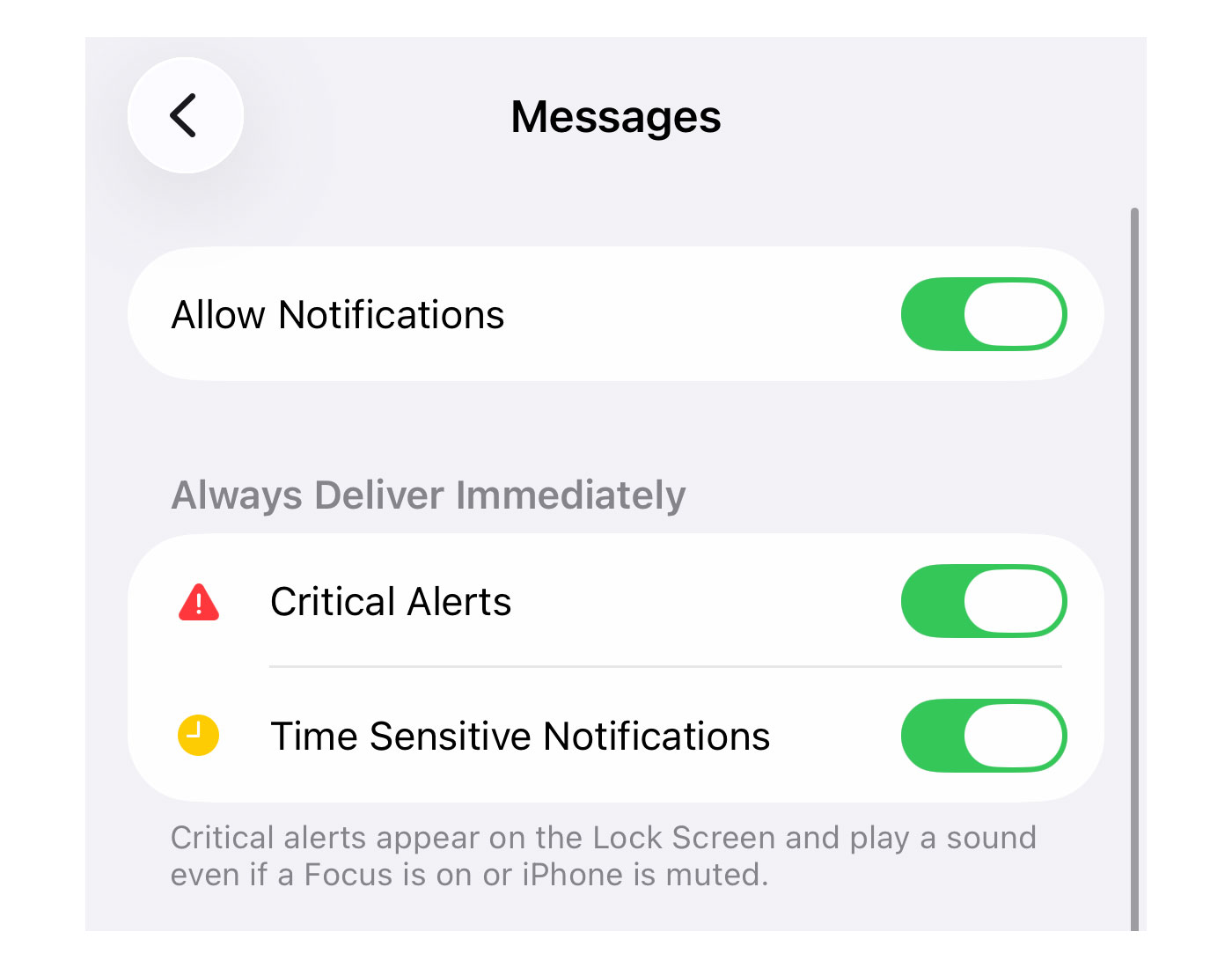
Turning your WiFi on is optional but the reason I’m suggesting you do that is so you can continue to receive WhatsApp messages or calls in case of emergency (from family and friends).
I’m not sure what percentage of the population switched off their phones last night but I imagine it was very high. These phone alerts should really be used only in extreme cases like when a tornado is about to hit Salmiya, or when Godzilla emerges from the sea.